

Take a Photo. AI Fills the Form
Your inspector takes a photo of any asset or defect. AI reads it and fills the inspection form automatically. No typing. No manual entry.

Convert your checklist into Mobile App
Container inspection software for depot, terminal, and fleet teams to record shipping-container condition, code damage against structured criteria, capture photo evidence, and keep a searchable inspection history per container number.
Container inspection software is the platform depot supervisors, shipping-line surveyors, fleet controllers, and M&R coordinators use to record the condition of shipping containers, code damage against structured criteria, capture photographic evidence by component location, and keep a searchable inspection history against each container number.
Available on Mobile
Inspect on iOS and Android with no internet required. Capture photos, let AI flag defects, and generate audit-ready reports in the field.
The pain it solves is specific to container operations: EIRs completed on paper and re-keyed later, damage described in free text that no two inspectors write the same way, photos stranded on personal phones with no link to a container number, and off-hire disputes that hinge on a before/after record nobody kept. When a unit is redelivered with a dent that was not there at on-hire, the argument is only as strong as the dated, photographed evidence - and paper rarely holds up.
What changes once container inspection software runs on one mobile-first platform.
Depot, survey, and M&R teams follow this loop for gate, periodic, and pre-repair inspection cycles.
Load gate-in, gate-out, on-hire, off-hire, and periodic condition templates that map to standard container components and a shared damage-code vocabulary, so every inspector records against the same criteria.
Surveyors complete checks on iOS or Android at the gate, in the stack, or under the crane with no connectivity. Container number, component condition, photos, and signatures cache locally and sync when signal returns.
Each defect is coded by component, damage type, and severity with mandatory photos and location. Off-standard findings raise a repair item automatically rather than living as a free-text note.
Held units move through estimate, approval, repair, and verified closure with owner and evidence at each step. Coordinators see the M&R backlog across the depot without walking the yard.
Branded PDF condition reports with inspector identity, timestamps, coded damage, and photos export per container, per gate movement, or per date range for lines, lessors, and dispute resolution.
Everything your field team does on paper, InspectWrk does automatically: faster, more accurate, and without the admin.
Your inspector takes a photo of any asset or defect. AI reads it and fills the inspection form automatically. No typing. No manual entry.

Inspectors speak their observations in any language. AI transcribes and fills the form in real time. Completely hands-free in the field.

The moment an inspection is submitted, a branded PDF, Excel, or CSV report generates automatically. No manual work. No waiting.

InspectWrk integrates with the tools your team already uses, including Zoho, Microsoft 365, and SAP. No double entry.

Your operations team sees completion rates, open issues, and compliance scores across all sites in real time. No chasing updates.
Manage every checklist in one connected workspace, capture evidence on mobile at the point of work, and let AI turn field inputs into clear, stakeholder-ready reports in minutes.





See which checklists your team has in progress across every site, jump into the same inspection with one tap, and keep field, supervisor, and back-office views in sync without sending screenshots on WhatsApp.






Every team reports differently. Build the report your operations, quality, or compliance leads actually want to read, share it as a branded PDF, and schedule delivery to the stakeholders who need it.



See completion, pass rate, and recurring findings across every checklist and every site, without pulling spreadsheets together at the end of the month.
What changes once container inspection software is standardised on InspectWrk.







“InspectWrk transformed how we manage site safety inspections. The offline capability alone saved us countless hours. Our compliance rate jumped from 72% to 96% in just three months.”
Sarah Mitchell
Meridian Construction Group

“The AI-powered defect detection has changed how we work. Our inspectors capture photos and the system flags issues we'd have missed. It's like having an expert reviewer on every site visit.”
James Chen
Pacific Manufacturing Co.
“Rolling out digital checklists across multiple projects gave us instant visibility into recurring safety issues. We now resolve critical findings in hours instead of days.”
Olivia Carter
Northbridge Infrastructure
Get started with inspection and audit checklist templates.

Use this template to perform a comprehensive safety inspection of light vehicles. This check ensures all critical components are checked ...
Use these apps to run inspections and audits.

by InspectWrk
Inspect containers with structured CSC plate, structural, and seal checks plus defect logging.
by InspectWrk
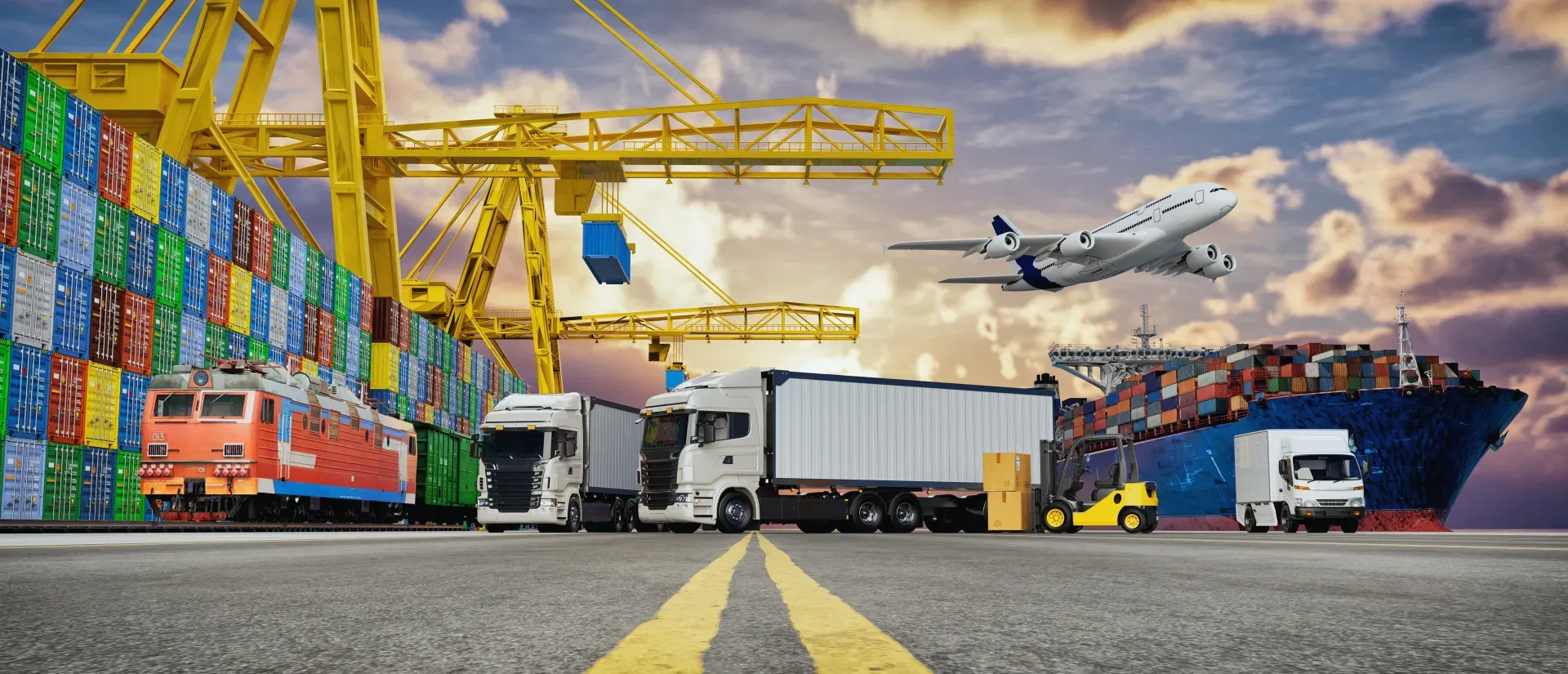
Run transportation inspections with safety checks, issue logging, and closure verification.
by InspectWrk
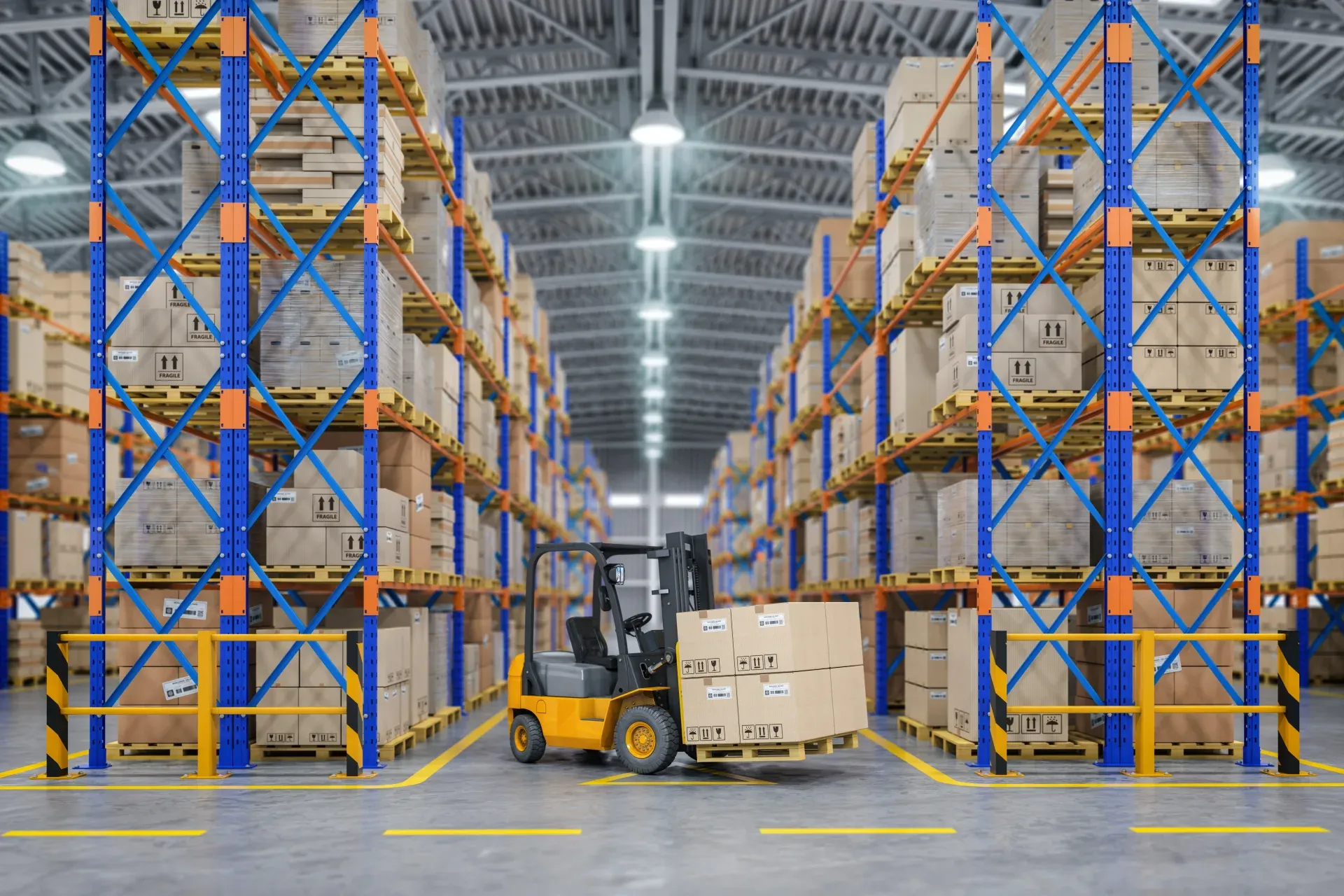
Run warehouse inspections on phones and tablets with offline forms, photo evidence, and instant reports.

by InspectWrk
Run vehicle inspections on phones and tablets with offline forms, photo evidence, and instant reports.
They answer different questions. A container tracking system answers 'where is the container?' - location, movement history, gate events, and shipment status. Container inspection software answers 'what condition is the container in?' - structured damage coding, photo evidence, repair status, and inspection history per container number. InspectWrk is the inspection and evidence layer; it does not provide live GPS or movement tracking. The two records are complementary and can be linked so a tracking event carries the latest condition, but they are not the same page.
Every defect is coded against a shared vocabulary - a fixed list of components (doors and locking gear, roof, floor, side and end panels, front wall, rear frame, undercarriage, markings) and damage types (dent, hole, corrosion, cut, bent, missing) with severity. Because inspectors select from the same structured criteria rather than writing free text, the same event is recorded the same way whoever inspects it, which is what makes records comparable and usable in a claim. Container Inspection Software is the mobile tool Warehouse Managers use to run container inspections across every transport & logistics site from one app.
Yes. Gate-in and gate-out are separate dated inspections against the same container number, each with its own photos, coded damage, timestamp, and inspector identity. When damage is discovered in transit or at redelivery, the before and after records establish condition at receipt and at release, so responsibility for new damage is grounded in dated, photographed evidence rather than argument. Container Inspection Software is the mobile tool Warehouse Managers use to run container inspections across every transport & logistics site from one app.
Yes. InspectWrk runs fully offline on iOS and Android at the gate, in the container stack, under the crane, and inside terminals with weak or no signal. Container numbers, component condition, damage codes, photos, and signatures cache on the device and sync automatically when connectivity returns, so no inspection is lost between the yard and the dashboard. Container Inspection Software is the mobile tool Warehouse Managers use to run container inspections across every transport & logistics site from one app.
Off-standard findings raise a repair item automatically. Each item carries the component, damage code, severity, and photos, then moves through estimate, approval, repair, and verified closure with a named owner at each step. M&R coordinators see the backlog of held, pending, and completed units across the depot on one dashboard, rather than tracking status on a whiteboard or by radio. Container Inspection Software is the mobile tool Warehouse Managers use to run container inspections across every transport & logistics site from one app.
Yes. The component list, damage-type vocabulary, and severity scale are configurable to the operator's own survey standard, and templates can reflect the criteria a shipping line, lessor, or depot already uses. Container identification aligns to ISO 6346 numbering so records key to the correct unit, and where structural safety examinations apply, the inspection template can reflect the operator's process without the software inventing regulatory requirements. Container Inspection Software is the mobile tool Warehouse Managers use to run container inspections across every transport & logistics site from one app.
Book 30 minutes to discuss your challenges and see how InspectWrk digitizes operations with mobile apps, automated reporting, and real-time dashboards.











