01 / 05Photo to formVISION AI
Take a Photo. AI Fills the Form.
Your inspector takes a photo of any asset or defect. AI reads it and fills the inspection form automatically.
No typing. No manual entry.

Plan, run, and close audits of a testing or calibration laboratory against ISO/IEC 17025 from any phone, tablet, or laptop. InspectWrk turns the standard's requirements into a mobile audit, captures evidence against each clause, records findings and nonconformities, assigns corrective actions with owners and due dates, and generates the audit report. It works offline and rolls findings up across the laboratory.
Template aligned to ISO/IEC 17025:2017, the laboratory's own management system documentation and your accreditation body and applicable requirements.
Inspect basements, plant rooms and rooftops. Everything syncs when you are back online.
Attach photos and voice notes to every finding, right on the checklist item.
Every failed item becomes an action with an owner, severity and due date.
Sign off and a branded PDF, Excel or CSV report is generated and synced.

ISO 17025 Audit App is a mobile tool for planning and running internal audits of a testing or calibration laboratory against ISO/IEC 17025:2017. It replaces paper checklists and spreadsheets: auditors schedule the audit, set the scope and the activities to cover, and work through a requirement-based audit tied to the standard's clauses. Impartiality and confidentiality, personnel competence, equipment and metrological traceability, method validation, measurement uncertainty, and the validity of results each have their own questions, so the audit follows the standard rather than a generic laboratory round.
Because it runs on any phone, tablet, or laptop and works offline, audits at the bench, in the calibration area, or at a remote site are never blocked, and records sync when a signal returns. Auditors capture photo, note, or record evidence against each finding, log nonconformities with a root-cause analysis, and assign corrective actions to an owner with a due date. Corrective-action verification, dashboards, and a generated audit report give the quality team the evidence trail an internal audit and management review need. It is an audit and readiness tool; it does not by itself grant or guarantee accreditation.
A complete app covers the full internal-audit cycle: audit planning and scheduling, scope and activity selection, and a requirement-based audit mapped to the standard's clauses. It should assess impartiality and confidentiality, the structural requirements, and the resource requirements (personnel competence, facilities and environmental conditions, equipment, metrological traceability, and externally provided products and services). The process requirements follow: review of requests, selection and validation of methods, sampling, handling of test and calibration items, technical records, evaluation of measurement uncertainty, ensuring the validity of results, reporting, complaints, and nonconforming work. Management-system requirements, internal audits, and management review close the loop, with evidence capture, nonconformities, root-cause analysis, corrective actions with owners and due dates, verification, and audit report generation throughout.
An audit only helps if every auditor records each requirement the same way. Follow these steps to run an ISO 17025 audit:
This audit checks a testing or calibration laboratory against ISO/IEC 17025: impartiality and confidentiality, personnel, facilities and equipment, metrological traceability, methods and validation, measurement uncertainty, the validity of results, reporting, and the management system. Auditors record a result and evidence on each clause, work offline where signal is poor, and raise nonconformities with corrective actions. So the audit becomes a traceable evidence pack for the internal audit programme and management review.
Standards and regulations that apply: ISO/IEC 17025:2017, the laboratory's own management system documentation, your accreditation body and applicable requirements.

The ISO 17025 audit template lists the requirements to be checked.

Auditors attach photo proof for each ISO 17025 nonconformity.
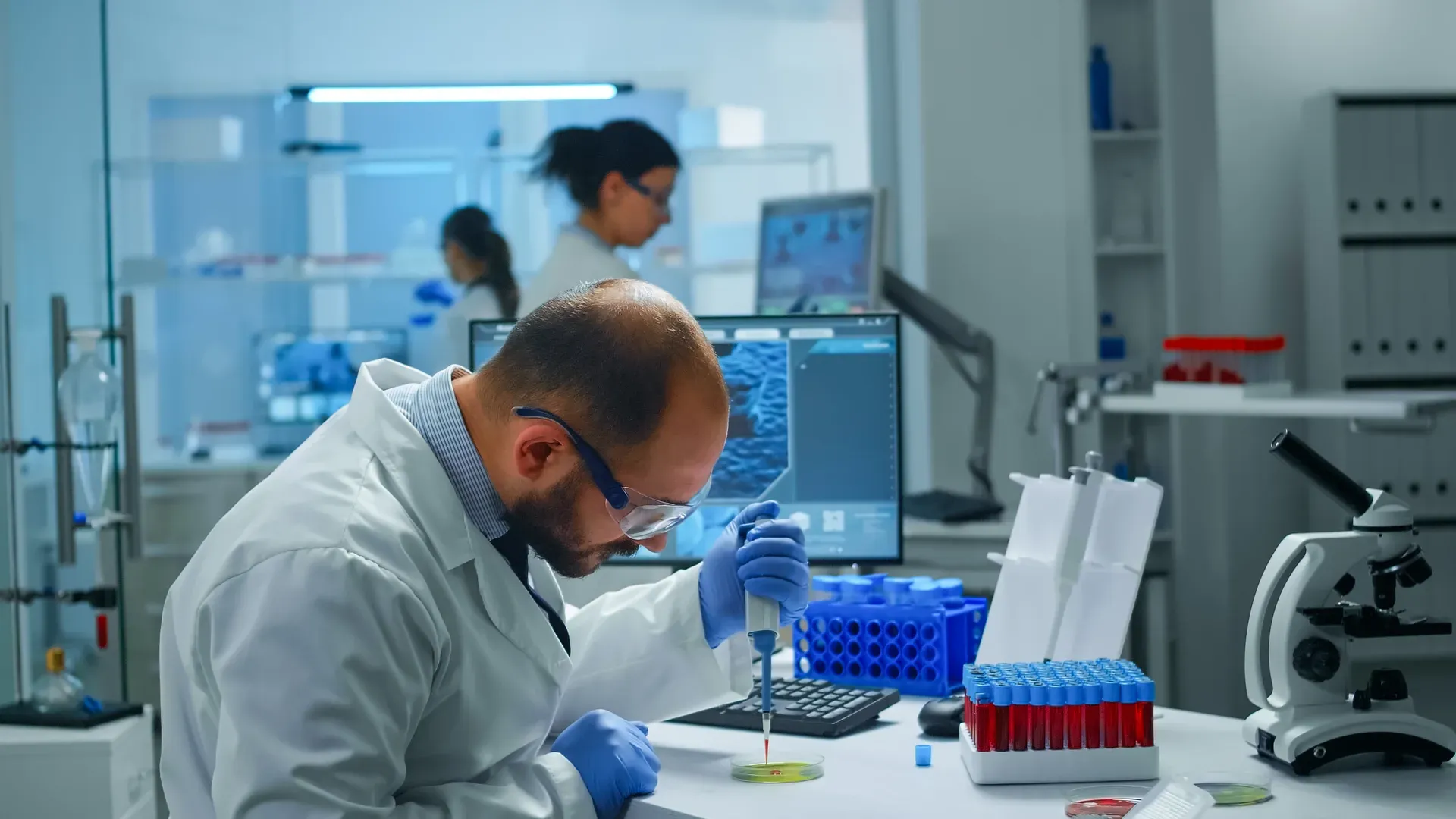
Nonconformities become corrective actions and the ISO 17025 audit report generates automatically.
ISO 17025 work breaks down the moment evidence leaves the form. These are the problems ISO 17025 Audit App is built to remove, and what the team gets back when it does.
Drag to compare a day before and after InspectWrk.
A failed item is noted during a routine audit. Nobody owns it, no date is set, and the next audit finds the same problem on the same ISO 17025. The ISO 17025 issue is logged, not closed.
Where it breaks
What changes
There is no live view of ISO 17025 status across sites. The first sign that something failed on the ISO 17025 is a client call or an incident, by which point the problem is already public.
Where it breaks
What changes
Each auditor writes up ISO 17025 findings in a different format. When someone asks for the evidence behind a nonconformity and proof it was closed, the trail is spread across notes, photos, and email.
Where it breaks
What changes
Everything your field team records during ISO 17025 audit, from photos and voice notes to sign-off, InspectWrk turns into a finished report automatically.
Your inspector takes a photo of any asset or defect. AI reads it and fills the inspection form automatically.
No typing. No manual entry.
Inspectors speak their observations in any language. AI transcribes and fills the form in real time.
Completely hands-free in the field.
The moment an inspection is submitted, AI summarises the findings and builds a branded PDF report and an Excel sheet for you.
No manual reporting. No copy-paste.
InspectWrk integrates with the tools your team already uses, including Zoho, Microsoft 365, and SAP.
No double entry.
Your operations team sees completion rates, open issues, and compliance scores across all sites in real time.
No chasing updates.
Hand-picked AI templates for every industry. Start with one and customize it for your workflow.
View All Checklists
AI checklist and form
Room-by-room finishes, MEP, and defect checks before handover.
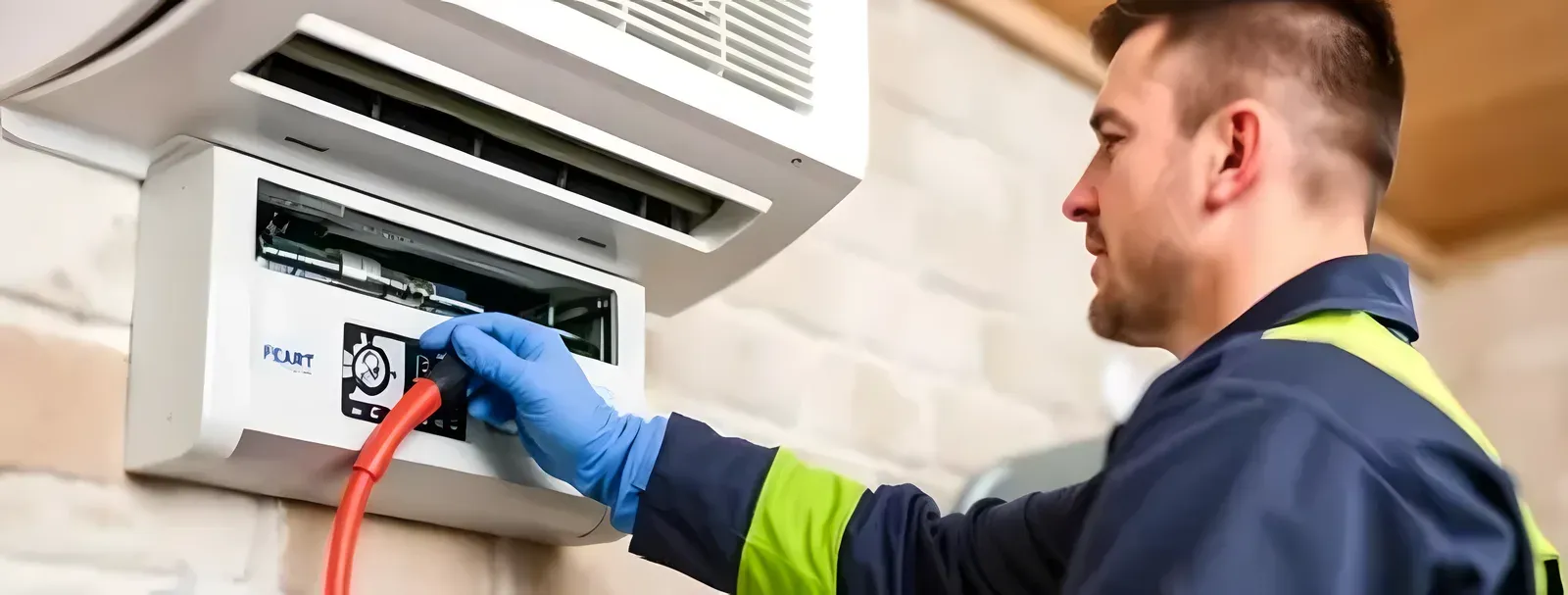
AI checklist and form
Filters, coils, drains, and controls checked on schedule with photos.

AI checklist and form
Safety and performance checks for infusion pumps and clinical devices.
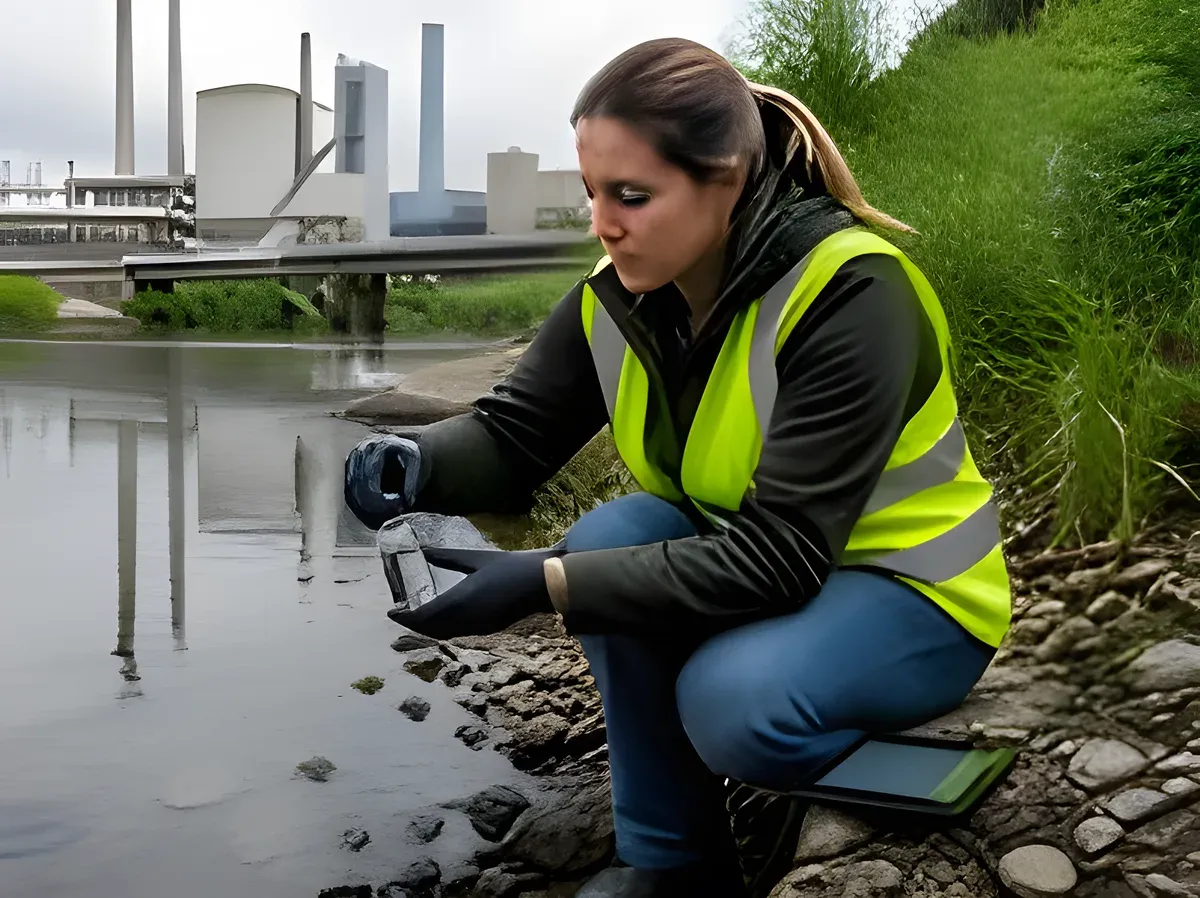
AI checklist and form
Site, sample, and readings logged in the field with GPS and photos.
Still unsure? See it on your own checklist in a 30-minute demo.
Book a Free DemoIt is a mobile tool for planning and running internal audits of a testing or calibration laboratory against ISO/IEC 17025:2017. It replaces paper checklists with a requirement-based audit, captures evidence against each clause, and tracks nonconformities and corrective actions to closure. InspectWrk works offline and generates the audit report, so the internal audit programme stays on schedule for the laboratory's testing and calibration activities.
Yes. The audit maps to the ISO 17025 clauses, including impartiality and confidentiality, personnel competence, equipment and metrological traceability, method selection and validation, measurement uncertainty, ensuring the validity of results, and reporting. Auditors record a result and evidence on each requirement, raise nonconformities with a root-cause analysis, and assign corrective actions with owners and due dates.
Yes. Audits run on any phone, tablet, or laptop offline, and records sync automatically when a signal returns, so audits at the bench, in the calibration area, or at a remote site are never blocked. Findings and corrective actions are tracked on a dashboard, so the internal audit programme can be scheduled and followed in one place.
No. It is an internal-audit and readiness tool. It helps you assess conformity to the standard, capture evidence, and close nonconformities, but accreditation is granted by an accreditation body after their own assessment. Confirm specific requirements against ISO/IEC 17025 and your accreditation body's rules rather than treating any item as universally mandatory.
Explore other inspection and audit apps for ISO standards teams.
Last updated: