

Take a Photo. AI Fills the Form
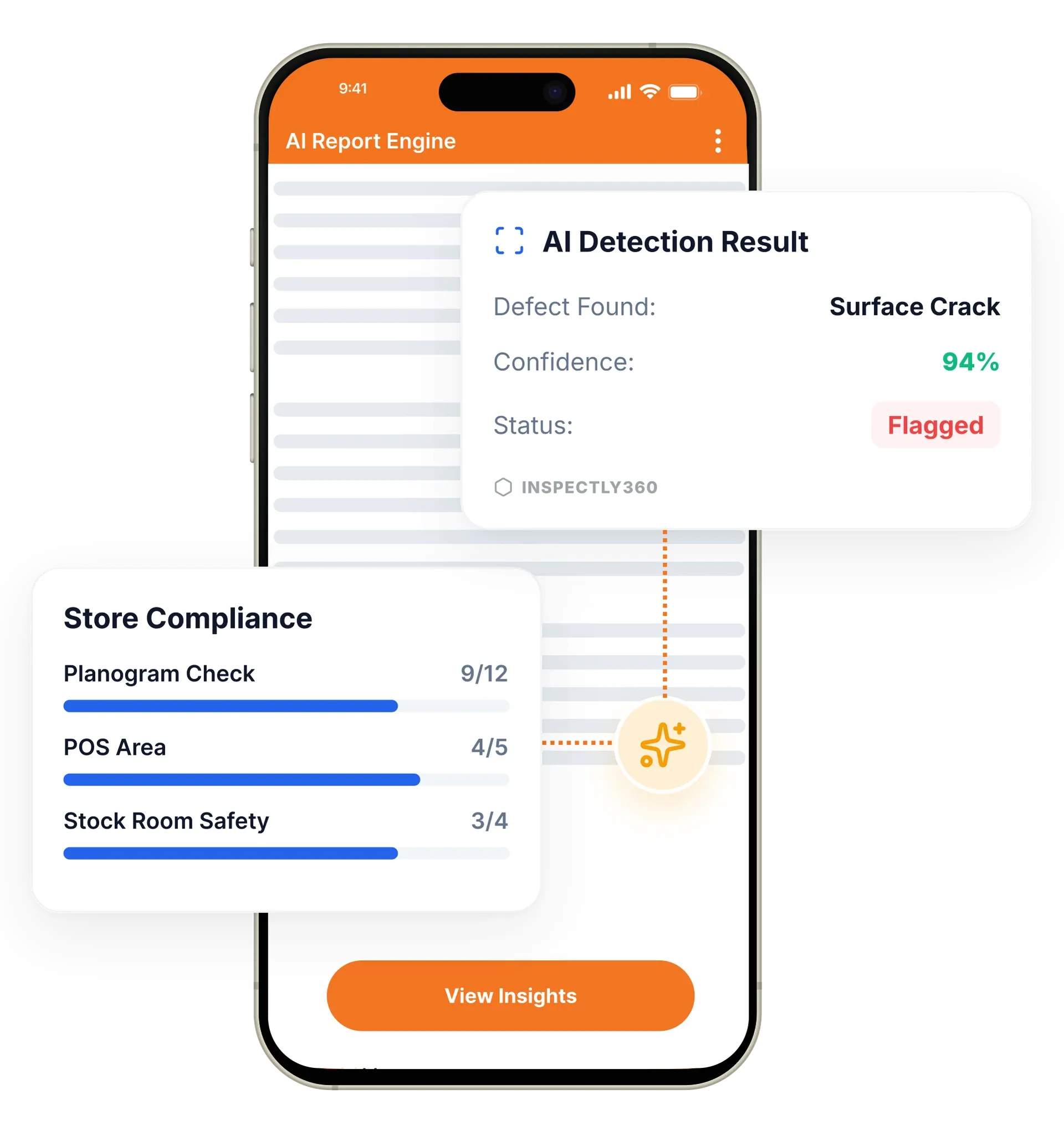
Your inspector takes a photo of any asset or defect. AI reads it and fills the inspection form automatically. No typing. No manual entry.

Construction sites, underground facilities, and remote locations rarely have reliable connectivity. InspectWrk is built offline-first, so your team never misses a beat, even in dead zones.
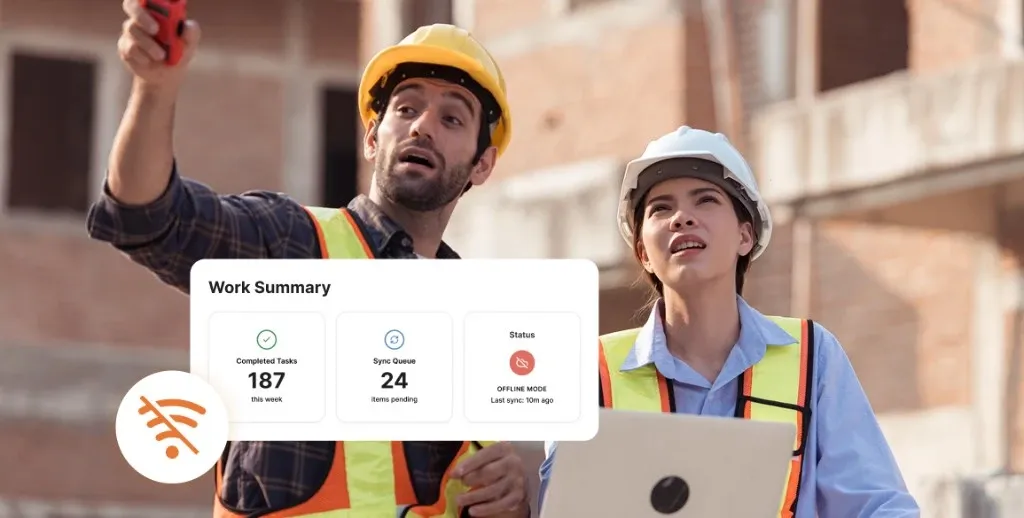
Offline capability in InspectWrk means every inspection workflow runs fully on the device with no internet connection. Inspectors complete checklists, capture and annotate photos, and use on-device AI in basements, tunnels, and remote sites, with data stored locally and synced automatically when a signal returns. It replaces the lost forms, missed inspections, and re-typed paperwork that happen when an app depends on a live connection.
Offline inspection software in InspectWrk lets field teams complete inspections without any internet connection. Underground tunnels, remote sites, and plants with RF interference all break apps that depend on a live network, so InspectWrk works as a no internet inspection app and an offline audit app. Checklists, photo capture, image annotation, and on-device AI defect detection all run on the device itself. Data is stored locally, and the app can sync inspection data automatically in the background when connectivity returns. Inspectors never wait for a signal, and managers still receive a complete, verified record once the device reconnects.
Apps that depend on a live connection quietly create gaps in basements, tunnels, and remote sites, because inspectors either skip those checks or fall back to paper.
The outcome: Every site gets the same inspection workflow regardless of signal, and managers get one consistent dataset across the whole portfolio once devices reconnect, rather than a dashboard that is blank for the difficult sites.
Fill checklists, capture photos, add annotations, and log issues with no internet connection. Every workflow runs offline.
Checklist templates, historical data, asset records, and reference documents are cached on the device before teams head out.
When connectivity returns, data syncs in the background. Inspectors do not need to trigger an upload.
Smart conflict resolution merges simultaneous offline edits from multiple inspectors without losing data.
Edge AI runs entirely on the device, so defect detection and hazard analysis work with no cloud dependency.
Download all site data, checklists, and reference material before travelling to remote locations for fully prepared offline work.
Example: a basement plant-room round with no signal

While still on a connection, the inspector opens the app and caches the checklists, historical data, asset records, and reference documents for the site.
In the plant room the inspector answers each item, photographs a corroded pipe or failed emergency light, and annotates the image, with nothing in the flow waiting on a network response.
Edge AI analyses each photo on the handset for defects and hazards, so the checks behave the same underground as they would above ground.
Every item, photo, and note is written to encrypted local storage and queued for sync while the inspector keeps working.
When the inspector walks back into coverage, the queued round syncs in the background and the dashboard updates without anyone pressing an upload button.
Downloads the full site package before travelling, then completes safety audits on remote sites with no coverage and syncs on return.
Checks tunnels, basements, and underground car parks where no wireless signal reaches, capturing every item locally until the device is back in coverage.
Runs vessel condition surveys and safety checks in open-ocean environments with zero connectivity.
Relies on encryption at rest and enterprise MDM policies so inspection evidence stays protected on offline devices.
Offline capability underpins the field features rather than sitting beside them. Each one keeps working with no signal and syncs on the same schedule when a connection returns.
Everything your field team does on paper, InspectWrk does automatically: faster, more accurate, and without the admin.
Your inspector takes a photo of any asset or defect. AI reads it and fills the inspection form automatically. No typing. No manual entry.

Inspectors speak their observations in any language. AI transcribes and fills the form in real time. Completely hands-free in the field.

The moment an inspection is submitted, a branded PDF, Excel, or CSV report generates automatically. No manual work. No waiting.

InspectWrk integrates with the tools your team already uses, including Zoho, Microsoft 365, and SAP. No double entry.

Your operations team sees completion rates, open issues, and compliance scores across all sites in real time. No chasing updates.
The preparation happens before the inspector leaves. Checklist templates, historical data, asset records, and reference documents are cached on the device, so a site with no coverage is loaded in advance rather than discovered as a problem on arrival. For a remote location, the inspector downloads the whole site package while still on a connection.
Underground, the round behaves exactly as it would above ground. The inspector completes checklist items, photographs a corroded pipe or a failed emergency light, annotates the image, and logs the issue. On-device AI still analyses those photos for defects and hazards, because the model runs on the handset rather than calling a server. Nothing in the flow pauses to wait for a network response.
Everything written underground is stored locally against the inspection record. When the inspector walks back into coverage, the data syncs in the background without anyone pressing an upload button. The manager sees the completed round with its photos and timestamps, and the inspector does not have to remember which of the day's sites still needs sending.
“InspectWrk transformed how we manage site safety inspections. The offline capability alone saved us countless hours. Our compliance rate jumped from 72% to 96% in just three months.”
 Sarah MitchellMeridian Construction Group
Last updated: