01 / 05Photo to formVISION AI
Take a Photo. AI Fills the Form.
Your inspector takes a photo of any asset or defect. AI reads it and fills the inspection form automatically.
No typing. No manual entry.

Apply for a limited-time deal on Premium.We apply it on your demo.
Black FridayPremium dealEnds
See the Deal
QC App replaces paper QC checklists with mobile forms that work offline. Teams run the same checks at every site, capture photo evidence, and route failed items to owners automatically. Managers see QC completion and failed items across every site without chasing a single form.
Template aligned to ISO 2859 sampling and ISO 9001 quality management.
Inspect basements, plant rooms and rooftops. Everything syncs when you are back online.
Attach photos and voice notes to every finding, right on the checklist item.
Every failed item becomes an action with an owner, severity and due date.
Sign off and a branded PDF, Excel or CSV report is generated and synced.

QC App replaces paper and spreadsheet QC checklists with mobile forms that work offline. Teams run the same checks at every site, with required fields and photo prompts so nothing is skipped. Failed items become corrective actions automatically, and managers see completion and open issues across every site without collecting a single sheet of paper. The checklist builder supports scoring and conditional logic, so the form adapts to each site type.
QC App puts the QC checklist on mobile with required fields and photo prompts on inspection points and sampling plan, specification, drawings, and tolerances, visual, dimensional, and functional checks, and measurement equipment and calibration, so nothing is skipped. Any failed check, such as defects passed at inspection, the sampling plan not followed, and out-of-tolerance product released, becomes a tracked corrective action with an owner and a due date, and completion is provable against ISO 2859 sampling and ISO 9001 quality management rather than assumed.
A comprehensive QC inspection covers the key areas that affect quality and standards. Run QC apps with structured dimensional, visual, and functional questions plus reports. Your inspection should include sections for inspection points and sampling plan; specification, drawings, and tolerances; and visual, dimensional, and functional checks, evidence capture, pass/fail or scoring criteria, corrective action assignment, and sign-off, so that nothing is missed and every inspection finding is traceable.
Moving QC checklists off paper keeps every site consistent. Follow these steps:
A QC checklist runs the same checks at every site: inspection points and sampling plan, specification, drawings, and tolerances, visual, dimensional, and functional checks, measurement equipment and calibration, non-conforming product and containment, and records, disposition, and sign-off. Required fields and photo prompts stop items being skipped, and a failed check such as defects passed at inspection, the sampling plan not followed, and out-of-tolerance product released becomes a tracked corrective action, so QC completion is provable rather than assumed.
Standards and regulations that apply: ISO 2859 sampling, ISO 9001 quality management.

Create the QC checklist with required fields and scoring.

One current QC version reaches every site on mobile.

QC completion and failed items appear live on the dashboard.
QC work breaks down the moment evidence leaves the form. These are the problems QC App is built to remove, and what the team gets back when it does.
Drag to compare a day before and after InspectWrk.
Different sites use different versions of the QC checklist. Items get skipped, boxes are left blank, and no one notices until the data reaches the office, if it reaches the office at all.
Where it breaks
What changes
Defects passed at inspection, the sampling plan not followed, out-of-tolerance product released, gauges out of calibration on the QC are fixed, then reappear weeks later. Each QC defect is treated as fresh because nobody sees it is the third time this quarter. The QC root cause is never addressed.
Where it breaks
What changes
There is no live view of QC status across sites. The first sign that something failed on the QC is a client call or an incident, by which point the problem is already public.
Where it breaks
What changes

Everything your field team records during QC, from photos and voice notes to sign-off, InspectWrk turns into a finished report automatically.
Your inspector takes a photo of any asset or defect. AI reads it and fills the inspection form automatically.
No typing. No manual entry.
Inspectors speak their observations in any language. AI transcribes and fills the form in real time.
Completely hands-free in the field.
The moment an inspection is submitted, AI summarises the findings and builds a branded PDF report and an Excel sheet for you.
No manual reporting. No copy-paste.
InspectWrk integrates with the tools your team already uses, including Zoho, Microsoft 365, and SAP.
No double entry.
Your operations team sees completion rates, open issues, and compliance scores across all sites in real time.
No chasing updates.
Hand-picked AI templates for every industry. Start with one and customize it for your workflow.
View All Checklists
AI checklist and form
Room-by-room finishes, MEP, and defect checks before handover.
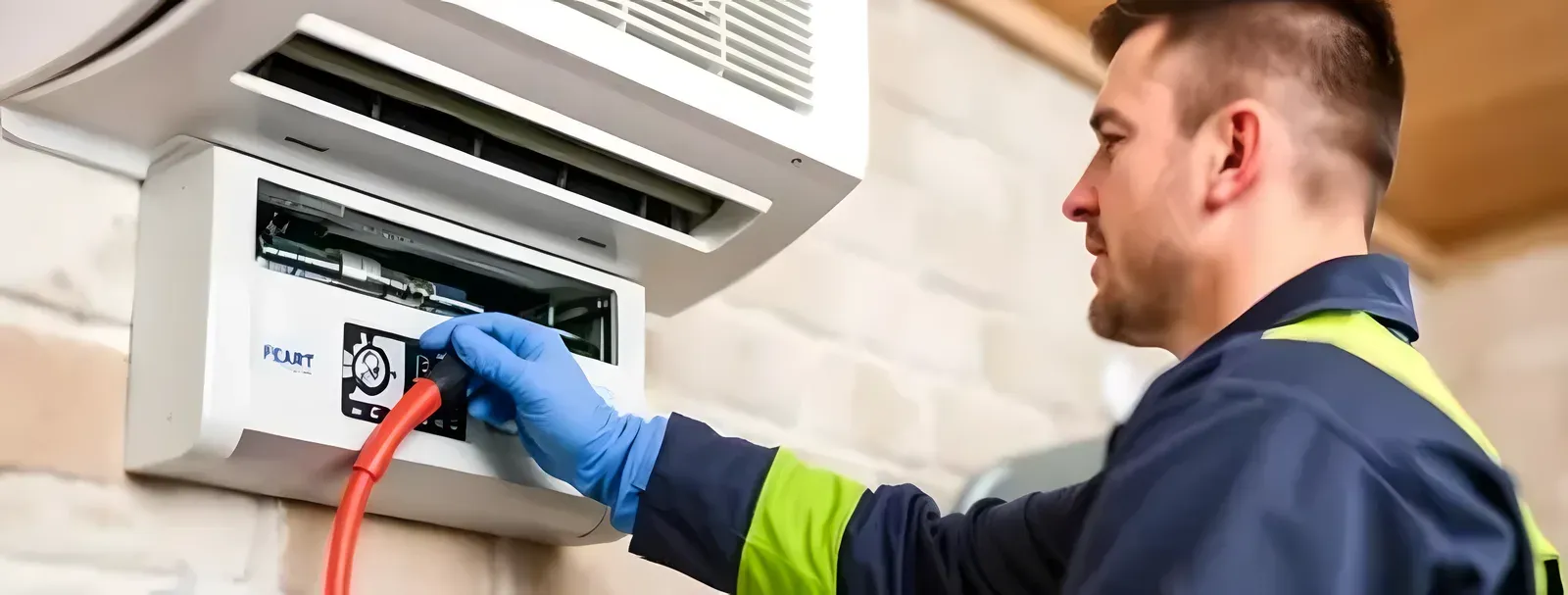
AI checklist and form
Filters, coils, drains, and controls checked on schedule with photos.

AI checklist and form
Safety and performance checks for infusion pumps and clinical devices.
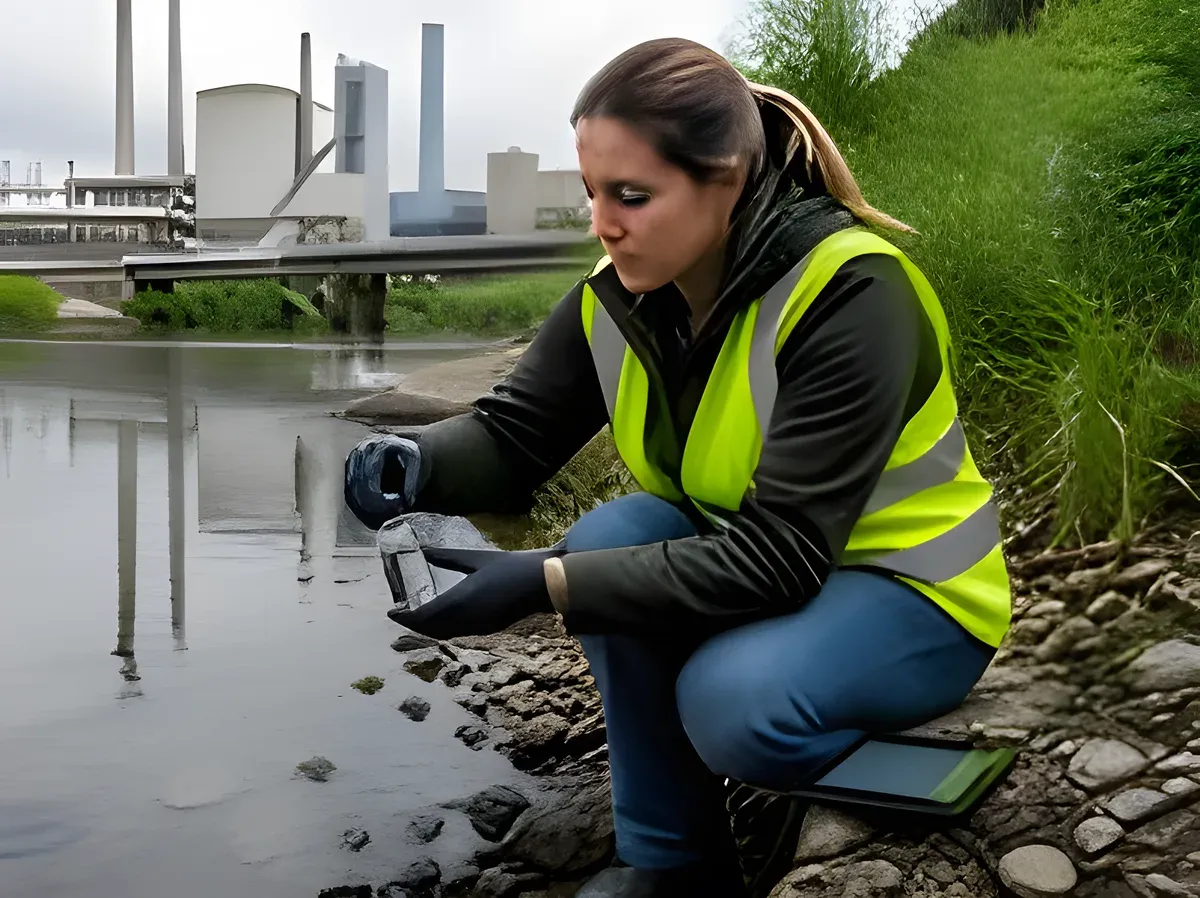
AI checklist and form
Site, sample, and readings logged in the field with GPS and photos.
Still unsure? See it on your own checklist in a 30-minute demo.
Book a Free DemoQC App moves the QC checklist onto a phone or tablet as a digital form. Required fields and photo prompts mean items cannot be skipped or left blank, which paper allows freely. One current version is pushed to every site, so the version chaos of three slightly different printed checklists disappears. Failed items become corrective actions automatically, with an owner and a due date, instead of a note that goes nowhere. Managers see completion and open issues across every site on a live dashboard, with no paper to collect and no data to re-key.
InspectWrk captures every QC record with timestamps, photo evidence, and structured fields aligned to ISO 2859 sampling and ISO 9001 quality management. Each round produces a digital trail per QC and per site, so when an auditor or authority asks for proof, your team produces it in seconds rather than days. Templates can be configured for the specific schedule and frequency required at each site, and dashboards surface upcoming statutory due dates and overdue rounds alongside operational data. The result is a single defensible record per round, not a folder of photos and a chat thread.
Yes. The QC App is offline-first by design. Inspectors download their assigned rounds before going on site, then complete forms in low-signal areas on site without any network connection. Photos, voice notes, geotags, and form fields all save locally on the device. When the phone or tablet returns to coverage, submissions sync automatically in the background, with no action from the inspector. Sync is incremental and conflict-aware, and each submission shows a clear synced or pending indicator, so nothing is silently lost between the field and the office and large photo sets upload reliably over weak connections. Local validation flags incomplete sections before submission so nothing is missed. This matters in real field environments where signal drops are routine in the very places that need the most evidence.
Every submission carries a timestamp, the inspector's identity, an optional geofenced location, and the full set of answers, photos, and voice notes attached to that round. Failed QC items create issues with severity, owner, and verified closure photos. Reports generate automatically as branded PDFs with the site, the QC, and finding details. Because QC evidence is captured at the point of work rather than written up afterwards, the chain from finding to verified fix stays intact and is hard to dispute later. When an auditor or client asks for proof of a QC round, your team searches by site, asset, or date and produces a complete digital record in seconds. The same evidence supports ISO 2859 sampling and ISO 9001 quality management documentation requirements where relevant.
Every failed item can spawn a corrective action with a named owner, due date, severity, and photo proof requirement on closure. Maintenance contractors receive notifications, see their open actions in the app, and submit verified closure photos before the action closes. Dashboards show open and overdue actions per site, per contractor, and per audit cycle, so leadership can see whether issues are actually closing or just sitting in a backlog. Contractor performance scoring tracks closure speed and re-open rate over time, so operations managers can compare contractors and service partners objectively before assigning the next site.
Yes. A single InspectWrk instance covers every site in your portfolio. Each site has its own assets, templates, contractors, and rounds, but the operations manager sees one live dashboard with completion rates, open issues, and risk score by site. Configurable dashboards show which sites had problems and which rounds are overdue, and scheduled reports reach managers before the day starts, replacing the Monday morning task of manually compiling reports from spreadsheets and chat threads. New sites inherit your standard templates the moment they are added, so the portfolio scales without rebuilding the process for each location.
The point of AI here is speed without losing control. Instead of writing up a QC finding by hand, the inspector photographs the QC and on-device analysis compares it with the template's reference standard, flagging deviations for review. Spoken notes are transcribed and dropped into the right fields, and a suggested severity and category appear for a one-tap confirm. Nothing is submitted without the inspector's approval, so the record is faster to produce yet still owned by the person who did the check. Across a team, that consistency is what makes findings comparable from one site to the next.
Yes. The QC App checklist builder lets you add or edit sections, questions, scoring, and required evidence without writing code. You can start from a library template and adapt it, or build the QC checklist from scratch. Conditional logic shows or hides questions based on earlier answers, so the form stays short and relevant for each site type. Required fields, photo capture points, and digital signatures are all configurable. Different site formats can run different versions, or one base template can be tailored per region. Changes are versioned and roll out to selected sites at once, so every location runs the current standard without re-sending files or retraining staff between updates.
Explore other inspection and audit apps for manufacturing teams.
Updated