


Take a Photo. AI Fills the Form
Your inspector takes a photo of any asset or defect. AI reads it and fills the inspection form automatically. No typing. No manual entry.

Run every mine inspection from one app. InspectWrk gives crews pre-shift, mine site, equipment, and safety checklists on any phone or tablet, with photo, video, and voice evidence, hazard and defect reporting, and corrective actions tracked to closure. It works offline underground and syncs when a signal returns.
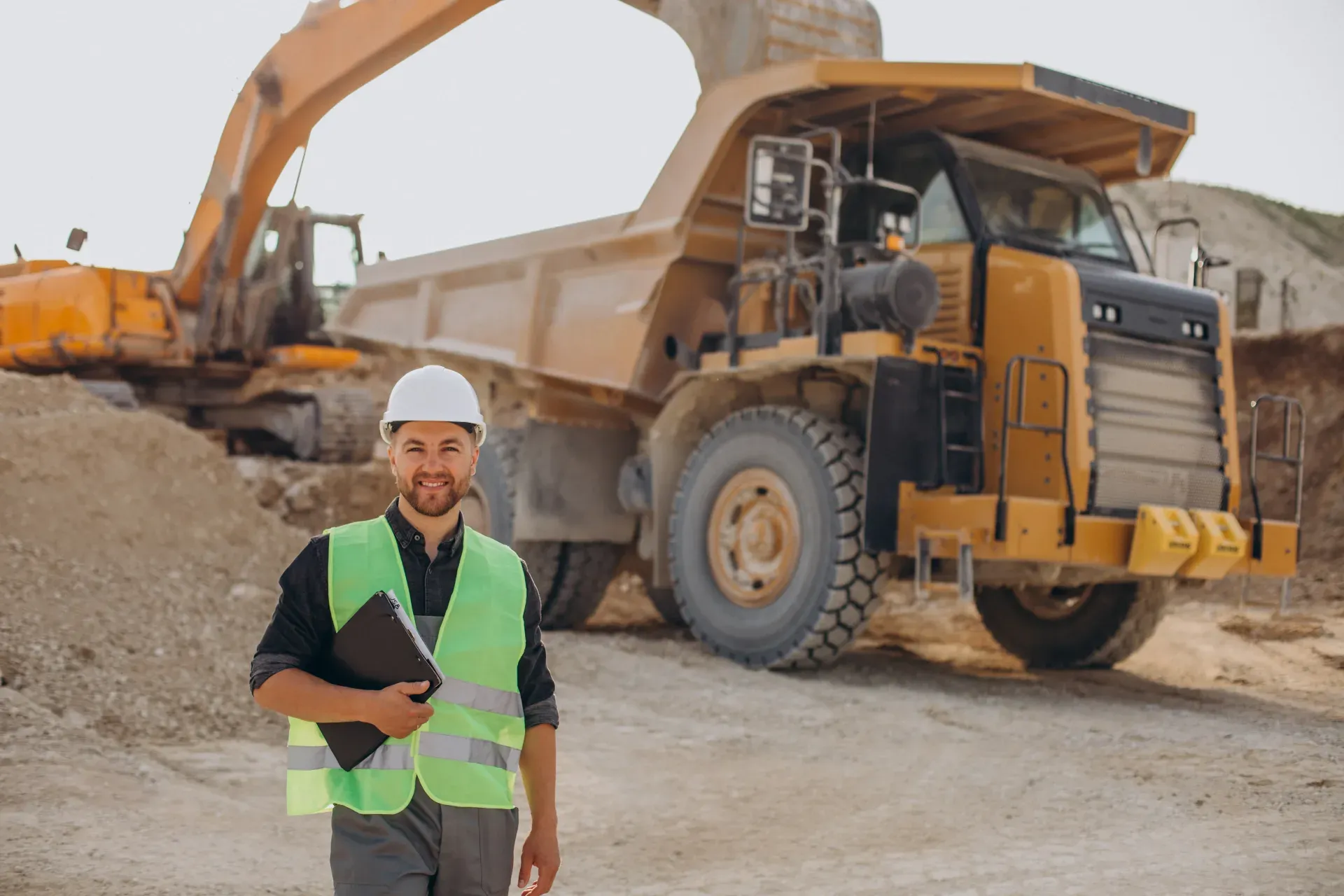
Mining Inspection App is a digital mining inspection app that replaces paper pre-shift books and spreadsheet logs across a mining operation. Crews open the checklist for the task on a phone or tablet, a mine site inspection app for the pit or workings, an equipment check for mobile plant, or a safety walk for the shift, and work through each item in order. Ground and ground-control conditions, ventilation and gas readings, haul road condition, PPE, and emergency equipment are all captured in one record, with the reading, a photo, and a timestamp against every check.
As a mobile mining inspection app it works offline underground and in remote workings, then syncs automatically once the device is back in signal, so no shift is blocked by connectivity. Failed items become corrective actions with an owner and a due date, and follow-up is tracked to verified closure rather than a note someone loses. A full inspection history is kept for every area, asset, and shift, and managers see inspection status, open hazards, and overdue actions across sites on a live dashboard. Also used as a mine inspection app by surface, open pit, and underground teams.
A complete mining inspection app covers the checks a mine runs every shift: pre-shift inspections, mine site and workplace inspections, mining equipment and mobile plant inspections, and haul road inspections. It should record ground and ground-control conditions, ventilation and gas readings, safety and PPE checks, and emergency equipment and escape routes, with photo, video, or voice evidence against each item. Hazard and defect reporting, corrective-action assignment and tracking, inspector sign-off, offline capture, inspection history, and reports and dashboards keep the whole programme in one place instead of scattered across paper and spreadsheets.
A consistent routine keeps mining inspections reliable across every site. Follow these steps to run an effective inspection:
A mining inspection app covers the checks that keep a mine safe and productive every shift: pre-shift inspections, mine site and workplace inspections, mining equipment and mobile plant inspections, and haul road inspections. Each check records the condition, the reading, and the evidence, and any failure becomes a tracked corrective action.
Templates align to ISO 45001, MSHA regulations, mine safety and health regulations.

Build the mining template with objective pass-fail criteria and schedule it to mobile teams.

Inspectors run the inspection with photo evidence on each finding, such as loose ground or inadequate roof support, methane or dust readings outside limits, poor haul-road condition and edge protection, blocked or unmarked emergency egress, and failed items raise corrective actions.

Dashboards built on verified mining data reveal recurring patterns on the asset across every site.
Everything your field team records during mining inspection, from photos and voice notes to sign-off, InspectWrk turns into a finished report automatically. Faster, more accurate, and without the retyping.
Your inspector takes a photo of any asset or defect. AI reads it and fills the inspection form automatically. No typing. No manual entry.

Inspectors speak their observations in any language. AI transcribes and fills the form in real time. Completely hands-free in the field.

The moment an inspection is submitted, a branded PDF, Excel, or CSV report generates automatically. No manual work. No waiting.

InspectWrk integrates with the tools your team already uses, including Zoho, Microsoft 365, and SAP. No double entry.

Your operations team sees completion rates, open issues, and compliance scores across all sites in real time. No chasing updates.
From data collection to compliance: see how teams use InspectWrk for every use case.
Capture field data once with digital forms that work even offline.
Explore use caseRun standardized inspections with photos, scoring, and instant reports.
Explore use caseConduct structured audits with evidence trails and pass or fail scoring.
Explore use caseLog hazards, near misses, and safety checks from any job site.
Explore use caseCatch defects early with repeatable quality checks and sign off.
Explore use caseReport incidents in the moment with photos and follow up actions.
Explore use caseInspect assets and keep condition and inspection history per asset.
Explore use caseRun preventive maintenance checks and log repairs with photo evidence.
Explore use caseStay audit ready with logged checks, timestamps, and shareable reports.
Explore use caseMining work breaks down the moment evidence leaves the form. These are the problems Mining Inspection App is built to remove, and what the team gets back when it does.

Problem
Solution

Problem
Solution

Problem
Solution
A mining inspection app is a mobile app for running mine inspections in the field instead of on paper. Crews use it to complete pre-shift, mine site, equipment, and safety inspections on a phone or tablet, recording ground, ventilation, and gas readings against each checklist item and capturing photo, video, and voice evidence. Any hazard or defect is reported on the spot and raised as a corrective action with an owner and a due date. InspectWrk runs every inspection offline underground and syncs when a signal returns, then keeps a signed inspection history for reports, dashboards, and mine safety audits. It is used as a mine inspection app across surface, open pit, and underground operations.
The app runs the checks a mine does every shift. Pre-shift inspections confirm the workplace and equipment are safe before work starts. Mine site and workplace inspections cover the pit, workings, and areas. Equipment inspections check mobile plant and fixed assets. Haul road inspections cover condition, drainage, edges, and traffic controls. Alongside these, crews complete safety and PPE checks and check emergency equipment and escape routes. Teams can also run mobile inspections, safety inspections, audits, field inspections, and checklists from the same app, each as its own checklist, so the whole inspection programme sits in one place rather than across separate paper forms and spreadsheets.
Yes. This is a mobile mining inspection app built for workings, tunnels, and remote pits where there is no signal. Crews complete pre-shift, site, equipment, and haul road inspections offline, record ground, ventilation, and gas readings, and capture photo, video, and voice evidence entirely on the device. Every record syncs automatically once the device is back in signal, so nothing is lost and no one has to re-key a paper form later. This keeps underground and surface crews on the same digital mining inspection app without depending on live connectivity, and it is why teams also run it as a mining safety inspection mobile app for shift safety walks.
When an inspector finds a hazard or defect, they report it on the spot from the checklist item, add a photo or video, and describe what they found by typing or voice. The app raises it as a corrective action with a priority, an owner, and a due date, so it is assigned rather than left in a pre-shift book. Supervisors see open and overdue actions on a dashboard, and each action is tracked to verified closure with evidence of the fix. Recurring hazards on the same asset or area are visible in the inspection history, so teams can act on the root cause instead of repeating the same repair every shift.
Yes. As a mining equipment inspection app it runs condition and defect checks on mobile plant and fixed assets, so each machine carries its own inspection history and defects are raised as corrective actions before they take equipment out of service. For haul roads, crews inspect surface condition, drainage, edges, berms, signage, and traffic controls, and log any hazard for repair with photo evidence and a location. Both run offline and feed the same reports and dashboards as site and safety inspections, so a supervisor sees equipment and haul road status alongside pre-shift results across every area of the mine site in one view.
Every inspection is a signed, time-stamped record with its readings and evidence attached, so there is proof that each check happened and who did it. Inspection history is searchable by area, asset, and date, and reports export as a branded PDF or feed a live dashboard in one click. That gives mine safety and HSE managers an audit trail aligned to ISO 45001, MSHA, and local mine safety and health regulations, without assembling records by hand before an auditor visits. Pre-shift completion, open hazards, overdue corrective actions, and equipment defects are all visible across sites, so managers can show a site is under control at any moment.
Explore other inspection and audit apps for mining teams.
Last updated: