


Take a Photo. AI Fills the Form
Your inspector takes a photo of any asset or defect. AI reads it and fills the inspection form automatically. No typing. No manual entry.

Keep every store's building and equipment working. Store teams and contractors check refrigeration, HVAC, lighting, doors, and fixtures, record temperatures and photos, and follow each defect to a verified fix, so problems are solved before they affect customers or stock.
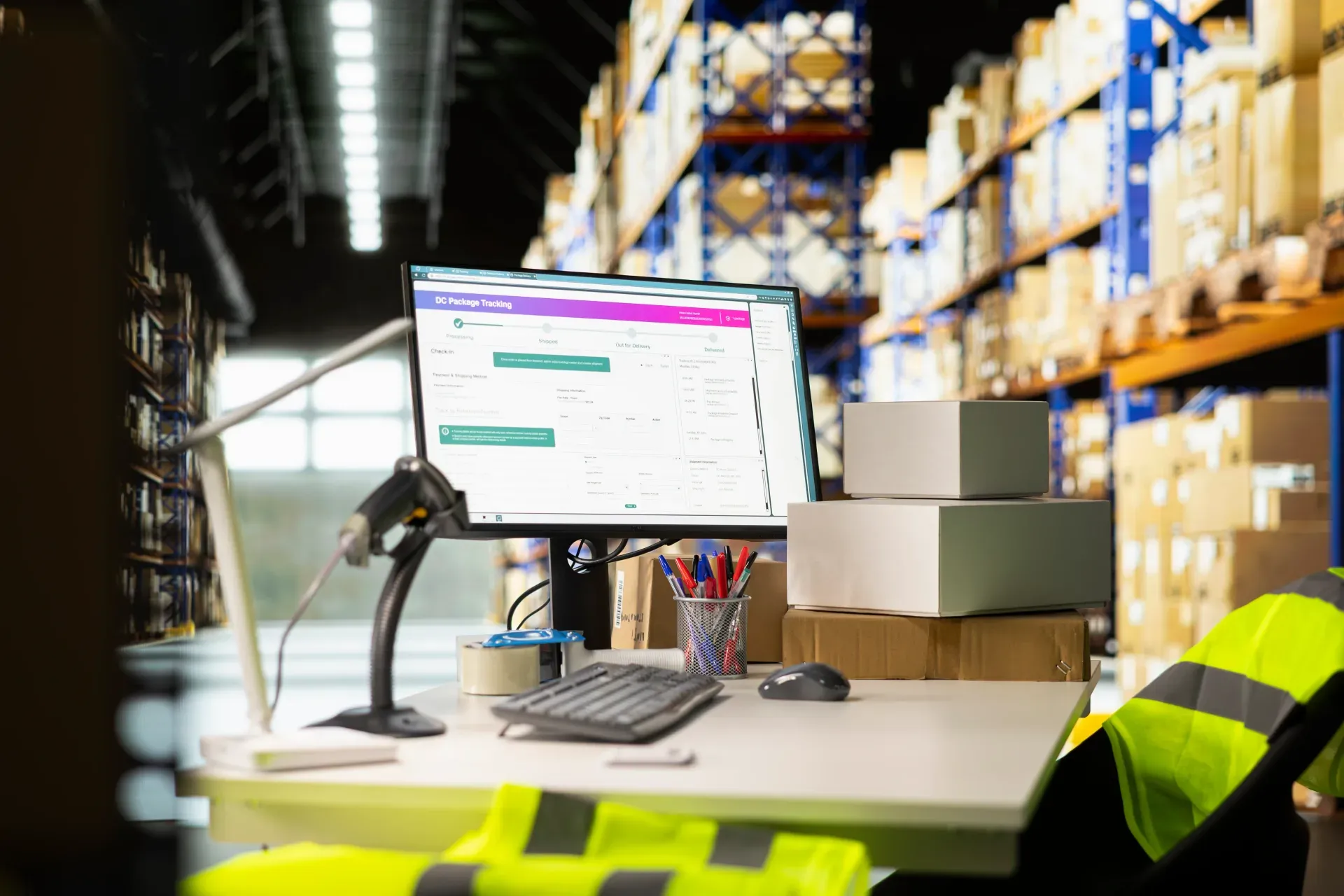
The Retail Maintenance App is about the store as a building: the equipment and fabric that keep it trading safely. It covers refrigeration and display cabinet temperatures, HVAC, lighting, entrance doors and shutters, electrical items and signage, fixtures, floors and trolleys, and fire equipment, checked on a schedule and whenever a problem is reported.
Defects are logged with photos and assigned to the store, facilities team, or contractor with a due date, and closed only with evidence of the fix. Temperatures outside range prompt follow-up straight away, which protects stock in chillers and freezers. Facilities managers see open defects, overdue contractor visits, and repeat problems across every store. Merchandising and store audits are handled by separate workflows.
A store maintenance record should cover the store and area, the equipment or fabric checked, refrigeration temperatures against limits, photos of any defect, who it is assigned to, the due date, and evidence of the fix, so facilities teams can see what is open in every store and which contractor jobs are behind.
Preventive maintenance works when service visits actually happen on time. Follow these steps for each service visit:
The app covers the building and equipment side of a store: planned checks, defects, and the fixes that keep it trading safely.
Templates align to Local fire and electrical safety rules, F-gas rules for refrigeration, where applicable, Your store facilities standards.

Store teams check refrigeration, HVAC, lighting, doors, and fire equipment on a schedule.

Defects are photographed and assigned to the store, facilities team, or a contractor.

Fixes are signed off with a photo, and head office sees what is still open.
Everything your field team records during retail maintenance, from photos and voice notes to sign-off, InspectWrk turns into a finished report automatically. Faster, more accurate, and without the retyping.
Your inspector takes a photo of any asset or defect. AI reads it and fills the inspection form automatically. No typing. No manual entry.

Inspectors speak their observations in any language. AI transcribes and fills the form in real time. Completely hands-free in the field.

The moment an inspection is submitted, a branded PDF, Excel, or CSV report generates automatically. No manual work. No waiting.

InspectWrk integrates with the tools your team already uses, including Zoho, Microsoft 365, and SAP. No double entry.

Your operations team sees completion rates, open issues, and compliance scores across all sites in real time. No chasing updates.
From data collection to compliance: see how teams use InspectWrk for every use case.
Capture field data once with digital forms that work even offline.
Explore use caseRun standardized inspections with photos, scoring, and instant reports.
Explore use caseConduct structured audits with evidence trails and pass or fail scoring.
Explore use caseLog hazards, near misses, and safety checks from any job site.
Explore use caseCatch defects early with repeatable quality checks and sign off.
Explore use caseReport incidents in the moment with photos and follow up actions.
Explore use caseInspect assets and keep condition and inspection history per asset.
Explore use caseRun preventive maintenance checks and log repairs with photo evidence.
Explore use caseStay audit ready with logged checks, timestamps, and shareable reports.
Explore use caseRetail work breaks down the moment evidence leaves the form. These are the problems Retail Maintenance App is built to remove, and what the team gets back when it does.

Problem
Solution

Problem
Solution
It covers the building and equipment side of running a store. With InspectWrk, store and facilities teams check refrigeration temperatures, HVAC, lighting, doors and shutters, electrical items, fixtures, floors, and fire equipment, and log defects with photos. Each defect is assigned to an owner or contractor with a due date and closed with evidence. Head office can see open defects and overdue work in every store, while merchandising and store audits run as separate workflows. Every store keeps a history of its checks and repairs.
Store teams record chiller and freezer temperatures on a schedule, and each reading is compared with your limits as it is entered. A value outside range prompts follow-up immediately and raises a corrective action, so a failing cabinet is reported and repaired before stock is lost. The history for each unit shows how often it has drifted out of range, which helps facilities teams decide when a repair is not enough and the equipment needs replacing. Readings are timestamped and signed, which also helps with food safety reviews.
Yes. Defects can be assigned to a contractor with a due date, and the contractor records the fix with a photo and signature when the work is done. The facilities team can review the evidence before the defect counts as closed. Contractors see only the stores and jobs assigned to them, and overdue work escalates to the facilities manager, which makes it easier to hold service providers to the response times you have agreed with them. Each job's history shows when it was reported, assigned, and fixed.
Yes. Every store can use the same checklists and defect categories, so results compare directly across the estate. Store managers see their own store, regional teams see their region, and head office sees everything on one dashboard. Reports show open defects, overdue checks, and repeat problems by store or equipment type, which helps facilities teams plan budgets and decide where to focus maintenance spend across the estate. New stores can start from the same templates, so they are checked to the same standard from their first week of trading.
No. InspectWrk covers store maintenance inspections and defect follow-up. A CMMS, if you use one, can keep work orders, parts, contracts, and costs. Findings can be passed to it through an integration so nothing is retyped. Many retailers use InspectWrk as the record of what stores and contractors actually checked and fixed, and keep their existing systems for purchasing, contract management, and budgeting across the store estate. Store teams get one place to report and follow up problems, and head office gets a consistent view without changing the systems finance already uses.
Explore other inspection and audit apps for retail teams.
Last updated: