Take a Photo. AI Fills the Form
Your inspector takes a photo of any asset or defect. AI reads it and fills the inspection form automatically. No typing. No manual entry.

Convert your checklist into Mobile App
GMP software for regulated manufacturers to run GMP inspections and audits, code non-conformances, drive corrective actions to closure, and keep audit-ready evidence - the inspection and CAPA layer of your GMP quality process.
GMP software, in this context, is the platform QA managers, production supervisors, and site quality teams use to run Good Manufacturing Practice inspections and self-inspections, code non-conformances, drive corrective actions to verified closure, and keep audit-ready evidence in regulated manufacturing.
Available on Mobile
Inspect on iOS and Android with no internet required. Capture photos, let AI flag defects, and generate audit-ready reports in the field.
The pain it solves is familiar in regulated manufacturing: GMP walk-downs on paper that vary by shift, findings in free text that never trend, CAPA in a spreadsheet reconstructed the week before a customer or regulatory audit, and photos of issues stranded on phones. The quality record a site depends on is only as strong as the evidence behind it.
What changes once gmp software runs on one mobile-first platform.
QA and production teams follow this loop for GMP rounds, self-inspections, and internal audits.
Build GMP round, hygiene, line-clearance, and self-inspection templates from the site's own GMP standards, so every inspector records against the same criteria rather than a shift interpretation.
Inspectors complete GMP rounds and audits on iOS or Android in cleanrooms and production areas with no signal. Findings, photos, and sign-offs cache locally and sync when connectivity returns.
Each finding is coded by area, severity, and reference with mandatory evidence, then raises a corrective action with owner and due date rather than a line on a form.
Corrective actions move through remediation and verification, closing only on a named approver's sign-off with the required closure evidence attached.
Inspection history, non-conformances, corrective actions, and verified closure export per line, area, or date range as an evidence pack ready for a customer or regulatory audit.
A GMP inspection covers the hygiene, line-clearance, documentation, and environment checks a regulated manufacturer must confirm to keep production compliant. Inspectors record each item on mobile with a photo on any non-conformance; every finding raises a corrective action driven to verified closure. So a GMP round becomes a traceable evidence pack against the site's own standards, not a paper form filed and forgotten.
Everything your field team does on paper, InspectWrk does automatically: faster, more accurate, and without the admin.
Your inspector takes a photo of any asset or defect. AI reads it and fills the inspection form automatically. No typing. No manual entry.

Inspectors speak their observations in any language. AI transcribes and fills the form in real time. Completely hands-free in the field.

The moment an inspection is submitted, a branded PDF, Excel, or CSV report generates automatically. No manual work. No waiting.

InspectWrk integrates with the tools your team already uses, including Zoho, Microsoft 365, and SAP. No double entry.

Your operations team sees completion rates, open issues, and compliance scores across all sites in real time. No chasing updates.
Manage every checklist in one connected workspace, capture evidence on mobile at the point of work, and let AI turn field inputs into clear, stakeholder-ready reports in minutes.





See which checklists your team has in progress across every site, jump into the same inspection with one tap, and keep field, supervisor, and back-office views in sync without sending screenshots on WhatsApp.






Every team reports differently. Build the report your operations, quality, or compliance leads actually want to read, share it as a branded PDF, and schedule delivery to the stakeholders who need it.



See completion, pass rate, and recurring findings across every checklist and every site, without pulling spreadsheets together at the end of the month.
What changes once gmp software is standardised on InspectWrk.







“InspectWrk transformed how we manage site safety inspections. The offline capability alone saved us countless hours. Our compliance rate jumped from 72% to 96% in just three months.”
Sarah Mitchell
Meridian Construction Group

“The AI-powered defect detection has changed how we work. Our inspectors capture photos and the system flags issues we'd have missed. It's like having an expert reviewer on every site visit.”
James Chen
Pacific Manufacturing Co.
“Rolling out digital checklists across multiple projects gave us instant visibility into recurring safety issues. We now resolve critical findings in hours instead of days.”
Olivia Carter
Northbridge Infrastructure
Get started with inspection and audit checklist templates.
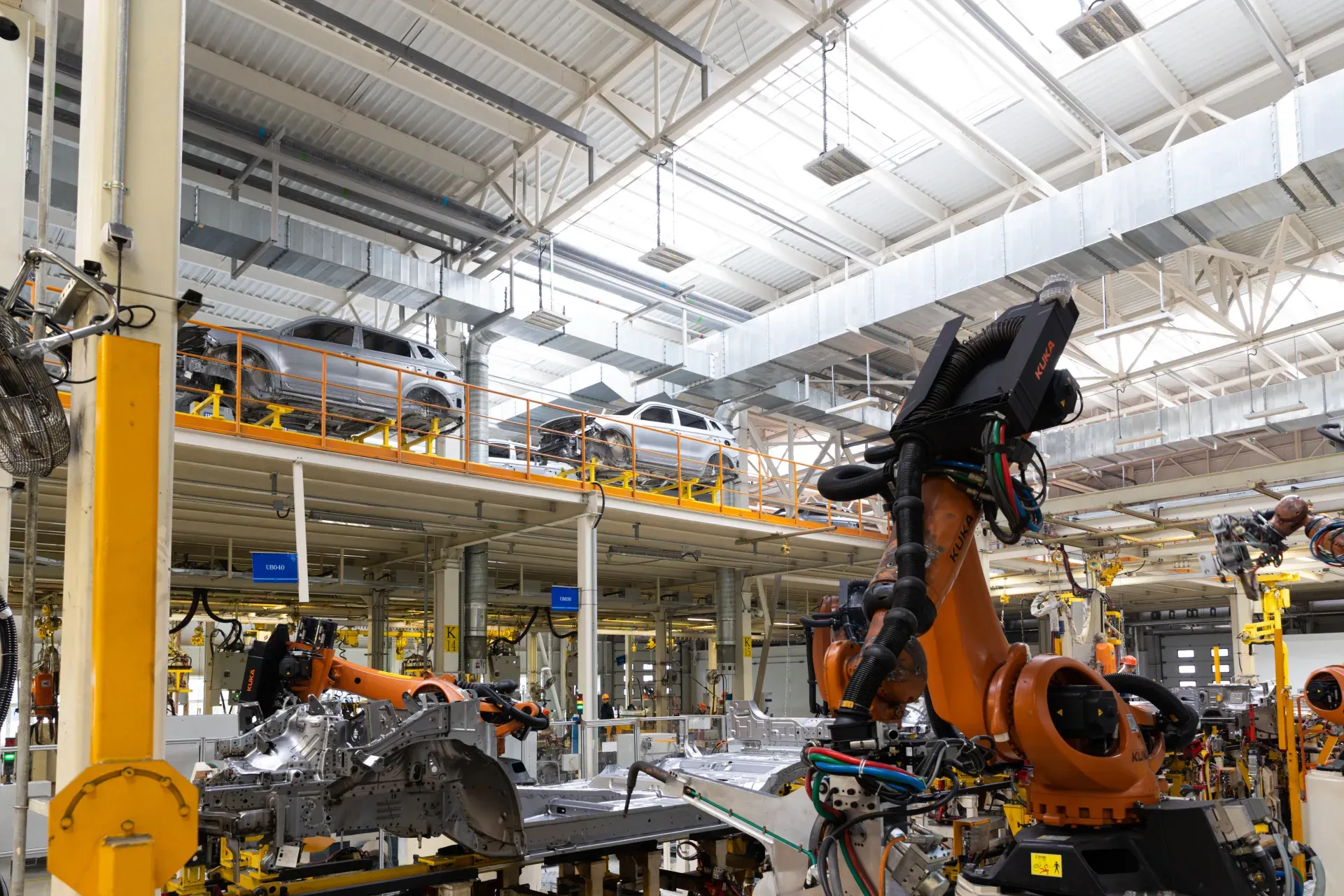
Use this Shift Start Production Readiness inspection to verify critical checkpoints and safety controls, compliance records and sign-off and corrective actions with photo evidence…

Use this End of Shift Shutdown & Handover inspection to verify critical checkpoints and safety controls, compliance records and sign-off and corrective actions with photo evidence…
Use these apps to run inspections and audits.
by InspectWrk
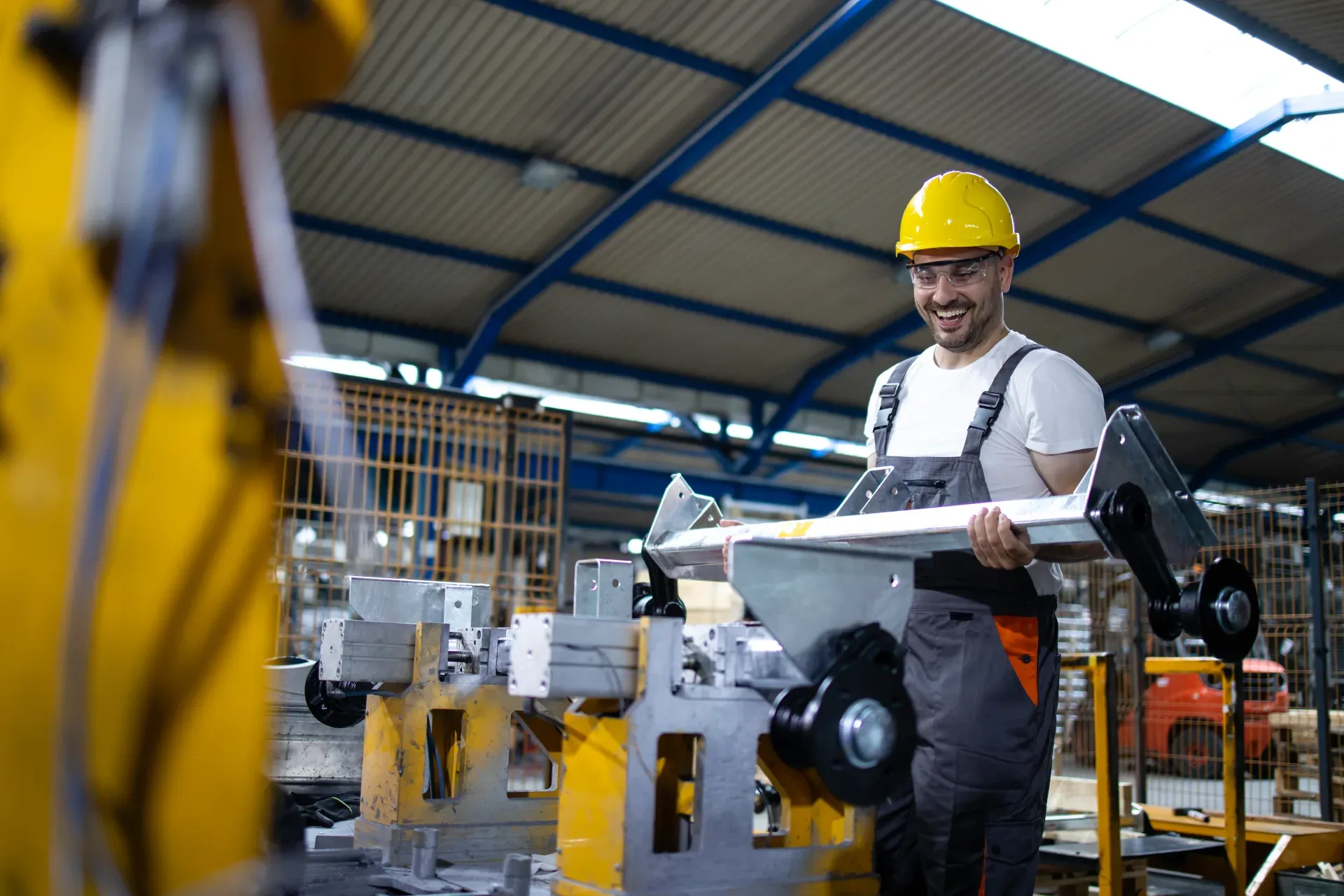
GMP inspections for pharma and regulated manufacturing.

by InspectWrk
Support pharmaceutical compliance with documented controls, checks, and audit trails.
by InspectWrk
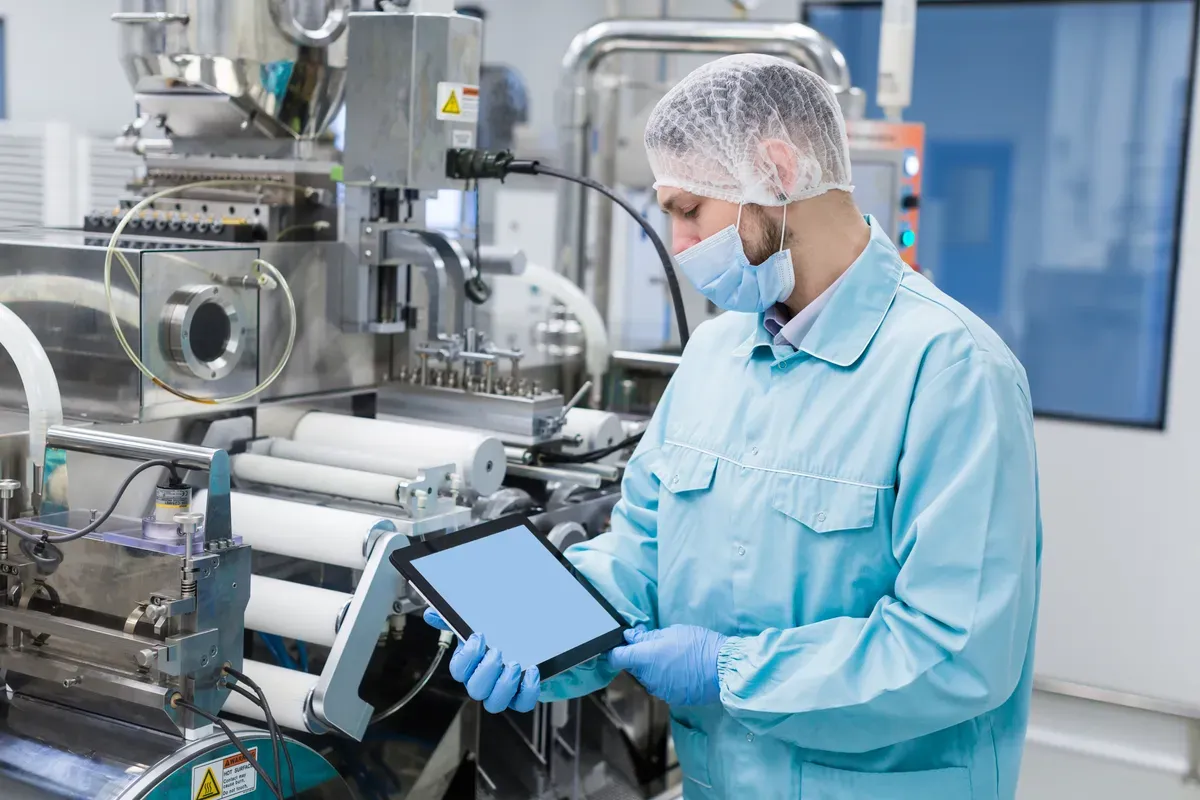
Improve manufacturing quality control with defect tracking and corrective workflows.

by InspectWrk
Support pharma QC with AI-guided checks, deviation handling, and documentation readiness.
No. InspectWrk is the GMP inspection, finding, and corrective-action layer - GMP rounds, self-inspections, non-conformance coding, and CAPA to verified closure. A full GMP QMS additionally provides validated deviation management, batch-record review, electronic-signature-controlled document control, and training records. InspectWrk does not replace those; it sits beside the QMS and feeds it the structured inspection and CAPA evidence captured on the floor, so the two are complementary. In manufacturing, GMP Software turns approved GMP checklists into mobile checks field teams complete on any device.
No. GMP requirements depend on the product, market, and applicable standard, so InspectWrk lets the site configure GMP round, hygiene, self-inspection, and audit templates to its own validated GMP standards rather than shipping a fixed list. That keeps the checks aligned to the site's own interpretation and quality system instead of a generic assumption. In manufacturing, GMP Software turns approved GMP checklists into mobile checks field teams complete on any device. Field staff complete every check on the device, add notes and photos, and the GMP record uploads once back online.
During a round or self-inspection, each non-conformance is coded by area, severity, and reference with mandatory photo evidence, then raises a corrective action with an owner and due date. The action moves through remediation to verification and closes only on a named QA approver's sign-off with the required closure evidence attached - one continuous, dated trail from finding to closure. In manufacturing, GMP Software turns approved GMP checklists into mobile checks field teams complete on any device. Field staff complete every check on the device, add notes and photos, and the GMP record uploads once back online.
This page targets Good Manufacturing Practice in regulated manufacturing - pharmaceutical and similar production - with GMP rounds, self-inspections, and CAPA. The food-GMP workflow addresses GMP as it applies to food production alongside HACCP and food-safety programmes. They share the inspection-and-evidence model but serve different regulatory contexts and audiences, so they are separate pages rather than one generic GMP page. In manufacturing, GMP Software turns approved GMP checklists into mobile checks field teams complete on any device. Field staff complete every check on the device, add notes and photos, and the GMP record uploads once back online.
Yes. InspectWrk runs fully offline on iOS and Android in cleanrooms, production halls, and warehouse areas where signal is weak or absent. GMP round items, finding photos, and sign-offs cache on the device and sync automatically when connectivity returns, so no inspection record is lost between the floor and the quality dashboard. In manufacturing, GMP Software turns approved GMP checklists into mobile checks field teams complete on any device. Field staff complete every check on the device, add notes and photos, and the GMP record uploads once back online.
Most manufacturers run a pilot line or area within two to three weeks using configurable GMP round and self-inspection templates. Training covers administrator setup, inspector workflows, and dashboard configuration. Phased rollout by line, area, or site is supported so QA can validate consistency and the QMS boundary before scaling across the site. In manufacturing, GMP Software turns approved GMP checklists into mobile checks field teams complete on any device. Field staff complete every check on the device, add notes and photos, and the GMP record uploads once back online.
Book 30 minutes to discuss your challenges and see how InspectWrk digitizes operations with mobile apps, automated reporting, and real-time dashboards.