
01 / 05Photo to formVISION AI
Take a Photo. AI Fills the Form.
Your inspector takes a photo of any asset or defect. AI reads it and fills the inspection form automatically.
No typing. No manual entry.

Repair and Maintenance App keeps repair and maintenance on schedule across every site. Technicians run PPM rounds on each asset, log faults, damage, and non-conformances, and raise work orders that are tracked to verified closure. Managers see overdue repair and service visits and asset risk before a breakdown, not after.
Inspect basements, plant rooms and rooftops. Everything syncs when you are back online.
Attach photos and voice notes to every finding, right on the checklist item.
Every failed item becomes an action with an owner, severity and due date.
Sign off and a branded PDF, Excel or CSV report is generated and synced.

Repair and Maintenance App keeps repair and maintenance on schedule. Technicians run preventive maintenance rounds on each asset, log faults, damage, and non-conformances, and raise work orders that are tracked to verified closure. Managers see overdue service visits, asset condition history, and AMC due dates before a breakdown happens. Predictive alerts flag which assets are most likely to fail next, so visits are planned rather than reactive.
The app is built for low-signal areas on site, capturing faults, damage, and non-conformances on the asset with photo and voice even with no signal, then syncing the moment the device reconnects. Recurring repair and problems are detected across sites, so teams fix the cause rather than logging the same fault against the standards that apply to this inspection month after month.
A comprehensive inspection for facilities management covers the key areas that affect operations and compliance. Manage repairs and maintenance with assignment workflows, evidence capture, and closure tracking. Your inspection should include sections for repair and maintenance condition checks, evidence capture, pass/fail or scoring criteria, corrective action assignment, and sign-off, so that nothing is missed and every inspection finding is traceable.
Preventive maintenance works when service visits actually happen on time. Follow these steps for each service visit:

A QR scan opens the asset history and the due PPM checklist.
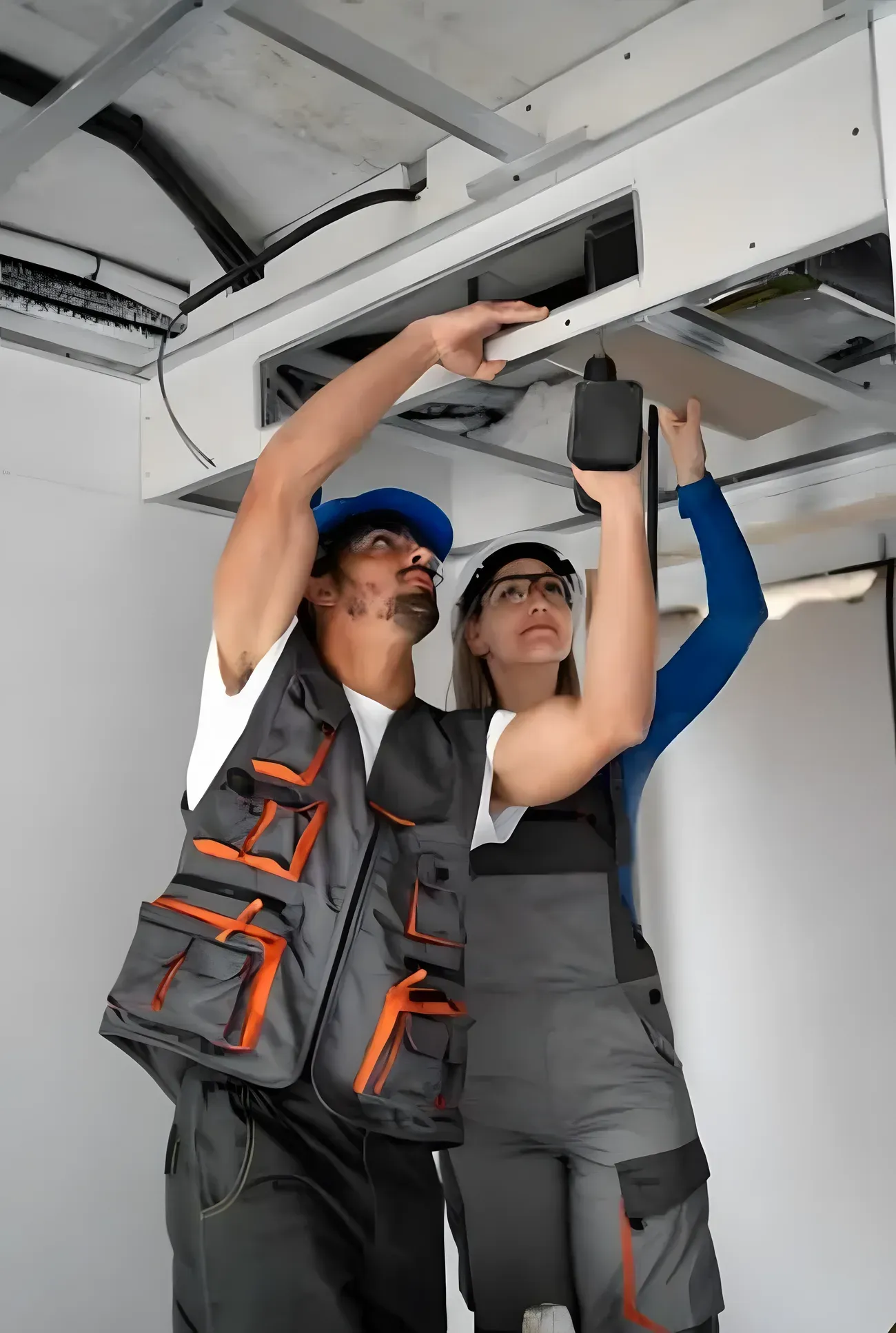
Technicians log faults, damage, and non-conformances, readings, and parts with photo proof.

Predictive alerts and AMC dates keep asset visits planned, not reactive.
Repair And work breaks down the moment evidence leaves the form. These are the problems Repair and Maintenance App is built to remove, and what the team gets back when it does.
Drag to compare a day before and after InspectWrk.
Faults, damage, and non-conformances on the asset are fixed, then reappear weeks later. Each repair and defect is treated as fresh because nobody sees it is the third time this quarter. The asset root cause is never addressed.
Where it breaks
What changes
There is no live view of repair and status across sites. The first sign that something failed on the asset is a client call or an incident, by which point the problem is already public.
Where it breaks
What changes
The maintenance schedule lives in a spreadsheet. A visit is marked done, but whether the technician actually serviced the asset or signed the sheet from the car park is anyone's guess.
Where it breaks
What changes
Everything your field team records during repair and maintenance, from photos and voice notes to sign-off, InspectWrk turns into a finished report automatically.
Your inspector takes a photo of any asset or defect. AI reads it and fills the inspection form automatically.
No typing. No manual entry.
Inspectors speak their observations in any language. AI transcribes and fills the form in real time.
Completely hands-free in the field.
The moment an inspection is submitted, AI summarises the findings and builds a branded PDF report and an Excel sheet for you.
No manual reporting. No copy-paste.
InspectWrk integrates with the tools your team already uses, including Zoho, Microsoft 365, and SAP.
No double entry.
Your operations team sees completion rates, open issues, and compliance scores across all sites in real time.
No chasing updates.
Hand-picked AI templates for every industry. Start with one and customize it for your workflow.
View All Checklists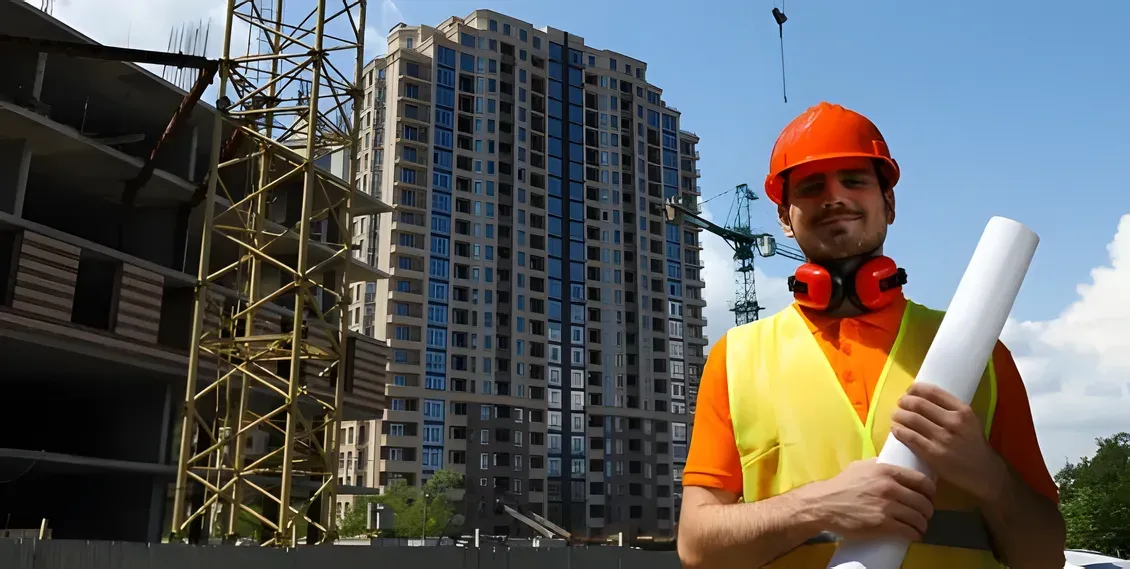
AI checklist and form
Room-by-room finishes, MEP, and defect checks before handover.
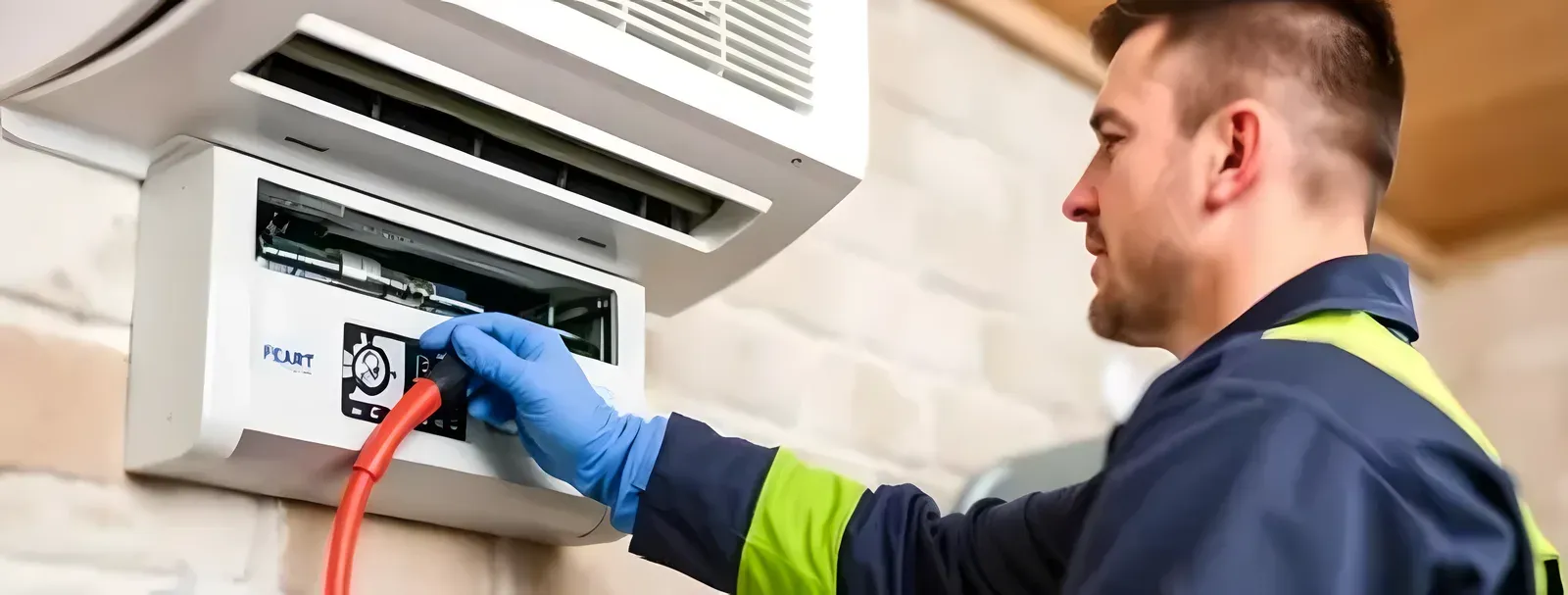
AI checklist and form
Filters, coils, drains, and controls checked on schedule with photos.

AI checklist and form
Safety and performance checks for infusion pumps and clinical devices.
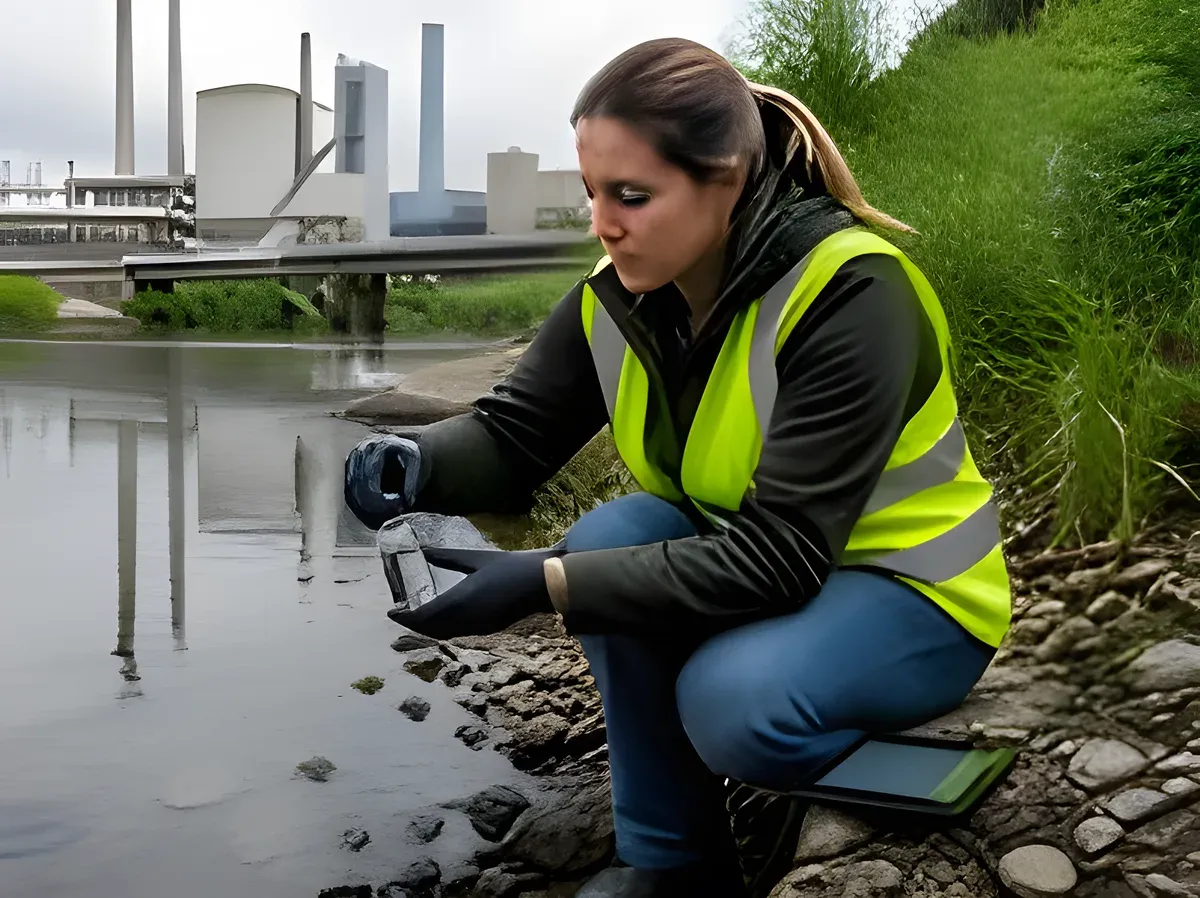
AI checklist and form
Site, sample, and readings logged in the field with GPS and photos.
Still unsure? See it on your own checklist in a 30-minute demo.
Book a Free DemoRepair and Maintenance App replaces the maintenance spreadsheet with asset-linked PPM schedules. Each asset carries a QR code; scanning it opens the service history and the checklist that is due. The technician runs the visit, logs defects such as faults, damage, and non-conformances with photos, and raises work orders that are tracked to verified closure. Geofenced submissions confirm the technician was actually on site, not signing the sheet from the car park. The dashboard surfaces AMC renewal dates before contracts lapse, and predictive maintenance alerts combine inspection history and failure frequency to flag assets likely to fail. Visits become planned work rather than a reaction to a breakdown.
InspectWrk captures every repair and maintenance record with timestamps, photo evidence, and structured fields aligned to the standards that apply to this inspection. Each round produces a digital trail per asset and per site, so when an auditor or authority asks for proof, your team produces it in seconds rather than days. Templates can be configured for the specific schedule and frequency required at each site, and dashboards surface upcoming statutory due dates and overdue rounds alongside operational data. The result is a single defensible record per round, not a folder of photos and a chat thread.
Yes. The Repair and Maintenance App is offline-first by design. Inspectors download their assigned rounds before going on site, then complete forms in basements, plant rooms, risers, and outdoor service yards without any network connection. Photos, voice notes, geotags, and form fields all save locally on the device. When the phone or tablet returns to coverage, submissions sync automatically in the background, with no action from the inspector. Sync is incremental and conflict-aware, and each submission shows a clear synced or pending indicator, so nothing is silently lost between the field and the office and large photo sets upload reliably over weak connections. Local validation flags incomplete sections before submission so nothing is missed. This matters in real FM environments where signal drops are routine in the very places that need the most evidence.
Every submission carries a timestamp, the inspector's identity, an optional geofenced location, and the full set of answers, photos, and voice notes attached to that round. Failed repair and maintenance items create issues with severity, owner, and verified closure photos. Reports generate automatically as branded PDFs with the site, the asset, and finding details. Because repair and maintenance evidence is captured at the point of work rather than written up afterwards, the chain from finding to verified fix stays intact and is hard to dispute later. When an auditor or client asks for proof of a repair and maintenance round, your team searches by site, asset, or date and produces a complete digital record in seconds. The same evidence supports ISO 41001 management system reviews and OSHA documentation requirements where relevant.
Every failed item can spawn a corrective action with a named owner, due date, severity, and photo proof requirement on closure. AMC vendors receive notifications, see their open actions in the app, and submit verified closure photos before the action closes. Dashboards show open and overdue actions per site, per vendor, and per audit cycle, so leadership can see whether issues are actually closing or just sitting in a backlog. Vendor performance scoring tracks closure speed and re-open rate over time, so FM operators can compare AMC partners objectively before assigning the next site.
Yes. A single InspectWrk instance covers every site in your portfolio. Each building has its own assets, templates, vendors, and rounds, but the head of facilities sees one live dashboard with completion rates, open issues, and risk score by site and floor. Configurable dashboards show which sites had problems and which rounds are overdue, and scheduled reports reach managers before the day starts, replacing the Monday morning task of manually compiling reports from spreadsheets and chat threads. New sites inherit your standard templates the moment they are added, so the portfolio scales without rebuilding the process for each location.
For the inspector, AI turns a repair and maintenance check into point, speak, and confirm. The camera photo is compared with the template's reference standard and deviations are flagged, voice capture records the observation without typing, and smart suggestions set a first-guess category and severity that the inspector confirms or overrides. Because capture happens at the asset rather than back at a desk, detail is not lost to memory, and because the fields are consistent, managers can trend the same issue across every site instead of reading a hundred differently worded notes.
Yes. Repair and Maintenance App tracks the AMC and PPM status of every asset and surfaces renewal dates before a contract quietly lapses, which is a common and expensive gap when schedules live in spreadsheets. Predictive maintenance alerts combine each asset's inspection history, service records, AMC dates, and defect frequency to estimate which assets are likely to fail and roughly when, with a risk score from low to critical. AMC vendor performance is scored on closure speed and re-open rate, so you can see which partners actually fix things. Maintenance shifts from reacting to breakdowns toward planned, evidence-led work, which is what keeps repair and maintenance assets available and costs predictable.
Explore other inspection and audit apps for facilities management teams.
Last updated: