01 / 05Photo to formVISION AI
Take a Photo. AI Fills the Form.
Your inspector takes a photo of any asset or defect. AI reads it and fills the inspection form automatically.
No typing. No manual entry.

Run and verify security patrols on any phone. InspectWrk lets guards scan QR or NFC checkpoints along assigned routes, record the time and location of every scan, log incidents with photos, and gives supervisors live visibility of every completed and missed checkpoint.
Template aligned to your site security procedures and assignment instructions, manned guarding service standards where they apply and client and operator security requirements.
Inspect basements, plant rooms and rooftops. Everything syncs when you are back online.
Attach photos and voice notes to every finding, right on the checklist item.
Every failed item becomes an action with an owner, severity and due date.
Sign off and a branded PDF, Excel or CSV report is generated and synced.

Guard Tour App is a security guard tour app that manages the whole patrol from the route to the report. A supervisor creates patrol routes, places checkpoints, and assigns guards and shifts. On patrol, the guard opens the tour on a phone and scans each checkpoint by QR code or, where supported, NFC tag, and the app records the time and location of every scan so the tour cannot be faked. It is a patrol-execution tool, not a generic security inspection app.
As a mobile guard patrol app it works offline and syncs when a signal returns, so basements, car parks, and remote sites stay covered. Guards report incidents with photos and notes as they go, missed or out-of-sequence checkpoints are flagged automatically, and every action is captured in a guard activity log. When the tour ends, the app builds a patrol report that a supervisor reviews, giving one verified record of guard tour tracking across sites and shifts.
A complete app covers the full patrol workflow: creating and managing patrol routes, assigning guards and shifts, scanning QR or NFC checkpoints in sequence, recording the time and location of each scan, flagging missed or incomplete checkpoints, capturing incidents with photo evidence, logging guard activity, and generating patrol reports for supervisor review. Offline operation with automatic sync keeps patrols recorded even where there is no signal.
A consistent routine keeps guard tour inspections reliable across every site. Follow these steps to run an effective inspection:
The app covers the security patrol from route to report: the checkpoints a guard must reach, the order and timing of the patrol, the incidents found along the way, and the evidence and activity that prove the tour was completed. Each patrol confirms which checkpoints were scanned, which were missed, and what was reported.
Standards and regulations that apply: your site security procedures and assignment instructions, manned guarding service standards where they apply, client and operator security requirements.

Build the guard tour template with objective pass-fail criteria and schedule it to mobile teams.

Inspectors run the inspection with photo evidence on each finding, such as faults, damage, and non-conformances, and failed items raise corrective actions.

Dashboards built on verified guard tour data reveal recurring patterns on the guard tour across every site.
Guard Tour work breaks down the moment evidence leaves the form. These are the problems Guard Tour App is built to remove, and what the team gets back when it does.
Drag to compare a day before and after InspectWrk.
Where it breaks
What changes
Where it breaks
What changes

Everything your field team records during guard tour, from photos and voice notes to sign-off, InspectWrk turns into a finished report automatically.
Your inspector takes a photo of any asset or defect. AI reads it and fills the inspection form automatically.
No typing. No manual entry.
Inspectors speak their observations in any language. AI transcribes and fills the form in real time.
Completely hands-free in the field.
The moment an inspection is submitted, AI summarises the findings and builds a branded PDF report and an Excel sheet for you.
No manual reporting. No copy-paste.
InspectWrk integrates with the tools your team already uses, including Zoho, Microsoft 365, and SAP.
No double entry.
Your operations team sees completion rates, open issues, and compliance scores across all sites in real time.
No chasing updates.
Hand-picked AI templates for every industry. Start with one and customize it for your workflow.
View All Checklists
AI checklist and form
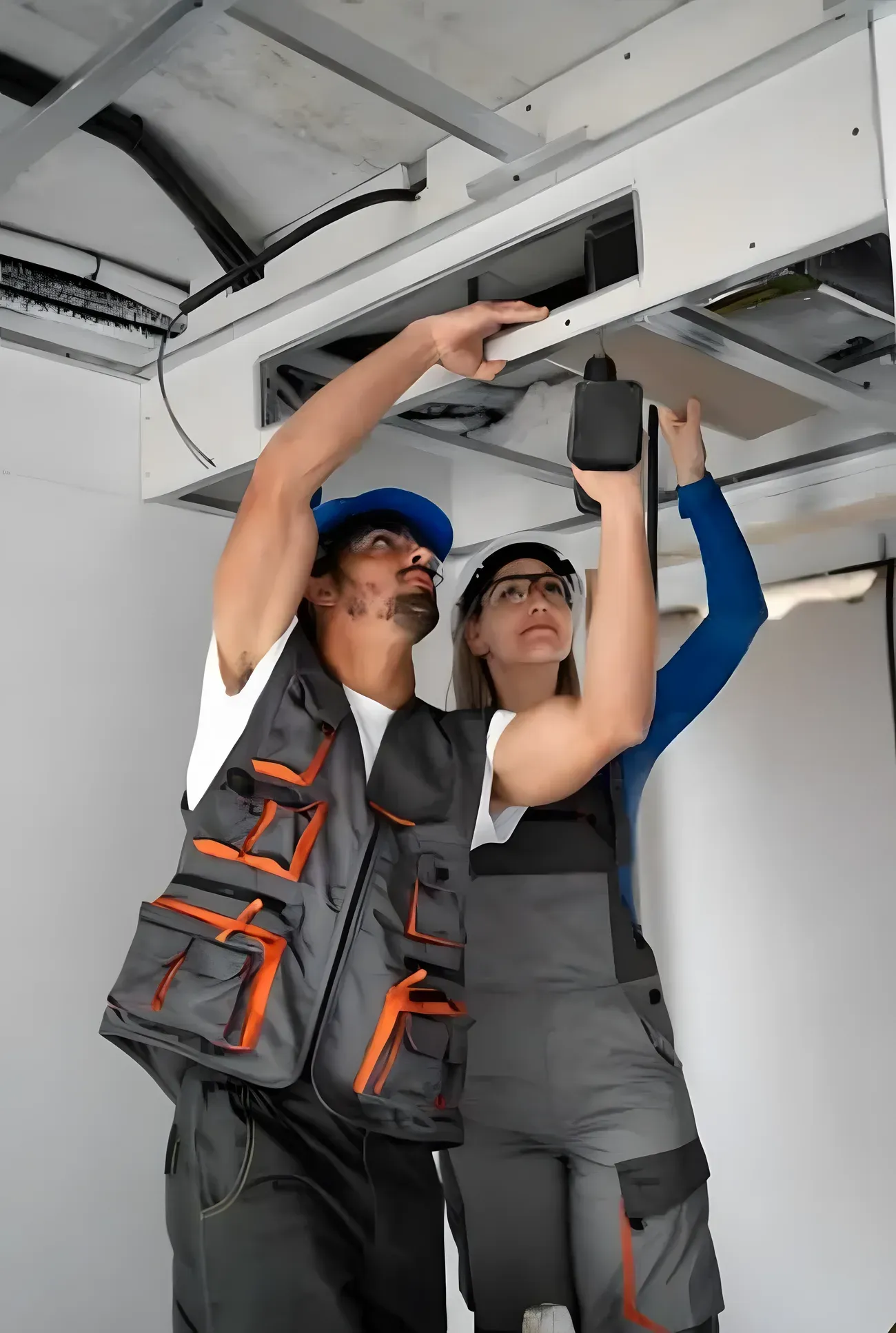
Room-by-room finishes, MEP, and defect checks before handover.
AI checklist and form
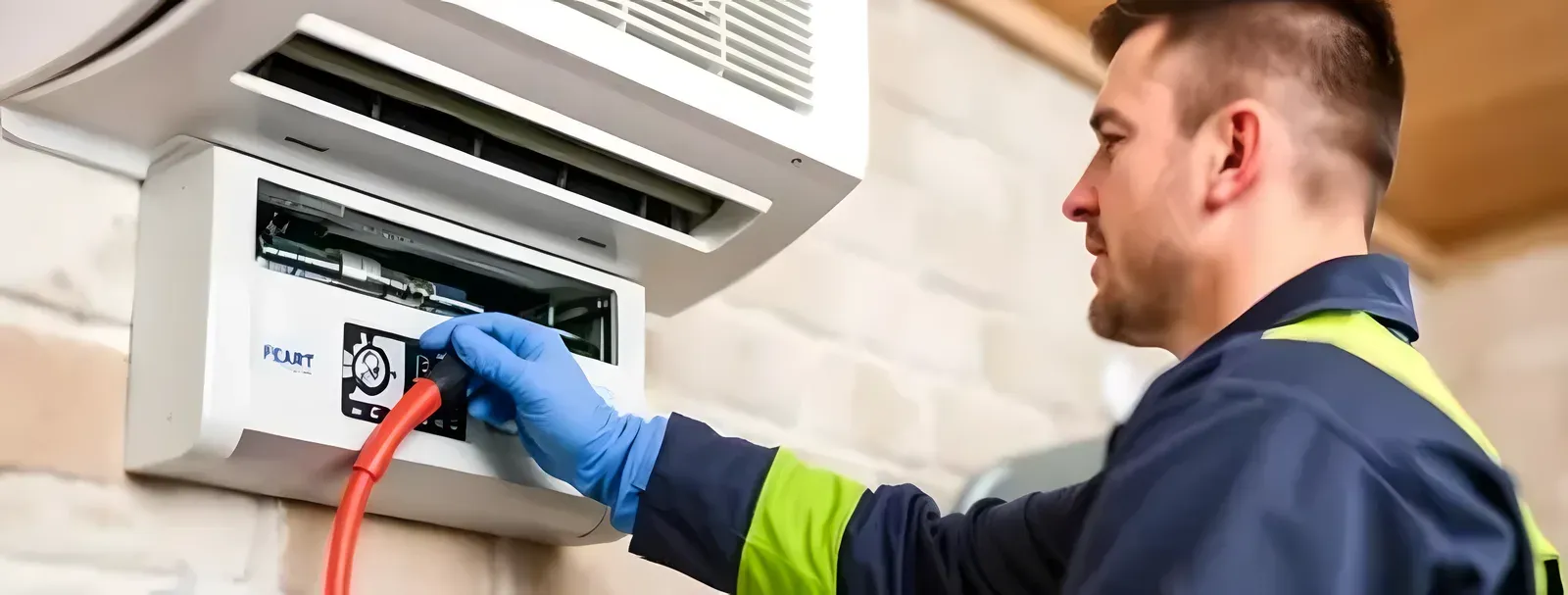
Filters, coils, drains, and controls checked on schedule with photos.

AI checklist and form
Safety and performance checks for infusion pumps and clinical devices.
AI checklist and form
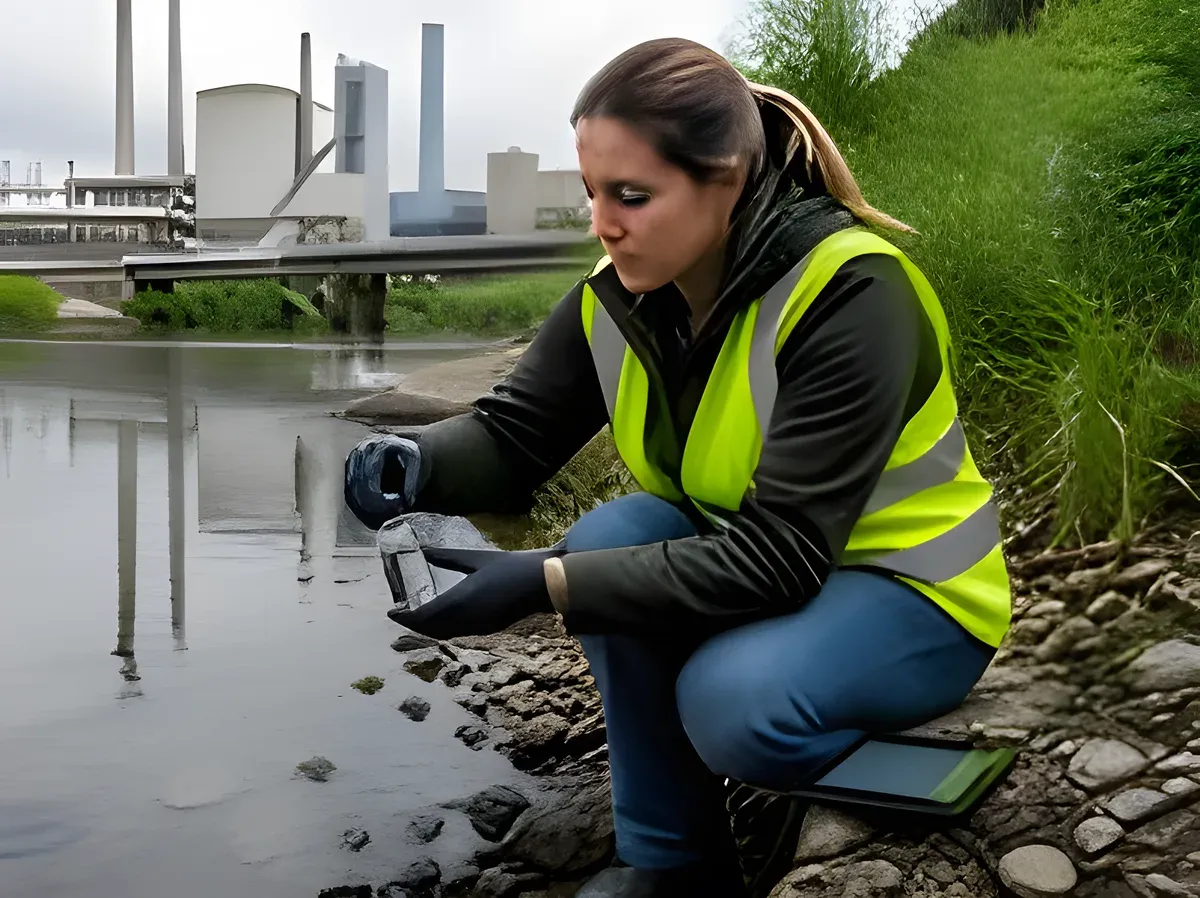
Site, sample, and readings logged in the field with GPS and photos.
Still unsure? See it on your own checklist in a 30-minute demo.
Book a Free DemoIt is mobile software that lets security guards carry out scheduled patrols and lets organizations record and verify that patrol activity. With InspectWrk, a supervisor builds patrol routes and assigns guards, and each guard scans QR or NFC checkpoints in order, with the time and location of every scan recorded. Guards log incidents with photos, missed checkpoints are flagged, and completed tours become patrol reports for supervisor review. It replaces paper tour sheets with a verified, timestamped record of who patrolled where and when across every site and shift.
Each checkpoint on a patrol route is a QR code or, where the device supports it, an NFC tag placed at the location the guard must reach. As the guard walks the route, they scan each checkpoint with the phone, and the app records which checkpoint was scanned, in what order, and the time and location of the scan. Scanning proves the guard was physically at the checkpoint, so the patrol cannot be completed from a desk. Checkpoints scanned out of order or missed entirely are flagged automatically for the supervisor to follow up.
Yes to both. Guards record incidents during the patrol, adding photos, notes and the location, and can escalate them to a supervisor immediately. The app also works offline: guards can scan checkpoints, log incidents and complete a tour with no signal, which matters in basements, car parks, stairwells and remote sites. Every scan, incident and activity entry is stored on the device and syncs automatically when connectivity returns, so no checkpoint or incident is lost to a dropped connection or a forgotten paper note.
When a tour ends, the app builds a patrol report from the checkpoint scans, incidents and guard activity log. Supervisors and the control room see which checkpoints were scanned, which were missed or out of sequence, the time and location of each scan, and any incidents with their evidence. Because every entry is timestamped and attributed to a guard, supervisors can verify that patrols were genuinely walked, follow up on missed checkpoints or open incidents, and keep a defensible record for the client, rather than relying on a signed paper sheet.
A security inspection app checks the condition of a site, such as whether gates are locked, cameras work and restricted areas are controlled. This app is about patrol execution: guards follow assigned routes, scan checkpoints in order, and the organization verifies the tour was completed. One assesses the site; the other proves guards physically patrolled it and records what they found. They complement each other, and keeping them separate matters because a tour needs the checkpoint scanning, sequence and timing that a general security inspection checklist is not designed to capture.
Explore other inspection and audit apps for professional services teams.
Last updated: