Take a Photo. AI Fills the Form
Your inspector takes a photo of any asset or defect. AI reads it and fills the inspection form automatically. No typing. No manual entry.

Convert your checklist into Mobile App
Browse by use case or industry, or see what other teams use most.
Book 30 minutes to discuss your challenges and see how InspectWrk digitizes operations with mobile apps, automated reporting, and real-time dashboards.
Use this pharma cleanroom environmental monitoring checklist to run checks on monitoring plan and locations, viable and non-viable particle monitoring, temperature, humidity, and pressure, sampling frequency and limits, data recording and trend review, and excursions and investigation, logging issues with photos and notes and assigning corrective actions before sign-off.

Customize with your logo and company details.
Available on App
Run inspections on iOS and Android - no internet required. Capture photos, annotate defects, and generate reports in the field.
Run the Pharma Cleanroom Environmental Monitoring Checklist on the InspectWrk app instead of paper. Inspectors capture photo evidence, work offline, and assign corrective actions on the spot, and the report generates itself the moment the inspection is signed off.

Pharma Cleanroom Environmental Monitoring Checklist
Pharma Cleanroom Environmental Monitoring Checklist Dashboard
Prioritized actions to keep operations running smoothly today.
Total Revenue
$42,680
+12% compared to last month
Active Projects
128
+8 new this week
Open Requests
56
-15 resolved this week
Operational Target
You're on track to meet this month's operational goal.
Target Task
200 ↑
Complete Task
136 ↑
Pending Task
10 ↓
Monthly Performance
Recent Client Activity
Everything your field team does on paper, InspectWrk does automatically: faster, more accurate, and without the admin.
Your inspector takes a photo of any asset or defect. AI reads it and fills the inspection form automatically. No typing. No manual entry.

Inspectors speak their observations in any language. AI transcribes and fills the form in real time. Completely hands-free in the field.

The moment an inspection is submitted, a branded PDF, Excel, or CSV report generates automatically. No manual work. No waiting.

InspectWrk integrates with the tools your team already uses, including Zoho, Microsoft 365, and SAP. No double entry.

Your operations team sees completion rates, open issues, and compliance scores across all sites in real time. No chasing updates.
Manage every checklist in one connected workspace, capture evidence on mobile at the point of work, and let AI turn field inputs into clear, stakeholder-ready reports in minutes.





See which checklists your team has in progress across every site, jump into the same inspection with one tap, and keep field, supervisor, and back-office views in sync without sending screenshots on WhatsApp.






Every team reports differently. Build the report your operations, quality, or compliance leads actually want to read, share it as a branded PDF, and schedule delivery to the stakeholders who need it.



See completion, pass rate, and recurring findings across every checklist and every site, without pulling spreadsheets together at the end of the month.
Hand-picked templates for your specific industry needs.
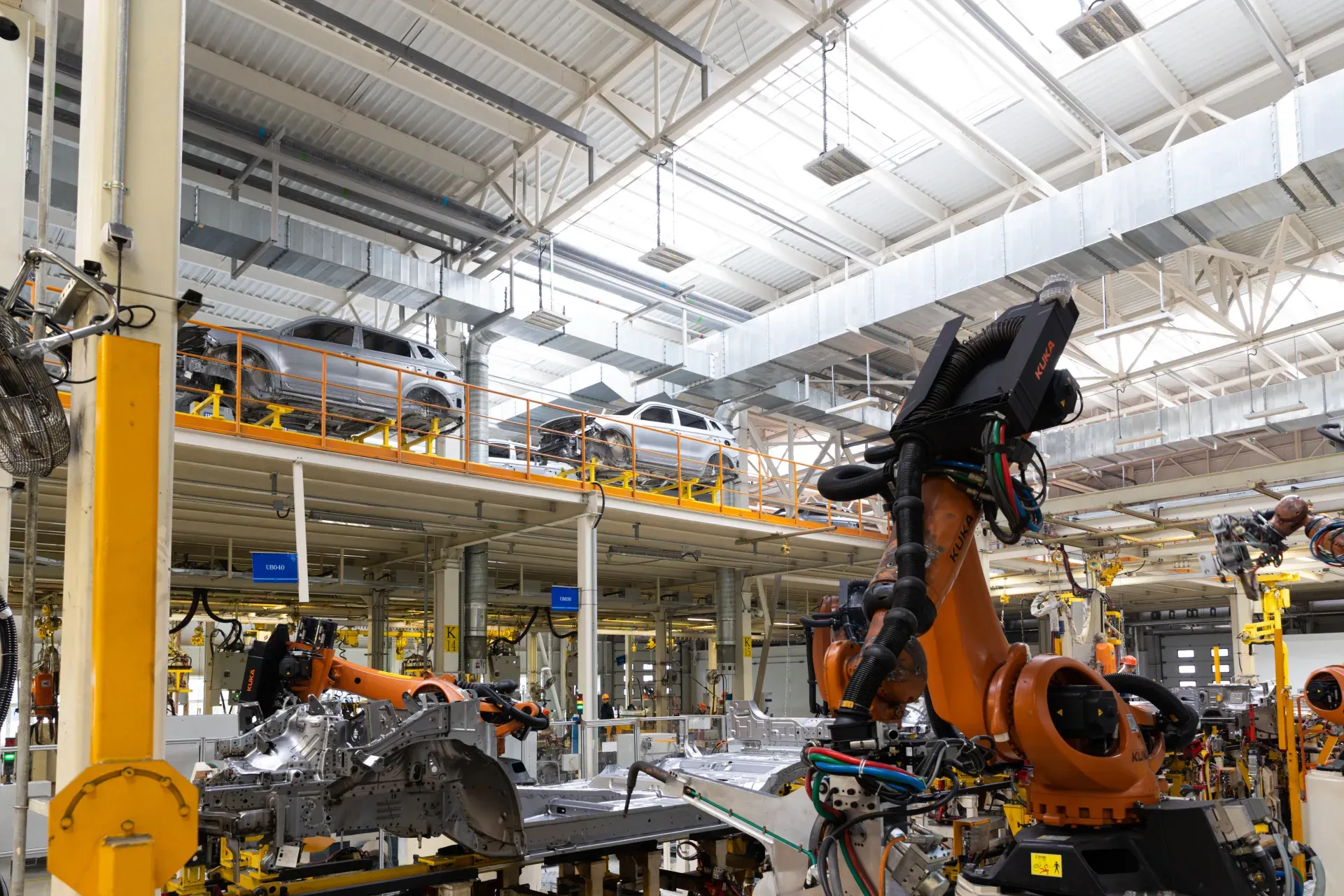
Industrial and warehouse punch list closeout.

Loading dock snagging: levelers, doors, lighting, and safety.
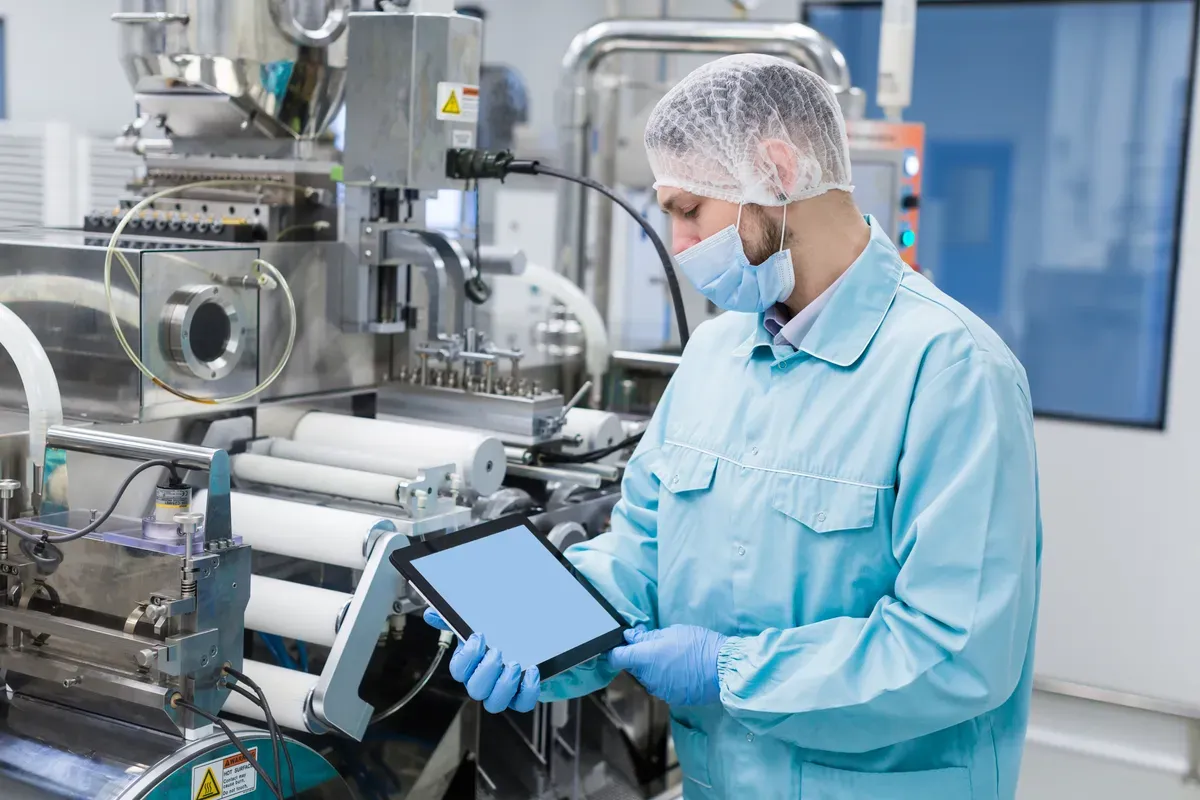
Racking installation snagging: alignment, bracing, and signage.
Document environmental monitoring on mobile, capture viable, non-viable, and condition data against your program limits, review trends, investigate excursions, and keep records audit-ready.
It is used to document and review the environmental monitoring program for a pharmaceutical cleanroom. Rather than cleanroom cleaning, it focuses on monitoring and the response to results: the monitoring plan and locations, viable and non-viable particle monitoring, temperature, humidity and pressure, sampling frequency and alert and action limits, data recording and trend review, excursions and investigation, and equipment calibration. It confirms the program is being followed and that monitoring results are reviewed and acted on.
A cleanroom cleaning or inspection checklist covers disinfection and the physical condition of the room. This checklist focuses on the environmental monitoring program: what is monitored, where, how often, against which limits, and how results and excursions are handled. Cleaning supports monitoring but is secondary here. The two are complementary, but this page owns monitoring and the response to monitoring data, not the cleaning routine or a general room inspection.
No. Cleanroom classifications, particle and microbial limits, and sampling frequencies depend on the facility, product, process, and applicable regulatory framework, so the checklist does not invent universal values. It works against your approved environmental monitoring program: it confirms monitoring follows the plan and that results are compared to the program's own limits. Always take the specific classifications, limits, and frequencies from your validated program and the applicable requirements.
It is usually run by QA and microbiology teams, with cleanroom operators taking samples and validation specialists supporting the program, overseen by a quality manager. One owner should confirm monitoring follows the plan, review trends, and make sure excursions are investigated. Recording who performed the monitoring, the results against the program limits, and the investigation of any excursions gives a complete, defensible record of the cleanroom's environmental control.

A pharma cleanroom environmental monitoring checklist is used to document and review the environmental monitoring program for a pharmaceutical cleanroom. Rather than cleanroom cleaning, it focuses on monitoring and the response to results: it covers the monitoring plan and locations, viable and non-viable particle monitoring, temperature, humidity and pressure, sampling frequency and alert and action limits, data recording and trend review, excursions and investigation, and equipment calibration. The limits, classifications, and frequencies depend on the applicable facility, product, and regulatory framework and should be taken from your approved program, not assumed.
A pharma cleanroom environmental monitoring checklist is a program documentation and review tool for a pharmaceutical cleanroom. It is not a cleaning or disinfection checklist; its focus is the environmental monitoring program and how monitoring results are handled. Working through the monitoring plan and locations, viable and non-viable particle monitoring, temperature, humidity and pressure where monitored, sampling frequency and alert and action limits, data recording and trend review, excursions and investigation, and equipment calibration and records, it confirms the program is being followed and results acted on. Crucially, the applicable classifications, limits, and sampling frequencies depend on the facility, product, process, and regulatory framework, so the checklist works against your approved program rather than inventing universal values.
Environmental monitoring fails quietly. Samples are missed or taken at the wrong locations, results are recorded but never trended, excursions are noted without a proper investigation, and monitoring equipment drifts out of calibration. By the time a problem is obvious, there is a gap in the data that is hard to explain to an auditor.
A structured review fixes that by confirming monitoring follows the plan, results are compared to the approved limits, trends and excursions are reviewed and investigated, and equipment and records are kept in order, so the cleanroom stays in control and the data holds up.
A well-run monitoring program keeps a cleanroom in control and the data defensible:
A complete environmental monitoring review works through the program and its data:
Confirm what is monitored and where:
Check conditions and compare to limits:
Respond to results and keep equipment ready:
Work through the monitoring review in order:
See how this checklist fits into Manufacturing inspection software.
This checklist runs as a mobile inspection app that works fully offline on site, with AI-powered defect detection on every photo. To see it on your own workflows, talk to our team.