

Take a Photo. AI Fills the Form
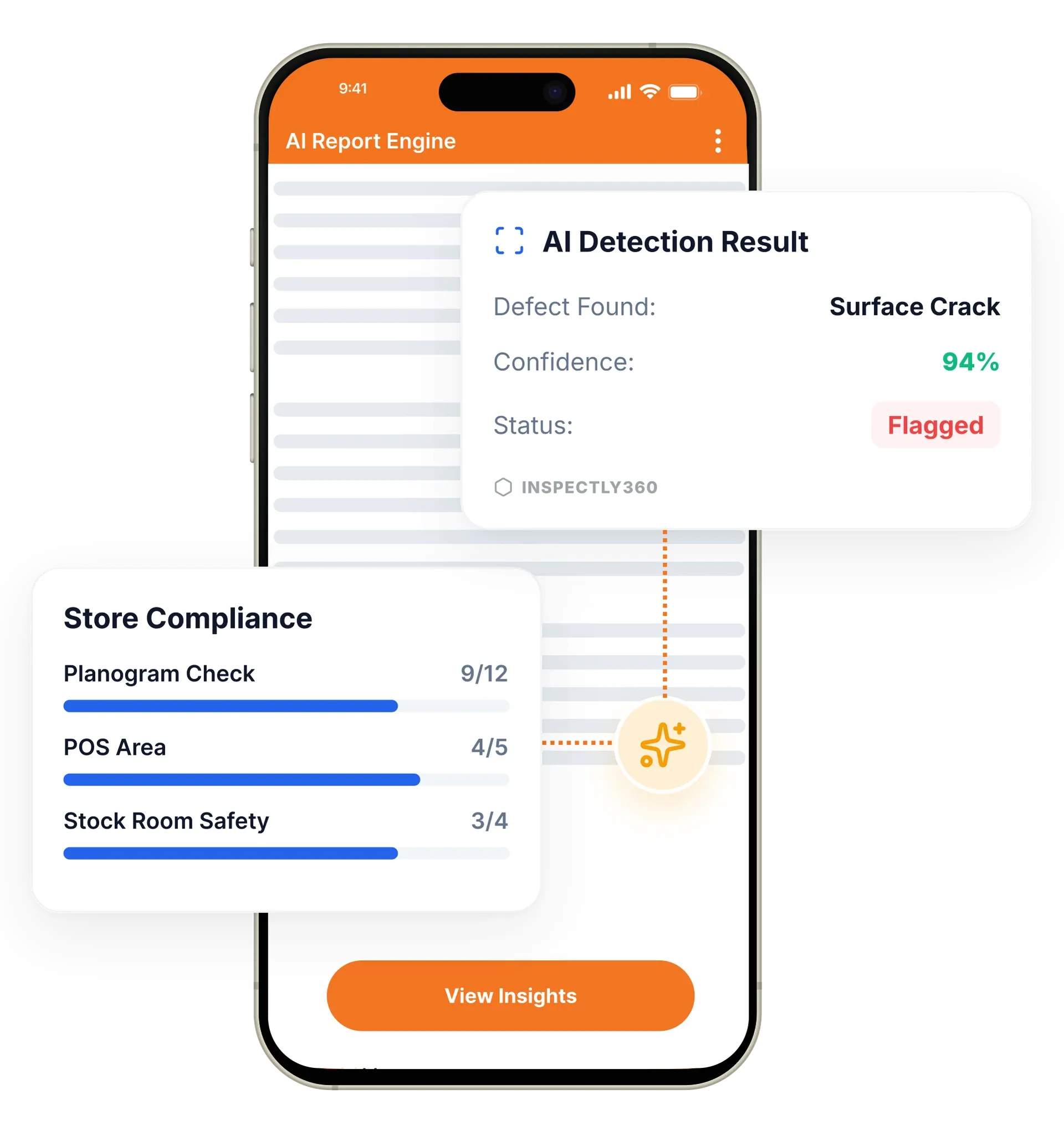
Your inspector takes a photo of any asset or defect. AI reads it and fills the inspection form automatically. No typing. No manual entry.

Native Android and iOS apps built for real field conditions. The InspectWrk mobile app is fast, rugged, and works even when connectivity does not, putting every inspection tool in your team's hand.

The InspectWrk mobile inspection app is a native Android and iOS app that field teams use to complete inspections on site. Inspectors run checklists, capture photos, dictate voice notes, and collect digital signatures from a phone or tablet. It replaces paper forms, WhatsApp photo threads, and the manual data entry that used to happen back at the office.
The InspectWrk mobile inspection app gives field teams one tool for every inspection, audit, and round. It runs as a native Android inspection app and an iOS audit app, and doubles as an offline inspection app when there is no signal. Inspectors complete checklists, capture and annotate photos, scan asset QR codes, and record voice notes on a phone or tablet, so field inspection mobile work no longer waits for the office. Every action is timestamped and GPS-stamped, so managers get a verified record instead of a paper form typed up later or lost between the site and the office.
Field inspections lived on paper forms, loose WhatsApp photo threads, and data entry that happened back at the office days later, if at all.
The outcome: The round closes on site instead of becoming evening data entry, and each submission reaches the live dashboard the moment the device has a signal, so managers see completed, overdue, and failed inspections in real time.
Purpose-built native apps for phones and tablets, with platform-specific patterns that field teams already know.
Instant photo capture with built-in markup. Annotate defects, add measurements, and tag severity directly on the photo.
Capture on-site sign-offs and approvals with digital signatures tied to the inspection record and timestamp.
Scan asset barcodes and QR codes to pull up maintenance history and load the right checklist automatically.
Dictate observations and corrective actions hands-free while keeping hands on the job and eyes on the asset.
Every inspection, photo, and note is tagged with GPS coordinates and time for a complete audit trail.

Field teams install the InspectWrk app from the App Store or Google Play and sign in with their work account. Assigned sites, checklists, and asset data download to the device.
The inspector taps an assigned inspection or scans an asset QR code. The right checklist loads automatically, ready to complete on site.
The inspector answers each item, takes photos, annotates defects, dictates voice notes, and collects signatures. Every entry is timestamped and GPS-stamped.
On submit, the inspection syncs to the live dashboard. If there is no signal, it stores locally and syncs automatically when connectivity returns.
Runs the daily site walk from a phone, scans an asset QR code to open the right checklist, and captures photos and on-screen signatures in place.
Follows guided checklists through building systems, scans QR codes on HVAC units to pull up service history, and logs conditions with voice notes.
Photographs product samples on the line, measures dimensions against specifications, and flags non-conformances without leaving the shopfloor.
Deploys the app across the device fleet through enterprise MDM and retires a lost handset with the tooling the team already runs.
The mobile app is the container every field capability runs inside. What inspectors record on it feeds the rest of the platform once the device has a connection.
Everything your field team does on paper, InspectWrk does automatically: faster, more accurate, and without the admin.
Your inspector takes a photo of any asset or defect. AI reads it and fills the inspection form automatically. No typing. No manual entry.

Inspectors speak their observations in any language. AI transcribes and fills the form in real time. Completely hands-free in the field.

The moment an inspection is submitted, a branded PDF, Excel, or CSV report generates automatically. No manual work. No waiting.

InspectWrk integrates with the tools your team already uses, including Zoho, Microsoft 365, and SAP. No double entry.

Your operations team sees completion rates, open issues, and compliance scores across all sites in real time. No chasing updates.
The manager starts the round with the checklist already on the phone, so there is no clipboard to carry and no printed form to collect afterwards. Scanning an asset QR code opens that asset's history and loads the correct checklist, which removes the step of hunting for the right template for a specific plant room or floor. The walk runs in the order the building is actually inspected rather than the order the paper was printed.
Capture happens in place. The integrated camera photographs a crack, a leak, or a blocked fire exit, and the markup tools circle the defect and tag its severity on the image itself. Voice notes cover anything faster to say than to type, which matters with gloves on or in poor light. A contractor or tenant signs on the screen at the end of the walk, and the signature attaches to that inspection record.
Every item, photo, and note is stamped with the time and GPS position as it is recorded. The round closes on site instead of becoming an evening of data entry, and the record reaches the dashboard as soon as the device has a signal. A failed item raises a corrective action against a named owner directly from the walk, so the fix is tracked from the moment it is found.
“InspectWrk transformed how we manage site safety inspections. The offline capability alone saved us countless hours. Our compliance rate jumped from 72% to 96% in just three months.”
 Sarah MitchellMeridian Construction Group
Last updated: