01 / 05Photo to formVISION AI
Take a Photo. AI Fills the Form.
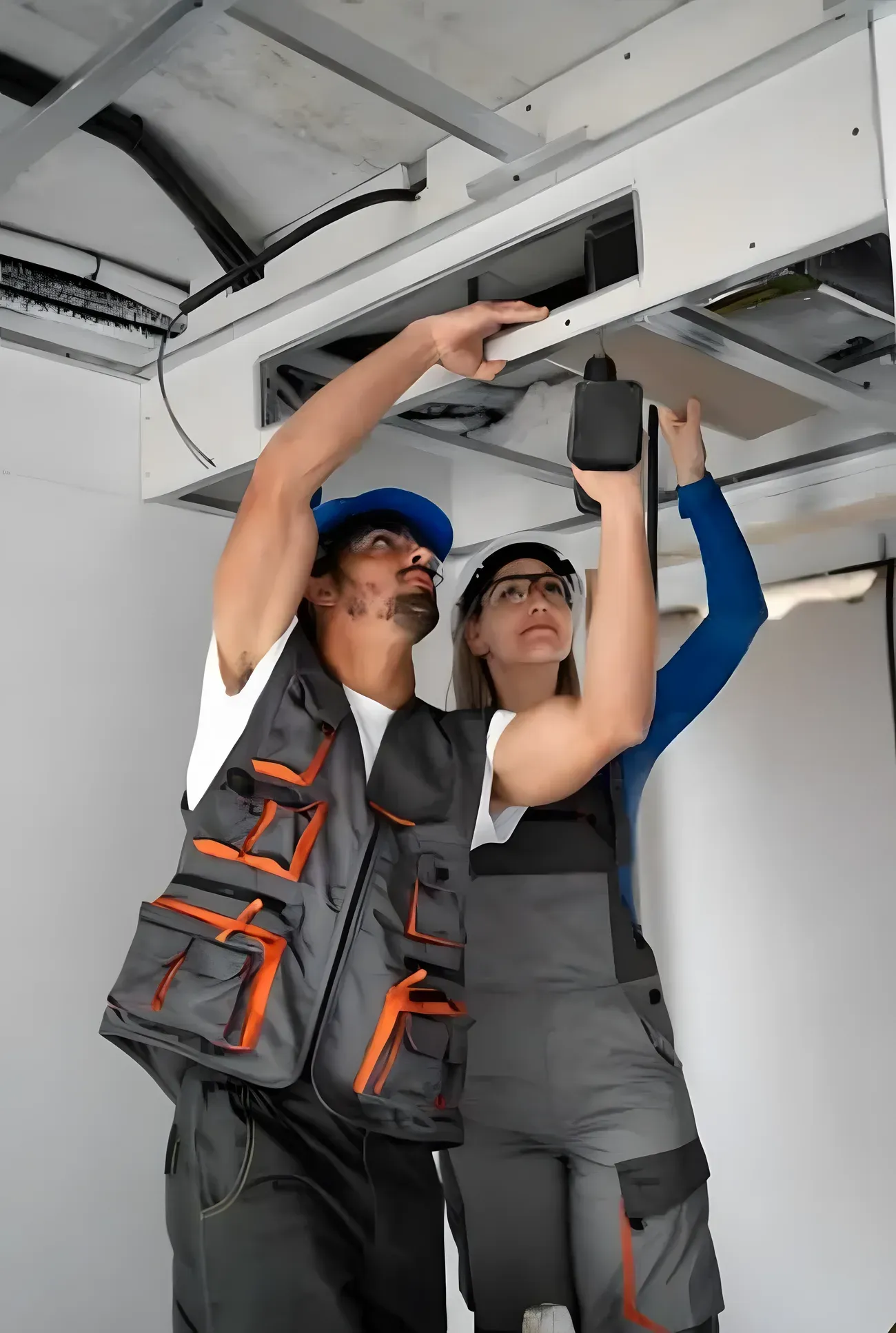
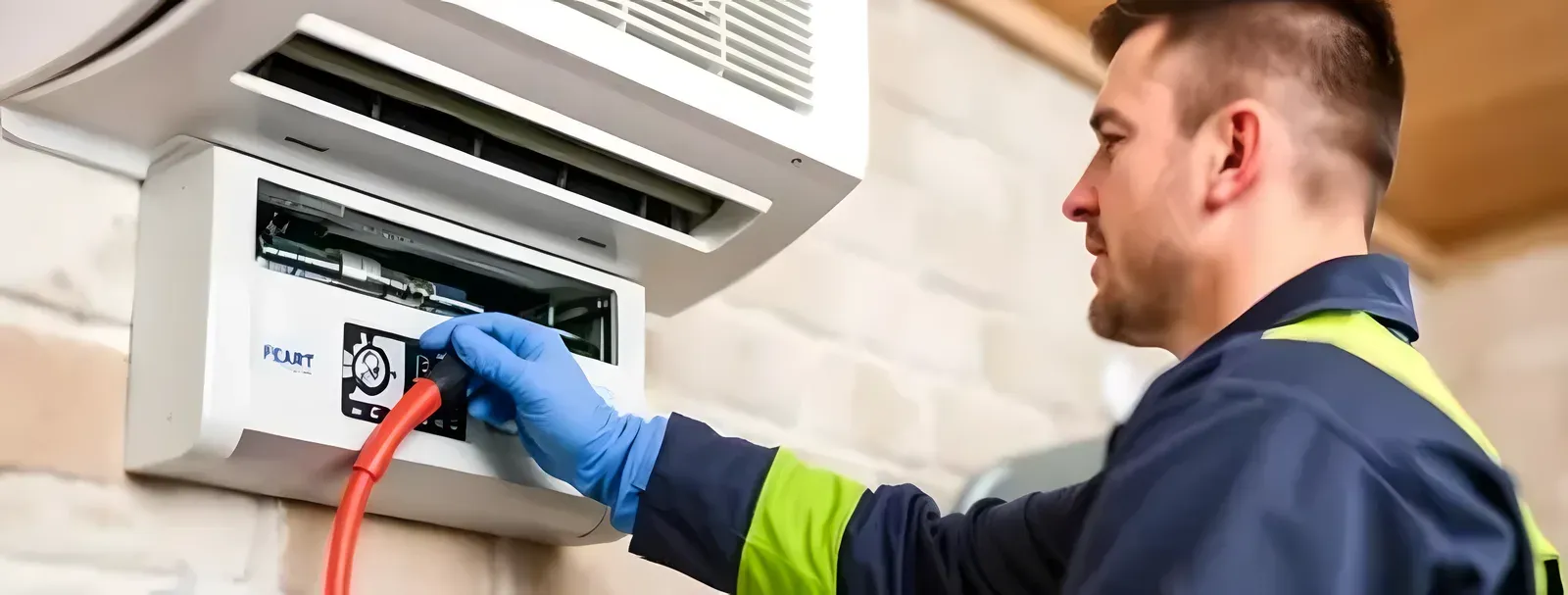
Your inspector takes a photo of any asset or defect. AI reads it and fills the inspection form automatically.
No typing. No manual entry.

Use this liquor license conditions checklist to run checks on licence details and premises, trading hours and conditions, responsible service and patrons, signage, security and staff, and records and review, recording pass, fail, or N/A and capturing a photo on anything that needs proof.
5 sections15 questions16 to 30 minutesFree
 Photo AddedPhoto AddedPhoto Added
5 sections · 15 questions · 16 to 30 minutes · Free
Confirm the licence details and that the premises match the licence.
Confirm the licence is displayed as required.
Confirm the approved areas and capacity.
Confirm trading hours match the licence conditions.
Confirm any specific operating conditions are met.
Check the activities permitted under the licence.
Confirm responsible service of alcohol practices are followed.
Confirm age and ID verification is applied.
Confirm the approach to intoxicated patrons.
Confirm required signage is displayed.
Confirm security arrangements where required.
Confirm staff requirements such as training or certification.
Confirm incident records are kept.
Review recordkeeping against the conditions.
Record corrective action and confirm a conditions review.
Three steps, about 16 to 30 minutes.
Section by section, one check at a time.
Tap Fail, add a photo, assign who fixes it.
The report is ready the moment you finish.
Paper for a one-off check. The app when every finding needs fixing.
Branded checklist
Customize with your logo and company details.
Quick answer
A liquor license conditions checklist reviews whether a licensed venue is operating within the conditions attached to its liquor or alcohol licence. It covers licence details and approved premises, trading hours, responsible service, age and ID verification, required signage, incident records, security, licence display, and recordkeeping. Because licensing conditions are set by the licence and the jurisdiction, the checklist confirms operations against the specific conditions that apply to the venue rather than a universal set of rules.
A liquor license conditions checklist is used to review whether a licensed hospitality venue is operating in line with the conditions on its liquor or alcohol licence. Every licence carries specific conditions, and a breach can put the licence, and the business, at risk. The checklist gives managers a structured way to confirm the venue is meeting those conditions and to catch gaps before an inspection or an incident.
Working through licence details and approved premises, trading hours and operating conditions, responsible service and patrons, signage, security and staff, and records and review, the checklist confirms operations against the venue's own licence. Because licensing law and conditions vary by jurisdiction and by licence, it records the conditions that apply to your venue rather than assuming a universal set of requirements.
Licence conditions are easy to lose track of. Trading hours creep, required signage goes missing, a new manager is unaware of a specific condition, and responsible-service practices slip on a busy night. No one notices until an inspection or an incident, and by then a breach can threaten the licence.
A liquor license conditions checklist fixes that by giving managers a structured review against the venue's own licence, so conditions are checked regularly, gaps are caught early, and there is a record that the review was done, without pretending one set of rules applies everywhere.
Operating within licence conditions protects the licence and the business:
A complete review runs from the licence to the records:
Confirm the basics:
Confirm how the venue operates:
Confirm the controls:
Confirm the evidence:
Review the venue against its own licence conditions:
See how this checklist fits into Hospitality, Leisure & Wellness inspection software.
This checklist runs as a mobile inspection app that works fully offline on site, with AI-powered defect detection on every photo. To see it on your own workflows, talk to our team.
Submit an inspection and AI writes the PDF report and Excel sheet for you. No admin, no waiting.
Your inspector takes a photo of any asset or defect. AI reads it and fills the inspection form automatically.
No typing. No manual entry.
Inspectors speak their observations in any language. AI transcribes and fills the form in real time.
Completely hands-free in the field.
The moment an inspection is submitted, AI summarises the findings and builds a branded PDF report and an Excel sheet for you.
No manual reporting. No copy-paste.
InspectWrk integrates with the tools your team already uses, including Zoho, Microsoft 365, and SAP.
No double entry.
Your operations team sees completion rates, open issues, and compliance scores across all sites in real time.
No chasing updates.
See which checklists your team has in progress across every site, jump into the same inspection with one tap, and keep field, supervisor, and back-office views in sync without sending screenshots on WhatsApp.
Every team reports differently. Build the report your operations, quality, or compliance leads actually want to read, share it as a branded PDF, and schedule delivery to the stakeholders who need it.
See completion, pass rate, and recurring findings across every checklist and every site, without pulling spreadsheets together at the end of the month.
See this checklist running on your own sites in a 30-minute demo.
Book a Free DemoIt reviews whether a licensed venue is operating within the conditions attached to its liquor or alcohol licence. It covers licence details and approved premises, trading hours, responsible service, age and ID verification, required signage, incident records, security, licence display, and recordkeeping. Because conditions are set by the licence and the jurisdiction, it confirms operations against the specific conditions that apply to the venue rather than a universal set of rules. It gives managers a structured way to catch breaches before an inspection or an incident.
No. Liquor and alcohol licensing is jurisdiction-specific, and conditions vary from one licence to another even within the same area. Trading hours, responsible-service requirements, signage, security, and staff requirements all depend on the licence and the local law. This checklist does not set universal requirements; it gives a structure to review the venue against its own licence conditions. Confirm the exact conditions and obligations with your licence and the applicable licensing authority, and record those specifics as you review.
Many venues review conditions on a regular schedule and again whenever something changes: a new licence condition, a change of manager, new staff, or a change to trading. Regular review keeps conditions front of mind on busy nights, when practices are most likely to slip. The checklist gives each review a consistent structure and a record; how often you review, and any mandatory review points, depend on your operation and the applicable licensing requirements.
The checklist records the gap and prompts corrective action, so a breach is addressed rather than ignored. Depending on the condition, that might mean correcting signage, adjusting trading practices, retraining staff on responsible service, or tightening records. Recording it also builds a history of issues and fixes. Because a breach can affect the licence, serious or recurring issues should be escalated to management and handled according to your obligations under the applicable licence and licensing authority.
In InspectWrk, the review runs as a structured check on a phone against the venue's licence conditions, covering premises, hours, responsible service, signage, security, and records. Gaps are logged with corrective action and owners, and the review is timestamped and stored. That gives licensees and managers a record that conditions were reviewed, a history of issues and fixes, and something to show an inspector, while keeping the specific conditions tied to the venue's own licence and jurisdiction rather than a generic list.
Run the Digital Checklists Template on the InspectWrk app to capture photo evidence per finding and generate audit-ready reports.
Looking at FSSAI kitchen audit software.

Give your Hospitality, Leisure & Wellness team a repeatable process for hospitality inspection software.

A mobile-ready inspection template for hospitality teams focused on hotel inspection software.