

Take a Photo. AI Fills the Form
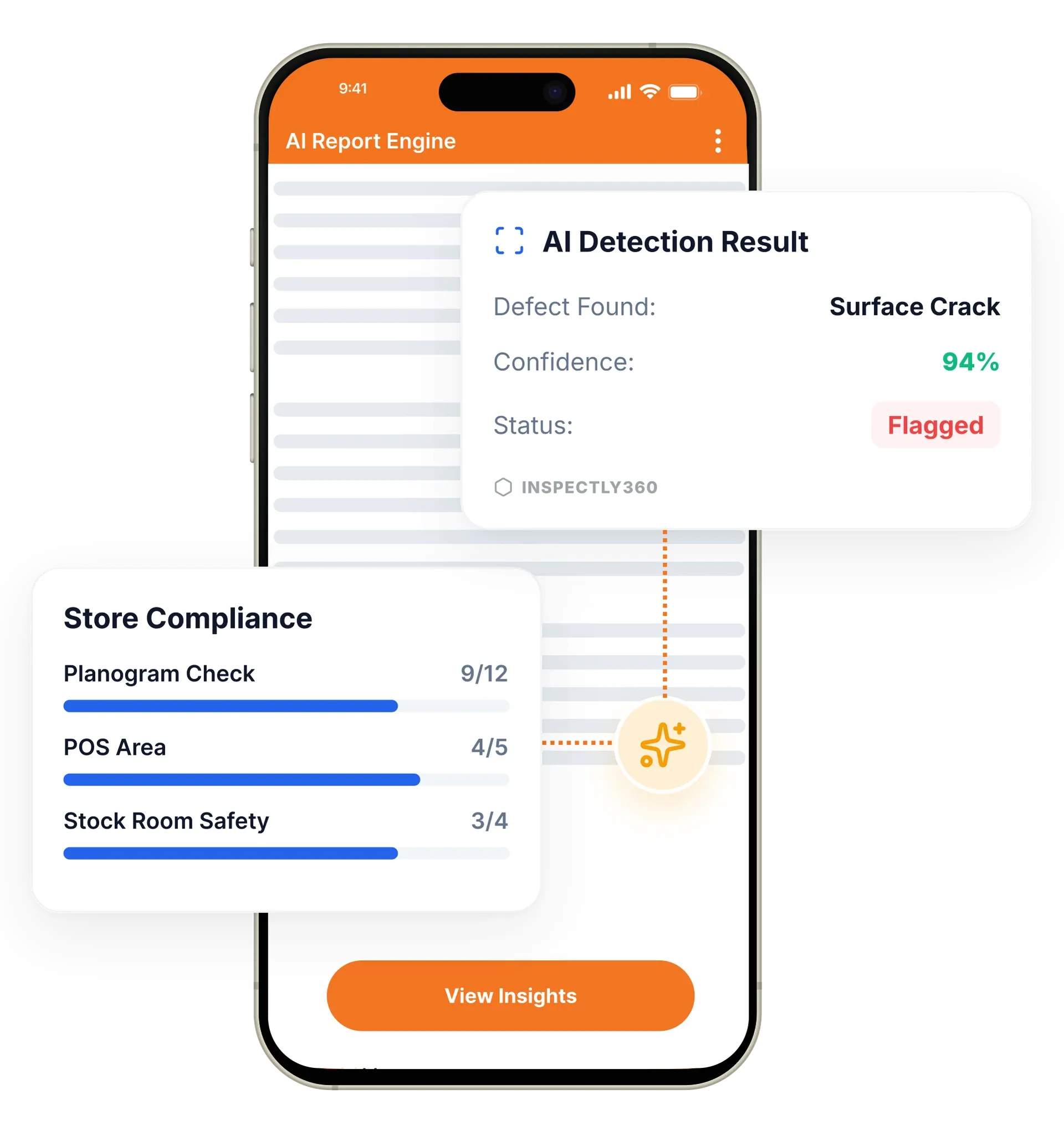
Your inspector takes a photo of any asset or defect. AI reads it and fills the inspection form automatically. No typing. No manual entry.

InspectWrk offers a versatile electronic forms app and software designed for any industry, so teams can run inspections and audits, manage quality and safety checks, and move from manual forms to efficient digital workflows.
Electronic forms in InspectWrk are inspection and audit forms completed on a phone or tablet instead of paper. They carry required fields, conditional logic, scoring, photo capture, and digital signatures. They replace paper checklists, Excel re-entry, and scanned PDFs with a single digital record that reaches managers the moment it is submitted.
Electronic forms in InspectWrk replace paper inspection sheets with structured digital forms field teams complete on a phone or tablet. Required fields, conditional logic, and validation stop inspectors from skipping critical items or submitting inconsistent data. Photos and signatures attach to the exact step that needs proof. Because the data is digital from the first tap, nothing is re-typed into a spreadsheet later. Submitted forms reach managers instantly and turn into dashboards and reports, so multi-site teams capture data the same way everywhere and leadership sees results without chasing anyone.
Use consistent question types, required responses, and validation to eliminate missing or inconsistent data.
Attach photos to the exact step that requires proof for clearer review and fewer disputes.
Capture digital signatures and sign-offs to close the loop and maintain accountability across teams.
Complete forms without connectivity and sync automatically when back online.
Route completed forms and exception alerts to the right stakeholders.
Turn submissions into dashboards and repeatable reporting for management visibility.

Recreate the inspection forms your industry and regulations require, with required fields, conditional logic, scoring, and photo prompts. Send InspectWrk your paper forms and the team configures them for you at no extra cost.
Inspectors work through structured questions on any iOS or Android device, capture photos and notes against each item, and add a digital signature. The form works fully offline.
Completed forms upload the moment a signal returns. Exception alerts and finished forms route to the right managers and stakeholders without anyone re-keying data.
Every submission feeds branded reports and live dashboards, so managers see results across all sites and track recurring issues over time.
Create, manage, and report inspections with flexible digital checklists.
Replace paper forms and Excel templates with a drag-and-drop builder. Add photos, e-signatures, geo-location, and conditional logic without writing code.
Plan inspections by site, role, and frequency. Notifications fire when something is overdue. Corrective actions raised mid-form route to the right person automatically.
Every submission generates a branded report with photos, scores, and time-stamps. Trends, recurring issues, and overdue actions surface across sites without manual work.
Teams complete daily checks with required fields, photos for exceptions, and automated distribution to managers.
Supervisors run walkthroughs with standardized sections and consistent scoring to compare performance across locations.
Generate consistent, professional form outputs with evidence attached for stakeholder sign-off and archiving.
Everything your field team does on paper, InspectWrk does automatically: faster, more accurate, and without the admin.
Your inspector takes a photo of any asset or defect. AI reads it and fills the inspection form automatically. No typing. No manual entry.

Inspectors speak their observations in any language. AI transcribes and fills the form in real time. Completely hands-free in the field.

The moment an inspection is submitted, a branded PDF, Excel, or CSV report generates automatically. No manual work. No waiting.

InspectWrk integrates with the tools your team already uses, including Zoho, Microsoft 365, and SAP. No double entry.

Your operations team sees completion rates, open issues, and compliance scores across all sites in real time. No chasing updates.
The starting point is the form the team already uses, because it usually encodes something the regulation or the client requires. The form is recreated with the same questions, then given the things paper could not enforce: required fields, conditional logic, scoring, and photo prompts on the steps that need proof. Teams that would rather not do this themselves can send their paper forms to InspectWrk and have them configured at no extra cost.
In the field, the inspector works through structured questions on an iOS or Android device, captures photos and notes against individual items, and adds a digital signature at the end. The form works fully offline, so a walkthrough in a plant room or a basement runs the same way as one in an office. Nothing waits on a signal.
The change the supervisor notices is at the other end. Submissions upload the moment a signal returns and route to the right managers automatically, so nobody re-types a folder of paper into Excel days later. A skipped critical item is prevented at capture by a required field rather than discovered weeks afterwards when an auditor asks for the record.
“Rolling out digital checklists across multiple projects gave us instant visibility into recurring safety issues. We now resolve critical findings in hours instead of days.”
 Olivia CarterNorthbridge Infrastructure
Last updated: