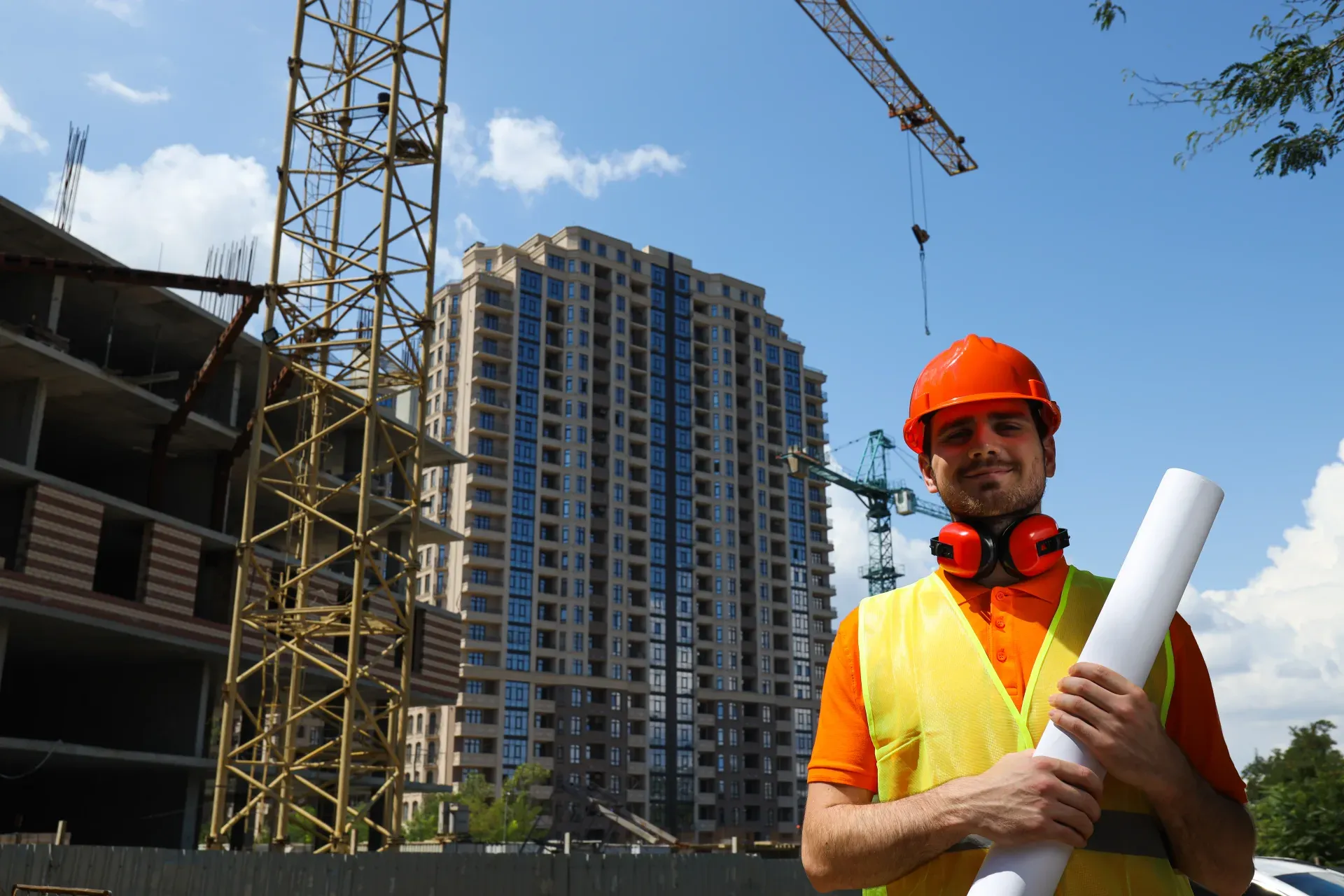
Take a Photo. AI Fills the Form
Your inspector takes a photo of any asset or defect. AI reads it and fills the inspection form automatically. No typing. No manual entry.

Use this construction hazard identification and risk assessment to run checks on register scope and ownership, activities by phase, hazard identification, risk ranking, controls and linked documents, and owners and open actions, recording pass, fail, or N/A and capturing a photo on anything that needs proof.

Customize with your logo and company details.
Available on App
Run inspections on iOS and Android - no internet required. Capture photos, annotate defects, and generate reports in the field.
Run the Construction Hazard Identification and Risk Assessment on the InspectWrk app instead of paper. Inspectors capture photo evidence, work offline, and assign corrective actions on the spot, and the report generates itself the moment the inspection is signed off.

Construction Hazard Identification and Risk Assessment
Construction Hazard Identification and Risk Assessment Dashboard
Prioritized actions to keep operations running smoothly today.
Total Revenue
$42,680
+12% compared to last month
Active Projects
128
+8 new this week
Open Requests
56
-15 resolved this week
Operational Target
You're on track to meet this month's operational goal.
Target Task
200 ↑
Complete Task
136 ↑
Pending Task
10 ↓
Monthly Performance
Recent Client Activity
Everything your field team does on paper, InspectWrk does automatically: faster, more accurate, and without the admin.
Your inspector takes a photo of any asset or defect. AI reads it and fills the inspection form automatically. No typing. No manual entry.

Inspectors speak their observations in any language. AI transcribes and fills the form in real time. Completely hands-free in the field.

The moment an inspection is submitted, a branded PDF, Excel, or CSV report generates automatically. No manual work. No waiting.

InspectWrk integrates with the tools your team already uses, including Zoho, Microsoft 365, and SAP. No double entry.

Your operations team sees completion rates, open issues, and compliance scores across all sites in real time. No chasing updates.
Manage every checklist in one connected workspace, capture evidence on mobile at the point of work, and let AI turn field inputs into clear, stakeholder-ready reports in minutes.





See which checklists your team has in progress across every site, jump into the same inspection with one tap, and keep field, supervisor, and back-office views in sync without sending screenshots on WhatsApp.






Every team reports differently. Build the report your operations, quality, or compliance leads actually want to read, share it as a branded PDF, and schedule delivery to the stakeholders who need it.



See completion, pass rate, and recurring findings across every checklist and every site, without pulling spreadsheets together at the end of the month.
Hand-picked templates for your specific industry needs.
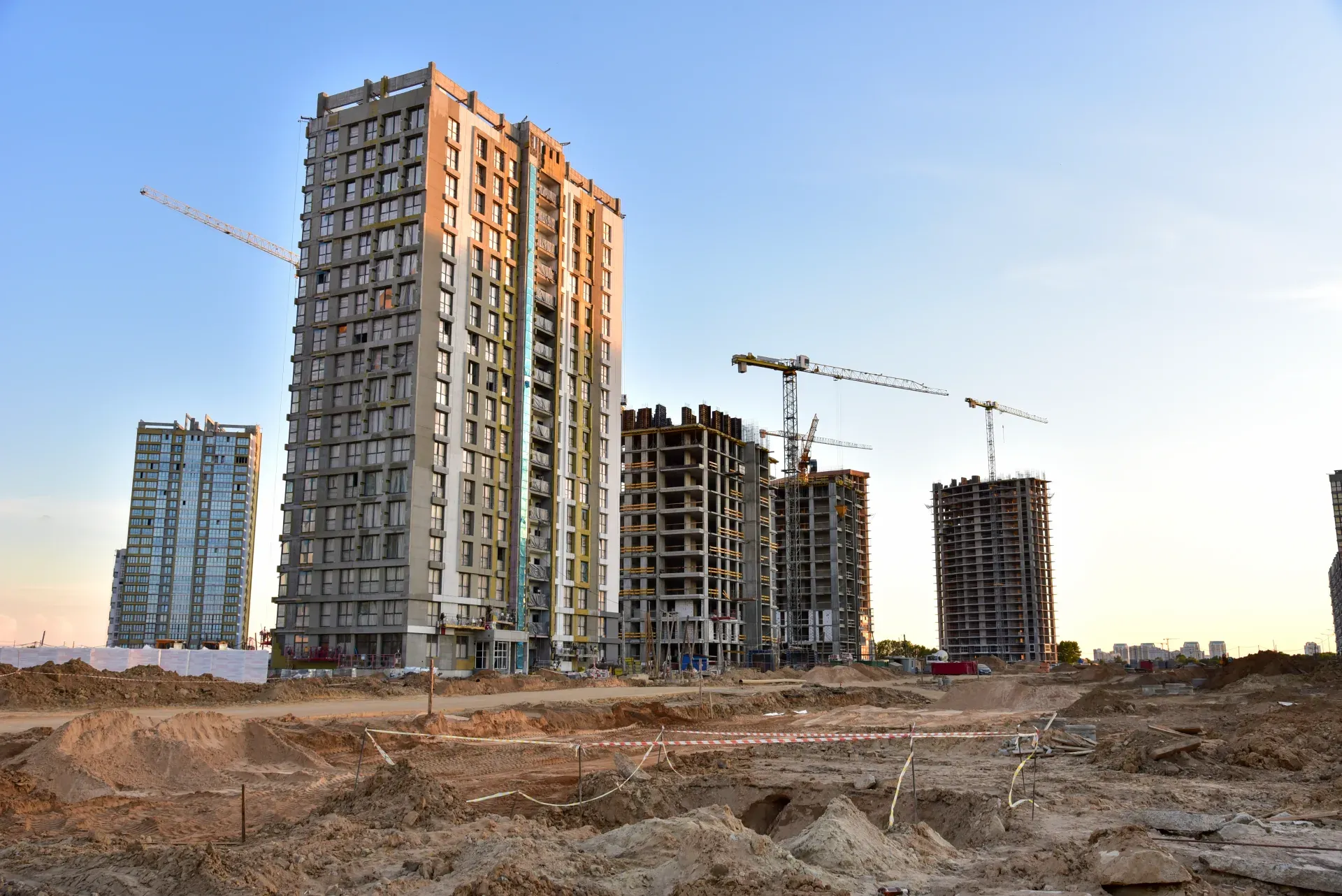
Catch defects before handover and generate punch list reports in minutes.
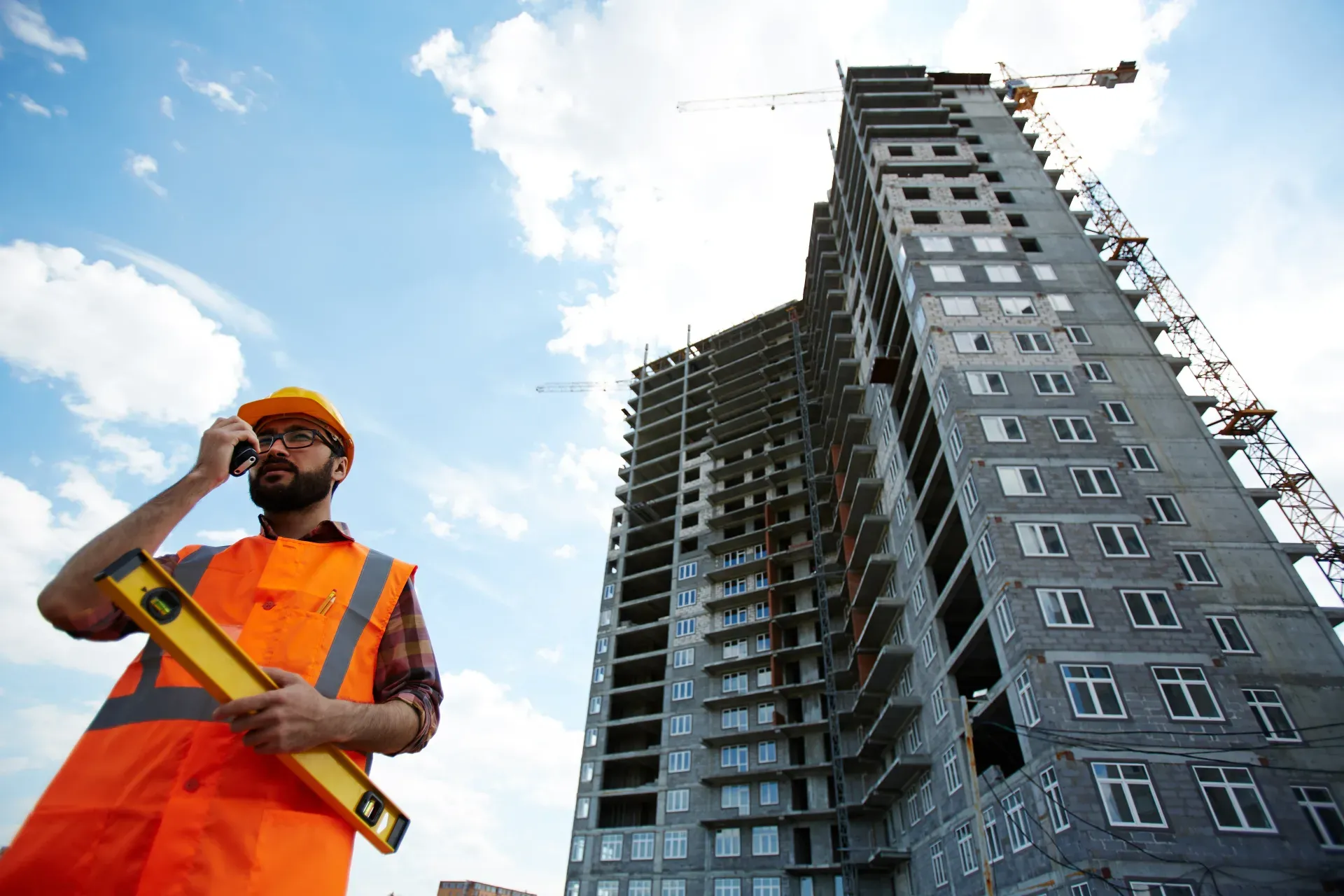
Kitchen snagging: cabinets, worktops, appliances, tiling, plumbing, and electrical checks.
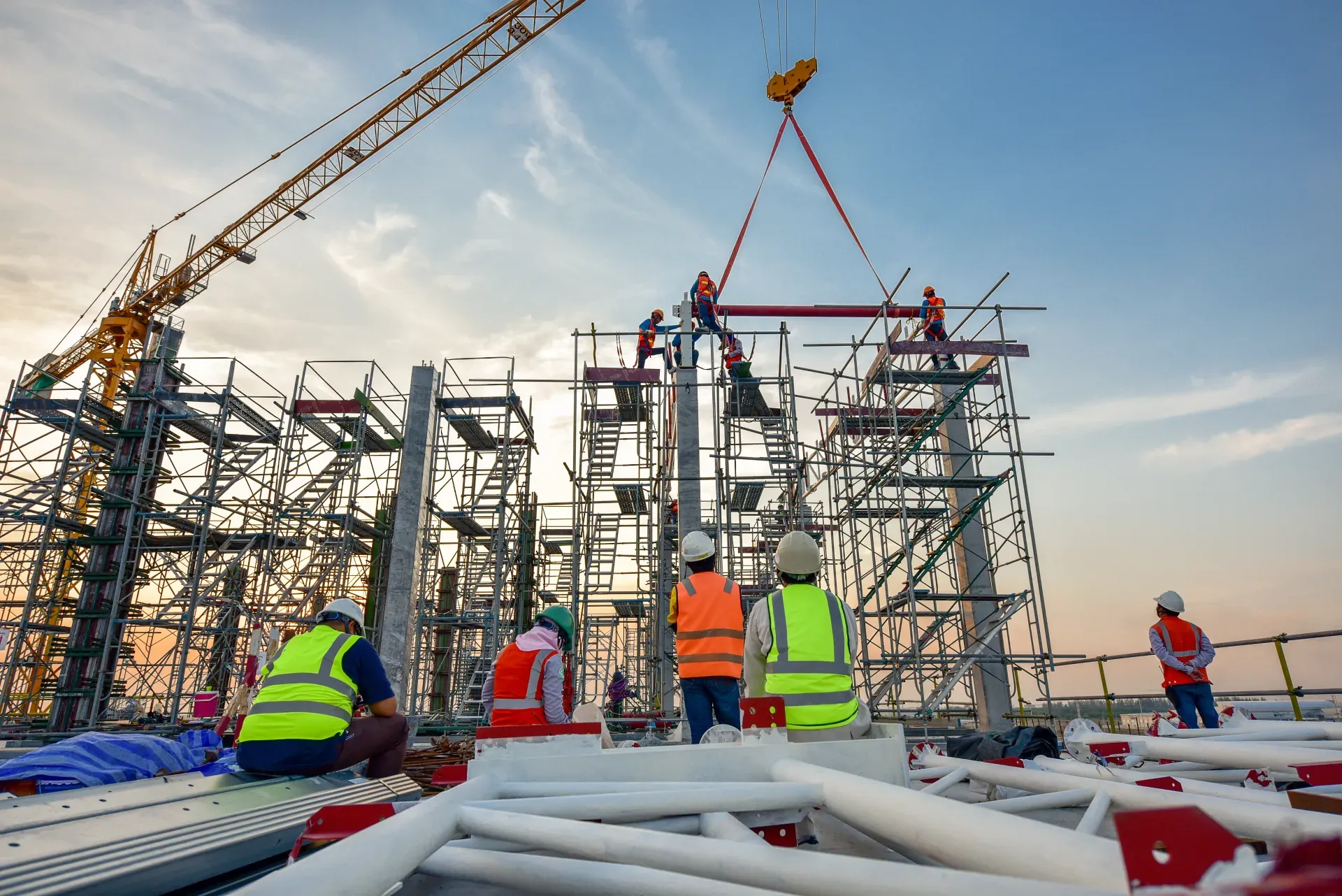
Bathroom snagging: tiling, sanitaryware, plumbing, ventilation, and finish quality.
A construction HIRA, or hazard identification and risk assessment, is used to keep one project-level register of the significant hazards on a job. It lists activities by phase, identifies the hazards each creates, ranks them with your risk matrix, and records the key controls, owners, and open actions. High-risk activities are linked to their detailed risk assessments, method statements, and permits, and the register is updated from site findings and reviewed at each phase change. It gives the project team a single ranked list to plan safety work from.
A construction risk assessment form assesses one work package in detail before it starts. A HIRA register sits above those assessments and gives a ranked view of hazards across the whole project and all its phases. The register shows which activities carry the highest risk and points to the detailed assessment for each one. The two work together: the register decides where detailed assessment is needed, and the form records that assessment. A high-ranked hazard with no detailed assessment linked is a gap to close.
Use several sources rather than one. Walk the site, review the drawings and programme, read the method statements for each activity, and look at incident and near-miss history from similar work. Ask the workers and trade supervisors, who often see hazards the plan misses. Record the source for each hazard and include hazards from the surroundings, such as live services and adjacent buildings, and from interfaces where one trade's work affects another. Revisit identification whenever the design, programme, or methods change.
Review it at every phase change, before high-risk activities start, and at the interval your own procedures set. Add findings as they happen: inspection results, safety observations, incidents, and near misses should update the register straight away, and hazards should be re-ranked when controls change or prove ineffective. Keep a revision history showing what changed at each review, and brief the highest-ranked hazards at inductions and team meetings. Share the updated register with the trades affected, so everyone works from the current version rather than an old copy.

Construction hazard identification and risk assessment (HIRA) is a project-level register of the hazards on a construction project. It lists activities by phase, identifies the common construction site hazards each one creates, ranks the risks, records the key controls, and links high-risk activities to their detailed risk assessments, method statements, and permits. Each hazard has an owner and open actions, and the register is updated from inspections, incidents, and near misses and reviewed at each phase change.
A construction hazard identification and risk assessment register gives the project team one view of every significant hazard across the job. Instead of scattered assessments for individual tasks, the register lists activities phase by phase, from enabling works and groundworks through the structure, envelope, fit-out, and commissioning, and records the hazards each one creates, including hazards from trade interfaces and the surroundings.
Each hazard is ranked using your risk matrix, so the team can see which risks need the most attention. High-ranked hazards are linked to their detailed risk assessment, method statement, or permit, and every hazard has an owner and open actions with due dates. The register is a living document: findings from site inspections, safety observations, incidents, and near misses are added as they happen, and it is reviewed at every phase change.
Each task has its own risk assessment, but nobody can see the whole picture. A hazard flagged during groundworks is forgotten by fit-out, a near miss never makes it back into the plan, and the riskiest upcoming activity gets the same attention as the routine ones.
A HIRA register brings every hazard into one ranked list with owners and actions, updated from what happens on site, so the team always knows which risks matter most right now.
Hazards change as a project moves through its phases. A HIRA register helps you:
A complete HIRA register covers the project, not a single task:
Build and maintain the register through the project:
See how this checklist fits into Construction inspection software.
This checklist runs as a mobile inspection app that works fully offline on site, with AI-powered defect detection on every photo. To see it on your own workflows, talk to our team.