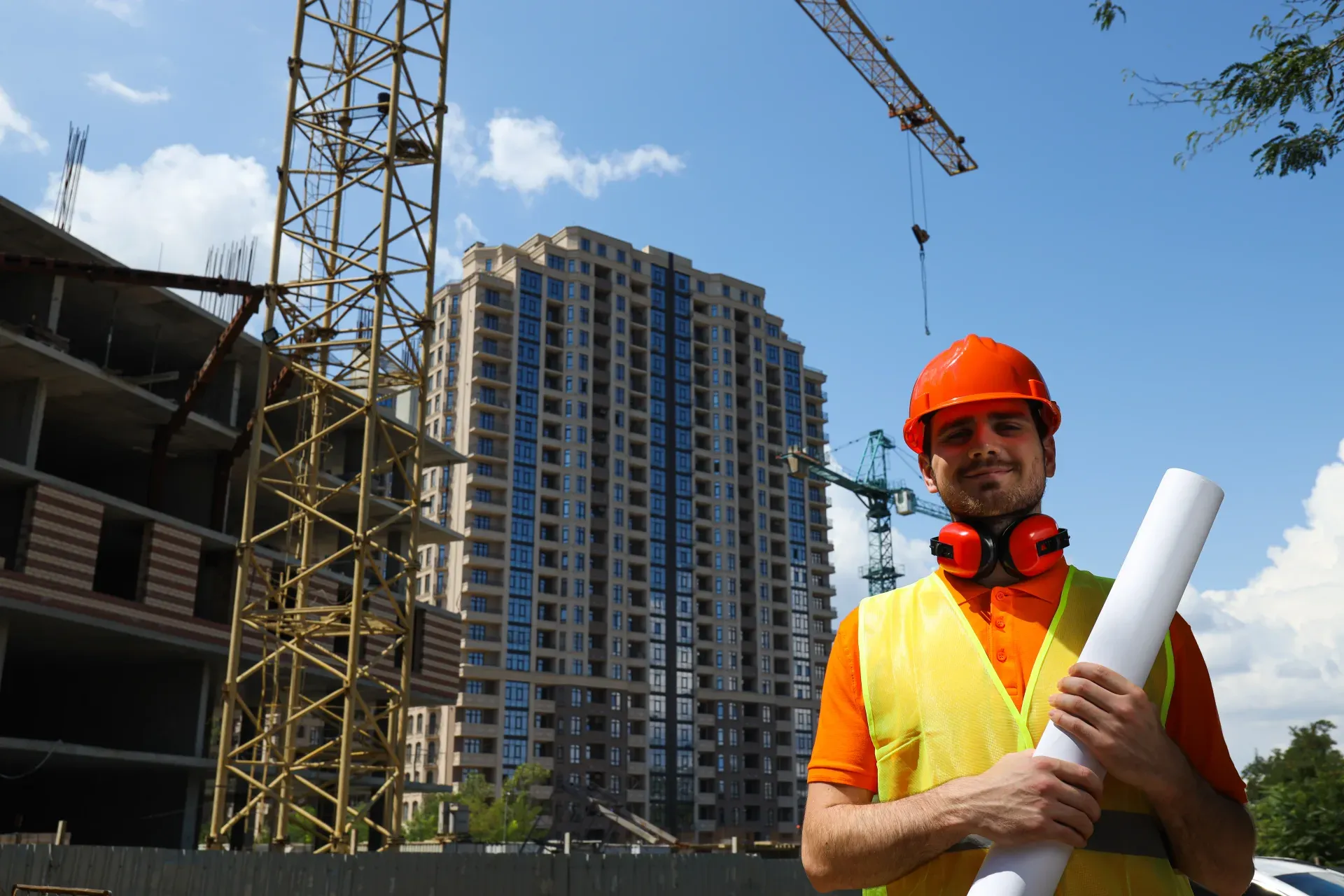
Take a Photo. AI Fills the Form
Your inspector takes a photo of any asset or defect. AI reads it and fills the inspection form automatically. No typing. No manual entry.

Use this general construction risk assessment template to review site and assessment details, site setup and security, public and third-party protection, traffic and pedestrian routes, welfare facilities, and housekeeping and storage, scoring each item and raising corrective actions with owners and due dates.

Customize with your logo and company details.
Available on App
Run inspections on iOS and Android - no internet required. Capture photos, annotate defects, and generate reports in the field.
Run the General Construction Risk Assessment Template on the InspectWrk app instead of paper. Inspectors capture photo evidence, work offline, and assign corrective actions on the spot, and the report generates itself the moment the inspection is signed off.

General Construction Risk Assessment Template
General Construction Risk Assessment Template Dashboard
Prioritized actions to keep operations running smoothly today.
Total Revenue
$42,680
+12% compared to last month
Active Projects
128
+8 new this week
Open Requests
56
-15 resolved this week
Operational Target
You're on track to meet this month's operational goal.
Target Task
200 ↑
Complete Task
136 ↑
Pending Task
10 ↓
Monthly Performance
Recent Client Activity
Everything your field team does on paper, InspectWrk does automatically: faster, more accurate, and without the admin.
Your inspector takes a photo of any asset or defect. AI reads it and fills the inspection form automatically. No typing. No manual entry.

Inspectors speak their observations in any language. AI transcribes and fills the form in real time. Completely hands-free in the field.

The moment an inspection is submitted, a branded PDF, Excel, or CSV report generates automatically. No manual work. No waiting.

InspectWrk integrates with the tools your team already uses, including Zoho, Microsoft 365, and SAP. No double entry.

Your operations team sees completion rates, open issues, and compliance scores across all sites in real time. No chasing updates.
Manage every checklist in one connected workspace, capture evidence on mobile at the point of work, and let AI turn field inputs into clear, stakeholder-ready reports in minutes.





See which checklists your team has in progress across every site, jump into the same inspection with one tap, and keep field, supervisor, and back-office views in sync without sending screenshots on WhatsApp.






Every team reports differently. Build the report your operations, quality, or compliance leads actually want to read, share it as a branded PDF, and schedule delivery to the stakeholders who need it.



See completion, pass rate, and recurring findings across every checklist and every site, without pulling spreadsheets together at the end of the month.
Hand-picked templates for your specific industry needs.
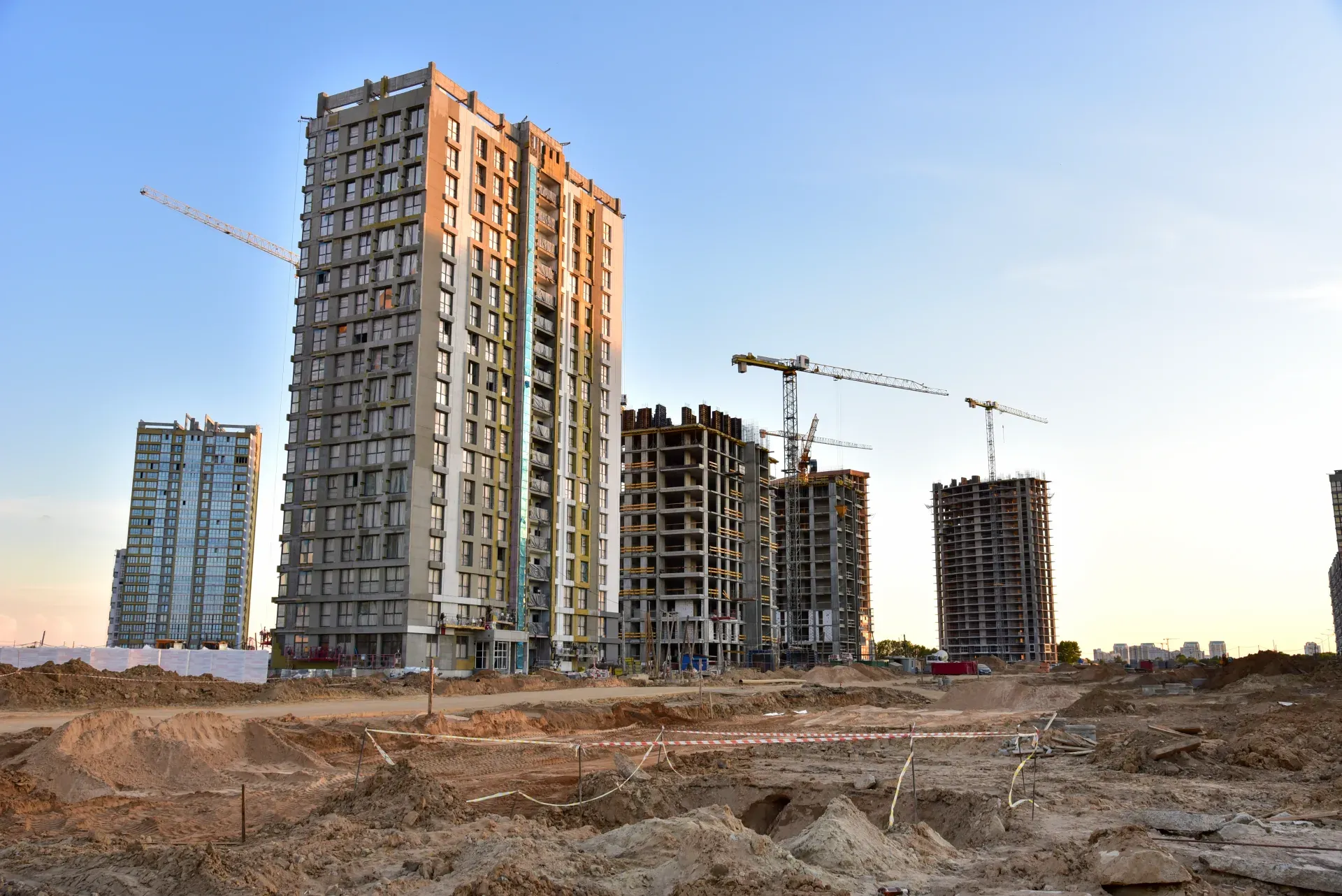
Catch defects before handover and generate punch list reports in minutes.
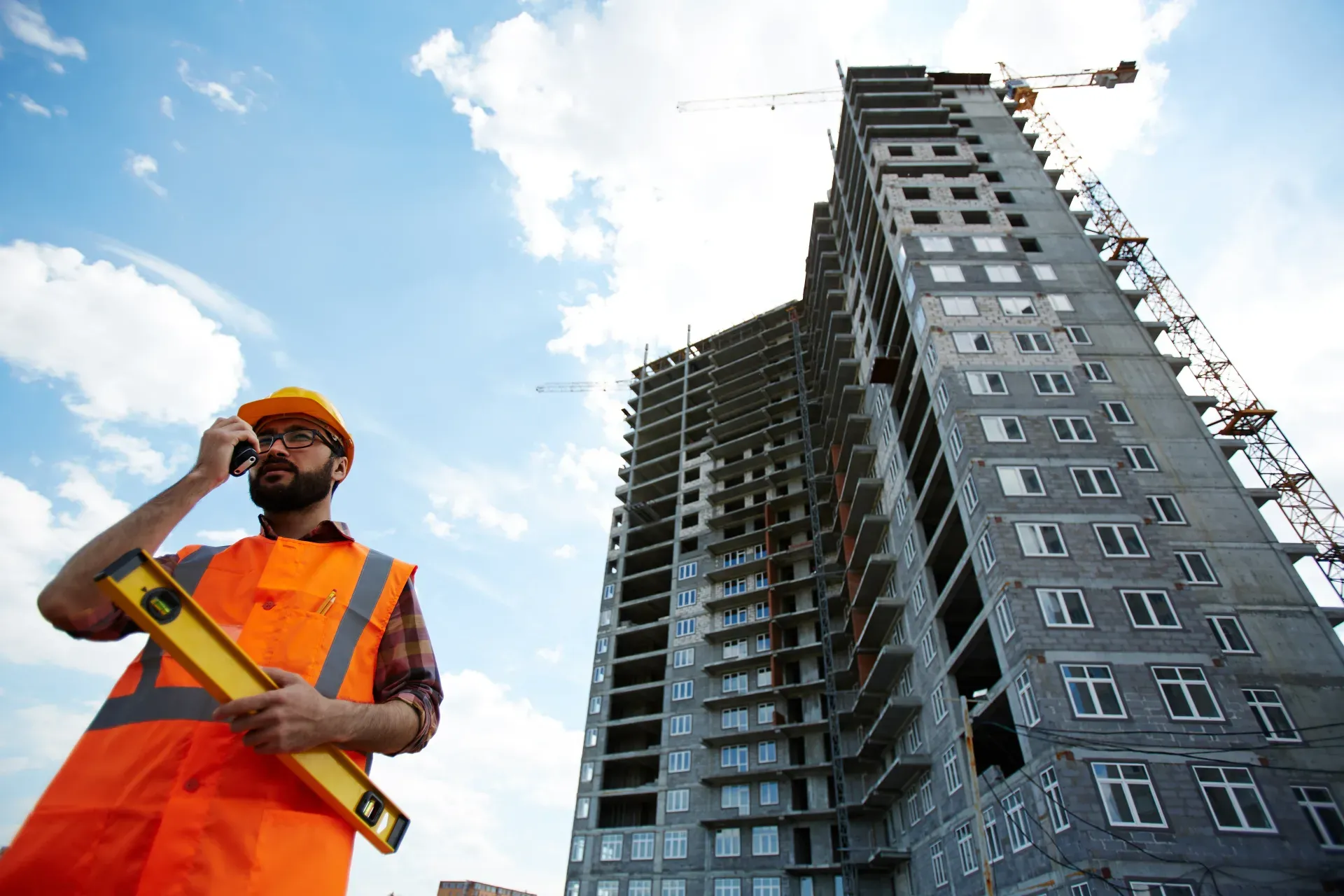
Kitchen snagging: cabinets, worktops, appliances, tiling, plumbing, and electrical checks.
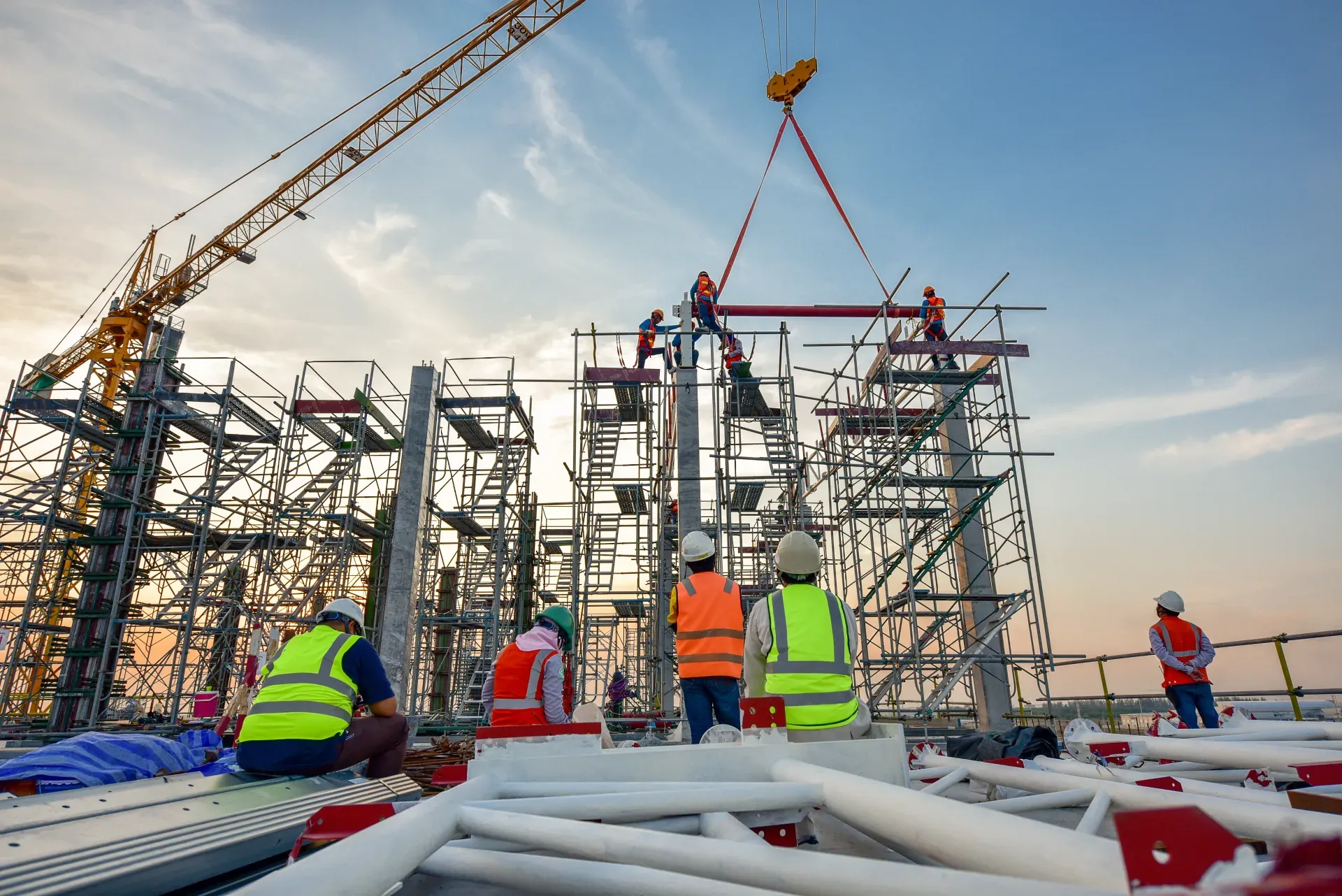
Bathroom snagging: tiling, sanitaryware, plumbing, ventilation, and finish quality.
It covers hazards that apply to the whole construction site rather than to one activity: site security and signage, protection of the public and neighbors, vehicle and pedestrian routes, welfare facilities, housekeeping and material storage, site-wide fire and emergency arrangements, lighting, and weather. Each hazard is recorded with the equipment or process involved, who could be harmed, a risk rating, and the controls in place. It sets the baseline rules every trade on the site works to. Where a hazard belongs to one activity, it is referred to that activity's own assessment.
A construction risk assessment form assesses one work package before it starts: its scope, site conditions, hazards, controls, permits, and emergency arrangements. A general construction risk assessment covers the shared site conditions that apply to everyone, such as traffic routes, security, welfare, and public protection. Most sites need both. The general assessment sets the site-wide baseline, and each work package gets its own assessment for the risks of that specific work. Link each work package assessment to the general one so site rules are not repeated or contradicted.
It is usually completed by the site manager or principal contractor, with input from the health and safety advisor, because they control the shared site. Trade supervisors should review it, since their work depends on the routes, storage, and emergency arrangements it sets. The findings belong in the site induction, so everyone who comes on site, including visitors and delivery drivers, knows the site rules and the main hazards before they start. Sign-off by the site manager confirms the assessment reflects the site as it is today.
Review it whenever the site changes shape: a new phase, a change to the boundary or hoarding, new access gates, a moved lay-down area, or a change in the number of workers. Also review it after incidents, near misses, or complaints from neighbors, and at the interval your own procedures set. Record each review and the changes made, and update the induction so workers are briefed on the current layout and controls. Date each version so everyone can tell which layout it describes.

A general construction risk assessment template covers the hazards common to the whole construction site, rather than one task. It records site security and signage, protection of the public and neighbors, vehicle and pedestrian routes, welfare facilities, housekeeping and storage, site-wide fire and emergency arrangements, lighting, and weather. Each general hazard is recorded with the equipment or process involved, who could be harmed, a risk rating, and the controls, and hazards that need a task-specific assessment are flagged.
A general construction risk assessment template sets the baseline for everyone who works on or passes a site. Some hazards belong to no single activity: an open gate, a footpath next to a crane, a delivery route crossing a walkway, overflowing skips, or a blocked fire exit. This assessment looks at those site-wide conditions and sets the controls that apply to every trade, every day.
It works through site setup and security, protection of the public and neighbors, traffic and pedestrian routes, welfare facilities, housekeeping and storage, fire and emergency arrangements, lighting, and weather. Each hazard is recorded with the equipment or process involved, who could be harmed, the risk rating, and the controls. Work with higher, activity-specific risks is flagged for its own risk assessment and method statement. The findings feed the site induction and are reviewed whenever the layout or phase changes.
Every trade assesses its own work, but nobody owns the shared site. The delivery route crosses the main walkway, the hoarding has a gap where the public cut through, and the fire exit sits behind stacked materials, because each task assessment assumed someone else had it covered.
A general site assessment puts one person in charge of the conditions everyone shares, with controls that apply to every trade and a review each time the site changes shape.
Site-wide hazards affect every trade and the public. A general assessment helps you:
A complete general construction risk assessment covers the site, not the task:
Complete the assessment for the site as a whole:
See how this checklist fits into Construction inspection software.
This checklist runs as a mobile inspection app that works fully offline on site, with AI-powered defect detection on every photo. To see it on your own workflows, talk to our team.