01 / 05Photo to formVISION AI
Take a Photo. AI Fills the Form.
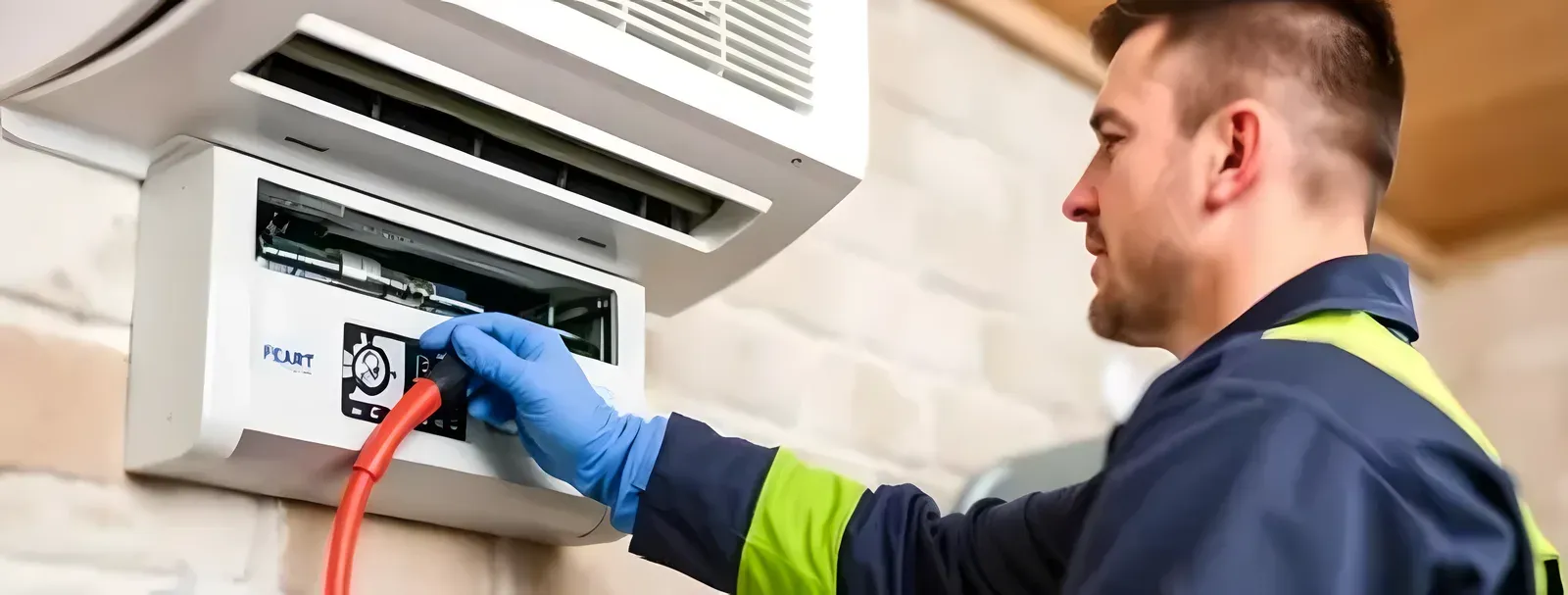
Your inspector takes a photo of any asset or defect. AI reads it and fills the inspection form automatically.
No typing. No manual entry.

Use this checklist to document defects and finishing issues before or after handover and generate punch list reports.
6 sections18 questions20 to 45 minutesFree
 Photo AddedPhoto AddedPhoto Added
6 sections · 18 questions · 20 to 45 minutes · Free
Record the site or location, area, and date of this stairs and landing snagging.
Record the inspector and the scope or items included in this inspection.
Confirm any relevant reference documents or standards are available.
Finishing defects.
Incomplete MEP work.
Paint and tiling snags.
Door and window alignment.
Check for unverified contractor closure.
Check for snags only in WhatsApp.
Check for missing trade assignment.
Capture defect photo.
Capture room location.
Capture trade tag.
Confirm the inspection meets the requirements of RERA, NHBC and ISO 9001.
Confirm records are retained for the required period and available for audit.
Attach photo evidence for every non-compliant finding.
Assign each deficiency to an owner with a corrective action and due date.
Confirm re-inspection requirements are recorded before sign-off.
Three steps, about 20 to 45 minutes.
Section by section, one check at a time.
Tap Fail, add a photo, assign who fixes it.
The report is ready the moment you finish.
Paper for a one-off check. The app when every finding needs fixing.
Branded checklist
Customize with your logo and company details.
Quick answer
A stairs and landing snagging checklist is the structured record site teams use to log defects, capture photo evidence per item, and track every snag through to verified closure before handover. Run it on the InspectWrk mobile app to work offline on site, assign fixes to the responsible trade, and generate the punch list report automatically.
A stairs and landing snagging checklist helps you identify defects, incomplete work, and finishing issues before practical completion or handover. It is used by site supervisors, QA QC teams, contractors, and property managers to record each defect with photo evidence, location, and severity, assign it to the responsible trade, and confirm the fix before sign-off. Working from one shared punch list keeps the site team, main contractor, and client aligned, reduces rework, prevents handover delays, and leaves an auditable record of every snag raised against the drawings or IS codes and closed out.
Using a digital checklist ensures one version of truth, photo evidence per defect, and trackable closeout, reducing rework and handover delays.
Your snag list lives in an Excel file shared on WhatsApp. The contractor marks items as done. Nobody walks the unit to verify the fix. The same defect comes back at final handover, in front of the client.
The snag report was supposed to go out on Friday. Someone is still assembling it from photos on their phone on Monday. By then the client has already found the defect your team missed.
A snagging inspection checklist supports construction quality and handover discipline. By providing a systematic approach to capture defects and drive closure, this checklist provides essential benefits including:
A structured snagging record should include the context of the walkthrough, the areas and items you inspect, and space for evidence and sign-off. Here are the key elements to take note of:
This section ties the inspection to a specific property, phase, and route. It typically includes:
Use this part to check visible finishes and fit-out quality room by room. Common checkpoints include:
Capture basic functional and safety observations that affect handover. Examples include:
Each defect should be actionable and traceable. This section usually covers:
Follow these steps to run a consistent snagging inspection and maintain a clear punch list through to closure:
See how this checklist fits into Construction inspection software.
This checklist runs as a mobile inspection app that works fully offline on site, with AI-powered defect detection on every photo. To see it on your own workflows, talk to our team.
Submit an inspection and AI writes the PDF report and Excel sheet for you. No admin, no waiting.
Your inspector takes a photo of any asset or defect. AI reads it and fills the inspection form automatically.
No typing. No manual entry.
Inspectors speak their observations in any language. AI transcribes and fills the form in real time.
Completely hands-free in the field.
The moment an inspection is submitted, AI summarises the findings and builds a branded PDF report and an Excel sheet for you.
No manual reporting. No copy-paste.
InspectWrk integrates with the tools your team already uses, including Zoho, Microsoft 365, and SAP.
No double entry.
Your operations team sees completion rates, open issues, and compliance scores across all sites in real time.
No chasing updates.
See which checklists your team has in progress across every site, jump into the same inspection with one tap, and keep field, supervisor, and back-office views in sync without sending screenshots on WhatsApp.
Every team reports differently. Build the report your operations, quality, or compliance leads actually want to read, share it as a branded PDF, and schedule delivery to the stakeholders who need it.
See completion, pass rate, and recurring findings across every checklist and every site, without pulling spreadsheets together at the end of the month.
See this checklist running on your own sites in a 30-minute demo.
Book a Free DemoA snagging list (or punch list in the USA) is a structured list of defects, incomplete work, or finishing issues that must be rectified before handover. It is used during final walkthroughs to ensure the property meets agreed quality standards and specifications before the client or buyer takes ownership. Each item is usually logged by location, trade, and severity, and linked to a non-conformance report where workmanship falls short of the drawings or IS codes. Using a digital snagging inspection checklist in InspectWrk helps you capture each item with photos, location, and severity, assign it to the responsible trade, and trace every defect through to verified closure so nothing is missed at handover.
Snagging is typically done near practical or substantial completion, during pre-handover walkthroughs, and again after fixes are completed for re-inspection. Many teams also snag at key construction stages, such as before plastering and after MEP first fix, so defects are caught while access and trades are still on site and rework is cheaper. Snagging continues through the defects liability period to confirm outstanding issues are closed before the final certificate. With a digital snagging checklist, you can schedule follow-up re-inspections, track which items are open or closed by trade, and maintain a clear audit trail for handover, warranty, and defects-liability documentation.
Snagging is usually carried out by site supervisors, QA/QC engineers, contractors, or independent snagging inspectors acting for the client. Responsibility for fixing items sits with the relevant trade or subcontractor, while the main contractor or project manager owns closure, re-inspection, and final verification before sign-off. The client or their consultant typically approves that the punch list is genuinely cleared. InspectWrk supports role-based access so you can assign snagging items to specific trades, track ownership and due dates, and ensure only responsible parties update status, while keeping a full timestamped record for handover, payment release, and dispute resolution if a closed item is later contested.
It depends on the property size, finish complexity, and the level of detail required. A small apartment walkthrough can take 20 to 45 minutes, a villa or penthouse one to three hours, and large commercial floors or common areas a full day, especially when capturing photos and documenting defects room by room. Stage also matters: a first snag near practical completion finds more items than a re-inspection. Using a digital snagging inspection checklist speeds up data entry, enforces consistent room-by-room coverage, and auto-builds the punch list, so inspections stay thorough without extending time, and re-inspections only revisit the items still open.
Yes. You can complete the snagging inspection checklist offline in the InspectWrk app on a phone or tablet. Open the checklist, log every defect, capture and annotate photos, record location references room by room, and assign corrective actions without any signal. All entries, images, and notes are stored on the device and sync automatically the moment connectivity returns. This matters on new-build and handover sites, where lifts, basements, and unfinished floors rarely have a usable connection. Inspectors keep working at full speed, and no defect is lost to a dropped connection or pushed back to memory and a notepad.
Open this page and book a demo or sign in to InspectWrk to load the snagging inspection checklist on your phone or tablet. The digital version adds photo evidence per defect, location references, severity, corrective actions assigned to the responsible trade, automatic punch list reports, and re-inspection workflows that prove each item was actually fixed. Teams running snagging on multiple units or sites every week keep one live punch list instead of rebuilding reports from photos and notes at the end of each walk.
Yes. In InspectWrk you can create corrective actions directly from snagging defects, assign them to the responsible trade or subcontractor with owners and due dates, and track status until closure. Overdue items escalate automatically so nothing stalls before handover. Re-inspections can be run to verify each item is genuinely fixed before sign-off, and you can require photo evidence of the completed fix and a digital signature on closure. The full flow, from defect capture to assignment, fix, and verification, is timestamped and auditable, which supports handover documentation, payment release, and defects-liability management if a closed snag is disputed later.

Pre-handover snagging for new build apartments. Room-by-room finish checks, MEP, and defect tracking before keys.

Snagging and punch list for new build houses. Defect capture, evidence, and closeout before handover.

Kitchen snagging: cabinets, worktops, appliances, tiling, plumbing, and electrical checks.

Bathroom snagging: tiling, sanitaryware, plumbing, ventilation, and finish quality.

Living room snagging: walls, flooring, ceiling, windows, electrical, and finish quality.

Post move-in defects: snagging items found after handover, defect liability tracking, and closeout.