01 / 05Photo to formVISION AI
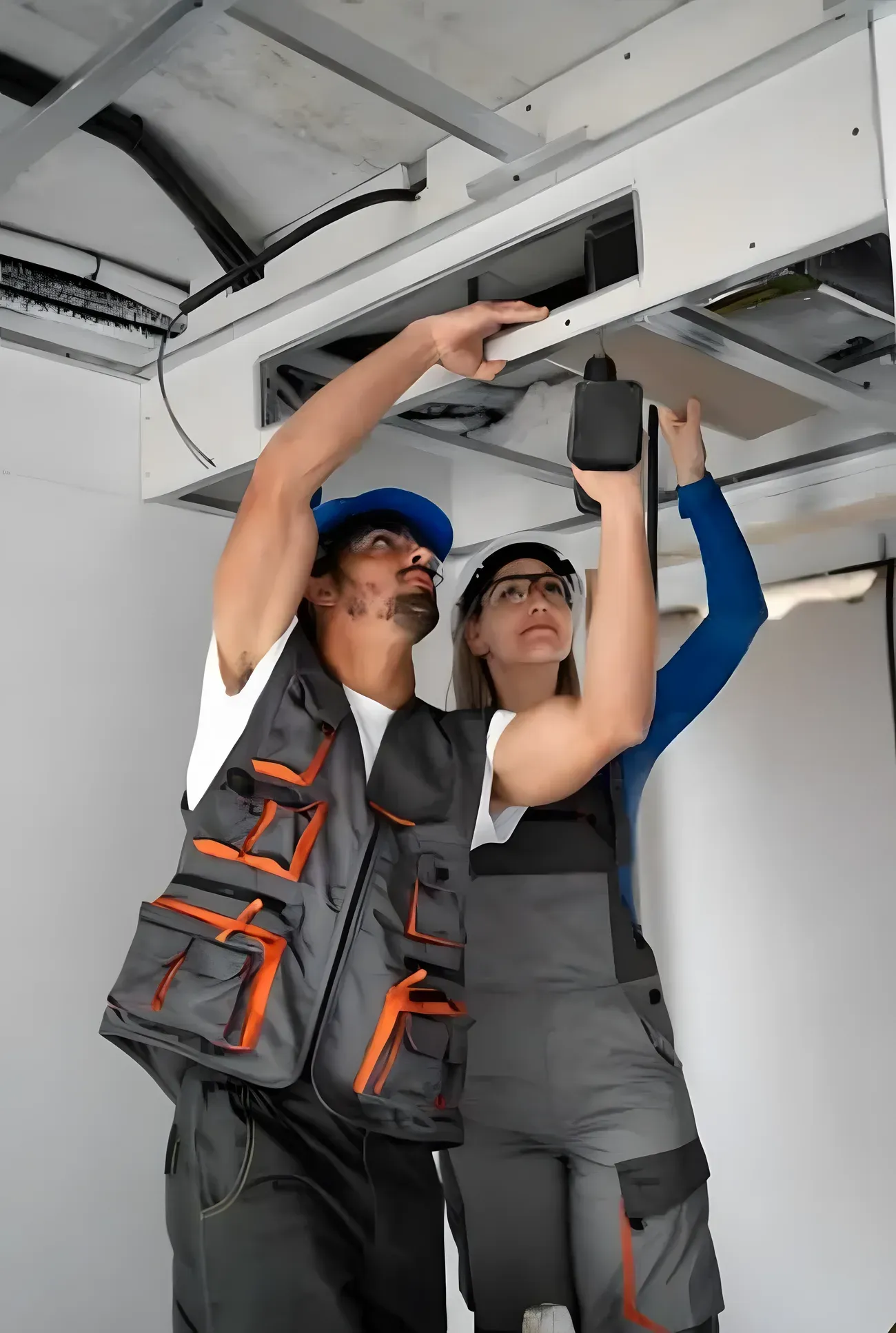
Take a Photo. AI Fills the Form.
Your inspector takes a photo of any asset or defect. AI reads it and fills the inspection form automatically.
No typing. No manual entry.

Use this audiometer inspection checklist to work through equipment identification, physical condition, headphones and earphones, bone-conduction transducer, cables and connectors, and frequency controls, logging issues with photos and notes and assigning corrective actions before sign-off.
9 sections18 questions10 to 20 minutesFree
 Photo AddedPhoto AddedPhoto Added
9 sections · 18 questions · 10 to 20 minutes · Free
Record the audiometer make, model, serial number, and location.
Confirm the unit is on the device register and within its service interval.
Inspect the audiometer body, controls, and connectors for damage.
Confirm labels and markings are legible.
Inspect headphones and inserts for damage, worn cushions, and clean condition.
Confirm left and right transducers are correctly identified and seated.
Inspect the bone-conduction transducer and headband for damage where fitted.
Confirm the transducer positions and holds correctly.
Inspect all cables and connectors for fraying and secure fit.
Check for intermittent signal when leads are flexed.
Confirm frequency selection operates correctly across the range.
Check tone presentation and interrupt operate.
Confirm intensity control adjusts smoothly with no audible clicks or distortion.
Verify output levels against the calibration where a reference is available.
Confirm the display and response system operate correctly.
Perform a listening check for distortion, noise, and cross-talk.
Confirm calibration is current and within its interval.
Confirm the device is cleaned, then record deficiencies and raise a corrective action with owner and due date.
Three steps, about 10 to 20 minutes.
Section by section, one check at a time.
Tap Fail, add a photo, assign who fixes it.
The report is ready the moment you finish.
Paper for a one-off check. The app when every finding needs fixing.
Branded checklist
Customize with your logo and company details.
Quick answer
An audiometer inspection checklist is the structured inspection used to confirm biomedical equipment is calibrated, electrically safe, and fit for clinical use that healthcare teams use to check the key inspection points, assign owners to any failures, and close them with photo proof. Completed in InspectWrk, it is timestamped, works offline, and exports as an audit-ready healthcare report for NABH, NABL and Bio-Medical Waste Management Rules.
An audiometer inspection checklist is the structured inspection used to confirm biomedical equipment is calibrated, electrically safe, and fit for clinical use that healthcare teams use to check equipment identification, physical condition, headphones and earphones, bone-conduction transducer, cables and connectors, and frequency controls, capture photo evidence, and track corrective actions to closure. Its job is to confirm biomedical equipment is calibrated, electrically safe, and fit for clinical use. Inspect audiometer equipment and its testing components: equipment identification, physical condition, headphones and earphones, bone-conduction transducer, cables and connectors, frequency controls, intensity and output controls, display, functional checks, and calibration and service records, with cleaning and deficiency documentation. It is sometimes called the Audiometer Maintenance Checklist or the Hearing Test Equipment Inspection Checklist.
Biomedical engineering teams still miss out-of-calibration devices, failed leakage or earth test and flat batteries or silenced alarms when rounds are ticked without calibration label photo, safety-test reading and asset tag photo.
Without maintenance logs, inspection records and calibration stickers, teams reconstruct the evidence from phones instead of proving NABH, NABL and Bio-Medical Waste Management Rules readiness.
It helps infection control nurses and supervisors keep healthcare work consistent, safe, and auditable, with the evidence needed for NABH, NABL and Bio-Medical Waste Management Rules:
A complete audiometer inspection checklist works through equipment identification, physical condition, headphones and earphones, bone-conduction transducer, cables and connectors, and frequency controls, then records inspection context, scored checkpoints, and evidence with corrective actions:
Record where and when the inspection runs:
Define what each checkpoint verifies and how results are scored:
Make every finding traceable and actionable:
Follow these steps to run the audiometer inspection checklist:
See how this checklist fits into Healthcare inspection software.
This checklist runs as a mobile inspection app that works fully offline on site, with AI-powered defect detection on every photo. To see it on your own workflows, talk to our team.
Submit an inspection and AI writes the PDF report and Excel sheet for you. No admin, no waiting.
Your inspector takes a photo of any asset or defect. AI reads it and fills the inspection form automatically.
No typing. No manual entry.
Inspectors speak their observations in any language. AI transcribes and fills the form in real time.
Completely hands-free in the field.
The moment an inspection is submitted, AI summarises the findings and builds a branded PDF report and an Excel sheet for you.
No manual reporting. No copy-paste.
InspectWrk integrates with the tools your team already uses, including Zoho, Microsoft 365, and SAP.
No double entry.
Your operations team sees completion rates, open issues, and compliance scores across all sites in real time.
No chasing updates.
See which checklists your team has in progress across every site, jump into the same inspection with one tap, and keep field, supervisor, and back-office views in sync without sending screenshots on WhatsApp.
Every team reports differently. Build the report your operations, quality, or compliance leads actually want to read, share it as a branded PDF, and schedule delivery to the stakeholders who need it.
See completion, pass rate, and recurring findings across every checklist and every site, without pulling spreadsheets together at the end of the month.
See this checklist running on your own sites in a 30-minute demo.
Book a Free DemoIt is scoped to the scheduled cadence and controls that infection control nurses, biomedical engineers, facility managers, NABH coordinators run, not a one-off handover walk. It prompts equipment identification, physical condition, headphones and earphones, bone-conduction transducer, cables and connectors, and frequency controls, watching for out-of-calibration devices, failed leakage or earth test and flat batteries or silenced alarms, records pass, fail, or N/A with calibration label photo, safety-test reading and asset tag photo on critical items, and raises corrective actions with owners before sign-off. Run in InspectWrk, the record is timestamped and rolls into trend reports so repeat failures surface before the next audit.
They work through each checkpoint to confirm biomedical equipment is calibrated, electrically safe, and fit for clinical use, confirm the required controls are in place, and capture calibration label photo, safety-test reading and asset tag photo on anything that fails or needs proof. Priority failure modes include out-of-calibration devices, failed leakage or earth test and flat batteries or silenced alarms. Each checkpoint takes pass, fail, or N/A, and a failed item stays open until the fix is verified.
It expects calibration label photo, safety-test reading and asset tag photo, plus maintenance logs, inspection records and calibration stickers on failed or critical items, so findings rest on proof rather than memory. Records support NABH, NABL and Bio-Medical Waste Management Rules, and every photo, note, and sign-off stays attached to the inspection instead of living in chat threads.
The audiometer inspection checklist covers equipment identification, physical condition, headphones and earphones, bone-conduction transducer, cables and connectors, and frequency controls. On each checkpoint, infection control nurses record pass, fail, or N/A, add a photo on anything that needs proof, and raise a corrective action with an owner and due date. Run in InspectWrk, the inspection is timestamped, traceable to whoever completed it, and exports as a single healthcare report aligned to NABH, NABL and Bio-Medical Waste Management Rules.

Test medical-gas alarms: area and master alarms, alarm activation, audible and visual indicators, pressure conditions, sensor response, and panel status, with test results.

Inspect a mechanical ventilator for operational readiness: power supply, battery, self-test, alarm functionality, oxygen and air supply connections, breathing circuit, tubing and connectors, filters, sensors, display, and controls, with cleaning and inspection documentation.

Inspect the autoclave or steam sterilizer as equipment: chamber condition, door, locking mechanism and gasket, pressure and temperature indicators, controls and cycle settings, alarms, water supply and drainage, leaks and corrosion, cycle records, and sterilization indicators.

Inspect a multiparameter patient monitor: display, power and battery, alarm system, ECG leads, SpO2 sensor, blood-pressure cuff, temperature probe, cables and connectors, and controls, with physical-condition checks, cleaning, and functional testing.