01 / 05Photo to formVISION AI
Take a Photo. AI Fills the Form.
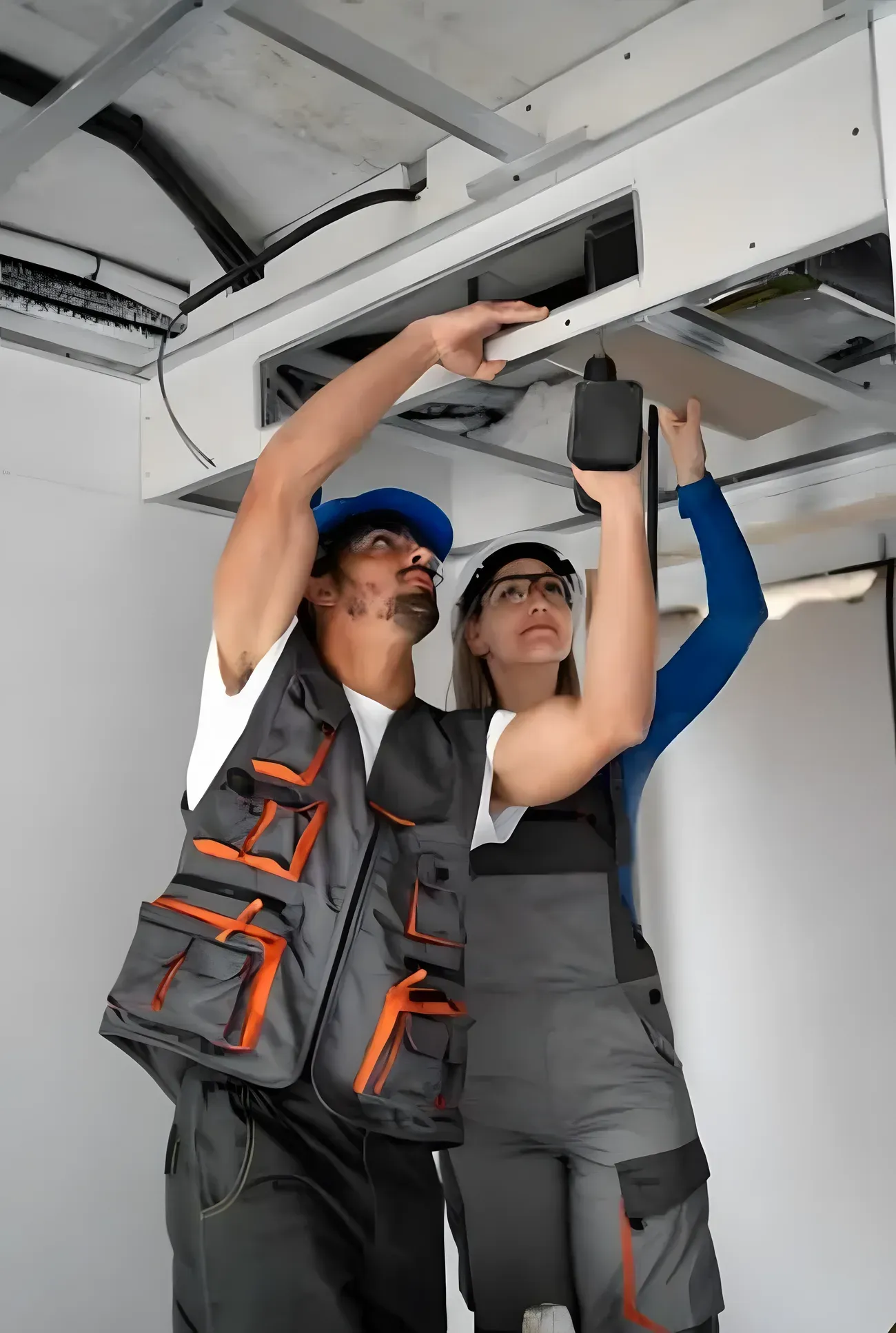
Your inspector takes a photo of any asset or defect. AI reads it and fills the inspection form automatically.
No typing. No manual entry.

Use this ccpia SOP compliance checklist to check inspection scope and agreement, property and inspector identification, preliminary walk-through, research and document review, walk-through survey of building systems, and observations and observed conditions, recording pass, fail, or N/A and capturing a photo on anything that needs proof.
11 sections33 questions16 to 30 minutesFree
 Photo AddedPhoto AddedPhoto Added
11 sections · 33 questions · 16 to 30 minutes · Free
Confirm the inspection scope, client agreement and the ComSOP edition it follows (2026).
Record what is included and what is outside the agreed scope.
Confirm access arrangements and any client-requested additions.
Record the property address, type, size and the inspection date.
Record the inspector name, credentials and the inspection firm.
Confirm the point of contact and occupancy status on the day.
Complete a preliminary walk-through to orient to the property and its systems.
Identify safety hazards and any areas that cannot be accessed.
Note the general condition and anything needing closer survey.
Review available documents, drawings and prior reports for the property.
Record relevant history, disclosed conditions and available maintenance records.
Note information relied on and its source.
Survey the building systems and components through visual observation.
Cover structure, roof, exterior, interior, plumbing, electrical, HVAC and site as applicable.
Record the described condition of each system inspected.
Record observed conditions and deficiencies at each area.
Distinguish observation from opinion, and note where further evaluation is advised.
Capture inventory schedules and descriptions where the scope requires them.
Attach representative photos to each observation and system.
Confirm photos are labelled and linked to their location.
Capture photo documentation for significant deficiencies.
Record the limitations of the inspection and areas not accessed.
State the exclusions, including that the inspection does not determine code compliance, permitted occupancy, market value or insurability.
Note conditions that limited the walk-through survey.
Summarise the findings and significant deficiencies observed.
Record recommended actions or further evaluation, with priority.
Confirm each recommendation is tied to an observation.
Confirm the report meets the ComSOP report requirements for the scope.
Include property information, inspection date, systems described and observed conditions.
Confirm the report is delivered to the client and retained.
Confirm conflicts of interest are disclosed and inspector ethics are followed.
Confirm the report is objective and based on observation and research.
Confirm confidentiality and client agreement terms are honoured.
Three steps, about 16 to 30 minutes.
Section by section, one check at a time.
Tap Fail, add a photo, assign who fixes it.
The report is ready the moment you finish.
Paper for a one-off check. The app when every finding needs fixing.
Branded checklist
Customize with your logo and company details.
Quick answer
A ccpia SOP compliance checklist is the structured inspection used to organise commercial property inspection activities, observations, documentation and reporting against the CCPIA ComSOP that real estate & property management teams use to check the key inspection points, assign owners to any failures, and close them with photo proof. Completed in InspectWrk, it is timestamped, works offline, and exports as an audit-ready real estate & property management report for the CCPIA Commercial Property Inspection Standards of Practice (ComSOP, 2026 edition), the agreed inspection scope and client agreement and CCPIA inspector ethics and reporting requirements.
A ccpia SOP compliance checklist is the structured inspection used to organise commercial property inspection activities, observations, documentation and reporting against the CCPIA ComSOP that real estate & property management teams use to check inspection scope and agreement, property and inspector identification, preliminary walk-through, research and document review, walk-through survey of building systems, and observations and observed conditions, capture photo evidence, and track corrective actions to closure. Its job is to organise commercial property inspection activities, observations, documentation and reporting against the CCPIA ComSOP.
Commercial property inspectors and CCPIA inspectors still miss unresolved ccpia SOP compliance defects and repeat findings when rounds are ticked without temperature logs.
Without temperature logs, teams reconstruct the evidence from phones instead of proving the CCPIA Commercial Property Inspection Standards of Practice (ComSOP, 2026 edition), the agreed inspection scope and client agreement and CCPIA inspector ethics and reporting requirements readiness.
It helps commercial property inspectors and supervisors keep real estate & property management work consistent, safe, and auditable, with the evidence needed for the CCPIA Commercial Property Inspection Standards of Practice (ComSOP, 2026 edition), the agreed inspection scope and client agreement and CCPIA inspector ethics and reporting requirements:
A complete ccpia SOP compliance checklist works through inspection scope and agreement, property and inspector identification, preliminary walk-through, research and document review, walk-through survey of building systems, and observations and observed conditions, then records inspection context, scored checkpoints, and evidence with corrective actions:
Record where and when the inspection runs:
Define what each checkpoint verifies and how results are scored:
Make every finding traceable and actionable:
Follow these steps to run the ccpia SOP compliance checklist:
See how this checklist fits into Property inspection software.
This checklist runs as a mobile inspection app that works fully offline on site, with AI-powered defect detection on every photo. To see it on your own workflows, talk to our team.
Submit an inspection and AI writes the PDF report and Excel sheet for you. No admin, no waiting.
Your inspector takes a photo of any asset or defect. AI reads it and fills the inspection form automatically.
No typing. No manual entry.
Inspectors speak their observations in any language. AI transcribes and fills the form in real time.
Completely hands-free in the field.
The moment an inspection is submitted, AI summarises the findings and builds a branded PDF report and an Excel sheet for you.
No manual reporting. No copy-paste.
InspectWrk integrates with the tools your team already uses, including Zoho, Microsoft 365, and SAP.
No double entry.
Your operations team sees completion rates, open issues, and compliance scores across all sites in real time.
No chasing updates.
See which checklists your team has in progress across every site, jump into the same inspection with one tap, and keep field, supervisor, and back-office views in sync without sending screenshots on WhatsApp.
Every team reports differently. Build the report your operations, quality, or compliance leads actually want to read, share it as a branded PDF, and schedule delivery to the stakeholders who need it.
See completion, pass rate, and recurring findings across every checklist and every site, without pulling spreadsheets together at the end of the month.
See this checklist running on your own sites in a 30-minute demo.
Book a Free DemoIt is scoped to the scheduled cadence and controls that commercial property inspectors, ccpia inspectors, inspection report writers, inspection firm QA run, not a one-off handover walk. It prompts inspection scope and agreement, property and inspector identification, preliminary walk-through, research and document review, walk-through survey of building systems, and observations and observed conditions, watching for unresolved ccpia SOP compliance defects and repeat findings, records pass, fail, or N/A with temperature logs on critical items, and raises corrective actions with owners before sign-off. Run in InspectWrk, the record is timestamped and rolls into trend reports so repeat failures surface before the next audit.
They work through each checkpoint to organise commercial property inspection activities, observations, documentation and reporting against the CCPIA ComSOP, confirm the required controls are in place, and capture temperature logs on anything that fails or needs proof. Priority failure modes include unresolved ccpia SOP compliance defects and repeat findings. Each checkpoint takes pass, fail, or N/A, and a failed item stays open until the fix is verified.
It expects temperature logs, plus temperature logs on failed or critical items, so findings rest on proof rather than memory. Records support the CCPIA Commercial Property Inspection Standards of Practice (ComSOP, 2026 edition), the agreed inspection scope and client agreement and CCPIA inspector ethics and reporting requirements, and every photo, note, and sign-off stays attached to the inspection instead of living in chat threads.
The ccpia SOP compliance checklist covers inspection scope and agreement, property and inspector identification, preliminary walk-through, research and document review, walk-through survey of building systems, and observations and observed conditions. On each checkpoint, commercial property inspectors record pass, fail, or N/A, add a photo on anything that needs proof, and raise a corrective action with an owner and due date. Run in InspectWrk, the inspection is timestamped, traceable to whoever completed it, and exports as a single real estate & property management report aligned to the CCPIA Commercial Property Inspection Standards of Practice (ComSOP, 2026 edition), the agreed inspection scope and client agreement and CCPIA inspector ethics and reporting requirements.

A mobile-ready inspection template for property managers focused on home inspection software.

Built around inspection software for facilities management, this template helps property managers standardise property inspections and move-in and move-out reviews, log issues with photos, and turn every completed check into a clean, shareable report.

Looking at inspection software for property management.

Give your Real Estate & Property Management team a repeatable process for maintenance software for facilities.