Take a Photo. AI Fills the Form
Your inspector takes a photo of any asset or defect. AI reads it and fills the inspection form automatically. No typing. No manual entry.

Run the first-30-minutes-of-trading routine across every store, with photo evidence of VM, hygiene, fire exits, POS, and brand standard before doors open.

Customize with your logo and company details.
Available on App
Run inspections on iOS and Android - no internet required. Capture photos, annotate defects, and generate reports in the field.
Run the Store Opening Checklist on the InspectWrk app instead of paper. Inspectors capture photo evidence, work offline, and assign corrective actions on the spot, and the report generates itself the moment the inspection is signed off.

Store Opening Checklist
Store Opening Checklist Dashboard
Prioritized actions to keep operations running smoothly today.
Total Revenue
$42,680
+12% compared to last month
Active Projects
128
+8 new this week
Open Requests
56
-15 resolved this week
Operational Target
You're on track to meet this month's operational goal.
Target Task
200 ↑
Complete Task
136 ↑
Pending Task
10 ↓
Monthly Performance
Recent Client Activity
Everything your field team does on paper, InspectWrk does automatically: faster, more accurate, and without the admin.
Your inspector takes a photo of any asset or defect. AI reads it and fills the inspection form automatically. No typing. No manual entry.

Inspectors speak their observations in any language. AI transcribes and fills the form in real time. Completely hands-free in the field.

The moment an inspection is submitted, a branded PDF, Excel, or CSV report generates automatically. No manual work. No waiting.

InspectWrk integrates with the tools your team already uses, including Zoho, Microsoft 365, and SAP. No double entry.

Your operations team sees completion rates, open issues, and compliance scores across all sites in real time. No chasing updates.
Manage every checklist in one connected workspace, capture evidence on mobile at the point of work, and let AI turn field inputs into clear, stakeholder-ready reports in minutes.





See which checklists your team has in progress across every site, jump into the same inspection with one tap, and keep field, supervisor, and back-office views in sync without sending screenshots on WhatsApp.






Every team reports differently. Build the report your operations, quality, or compliance leads actually want to read, share it as a branded PDF, and schedule delivery to the stakeholders who need it.



See completion, pass rate, and recurring findings across every checklist and every site, without pulling spreadsheets together at the end of the month.
Hand-picked templates for your specific industry needs.
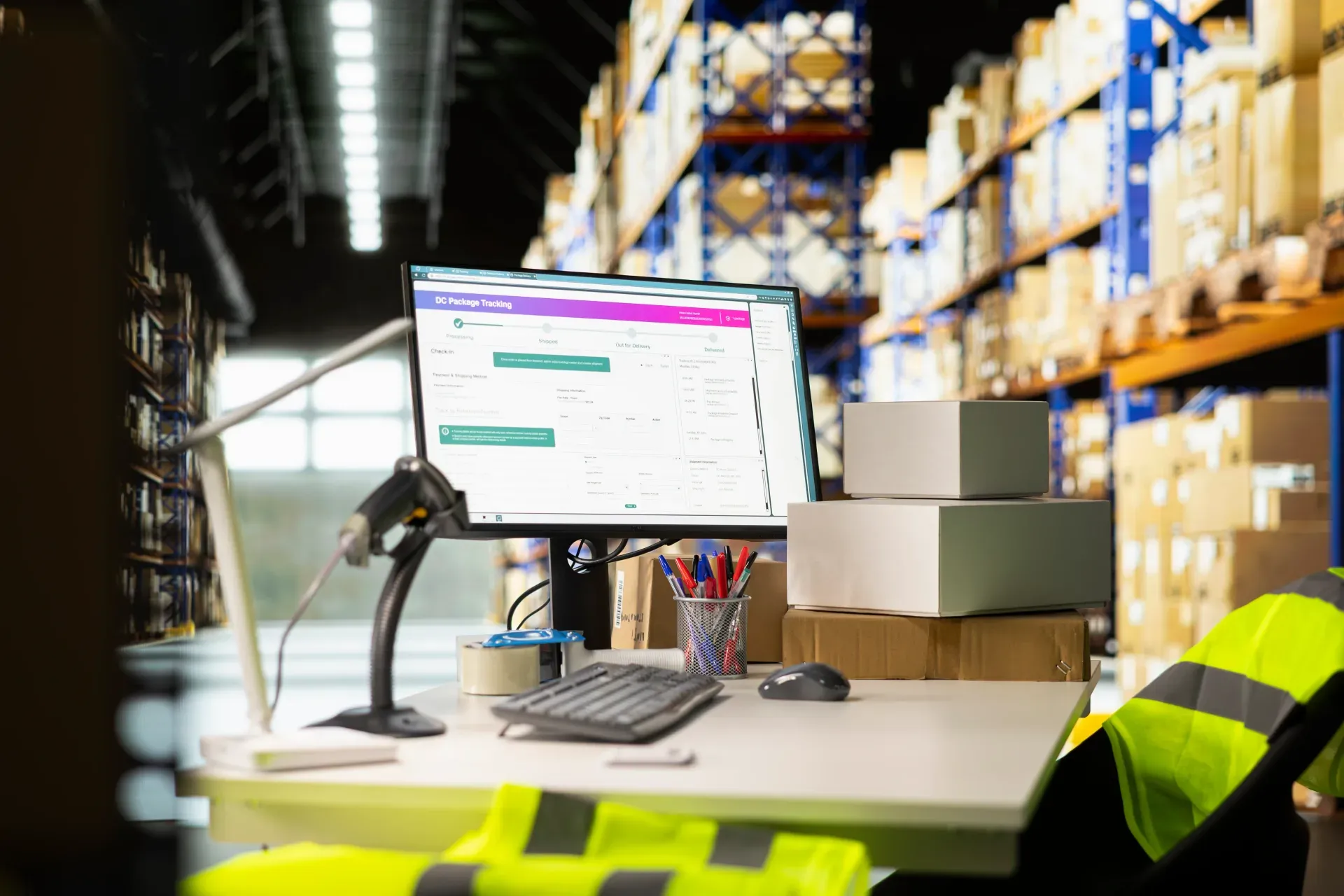
Cash wrap and POS area snagging: counters, power, data, and security.

Mall common area snagging: flooring, ceiling, MEP, wayfinding, and life safety.
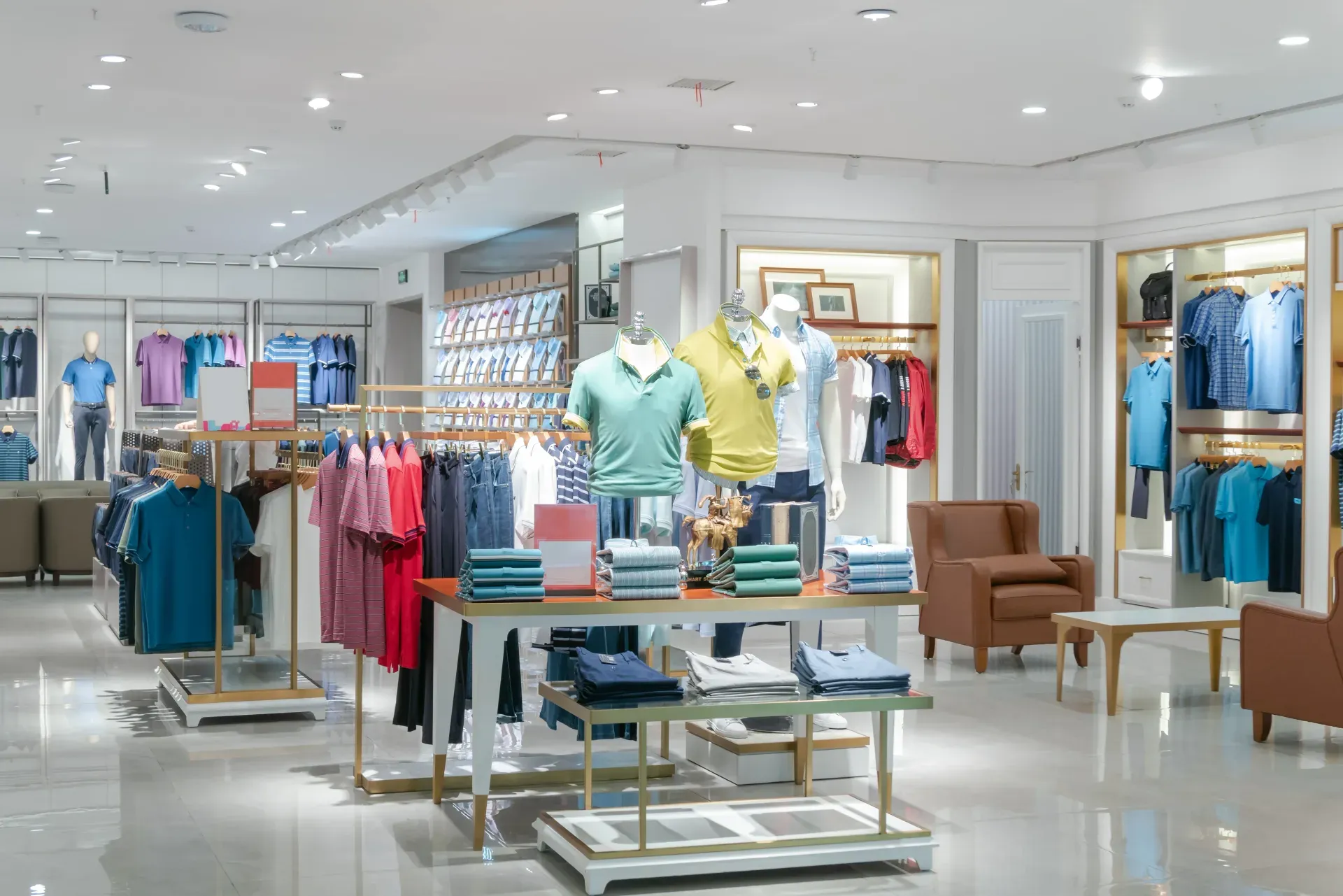
Retail punch list closeout and final snag verification.
30 to 45 minutes for a typical mid-size high-street store, scaled by format. A small convenience format or transit store takes 15 to 20 minutes. A large department store or anchor mall store with multiple departments takes 60 to 90 minutes with the team working in parallel across departments. The InspectWrk checklist is structured so two or three team members can walk different sections in parallel (front of store, back of house, food handling) and have the routine signed off in one consolidated record. The time investment is paid back the first time a customer complaint, a brand-standard audit, or a regulator visit lands on the store.
The current week's planogram and the VM standard for the brand are loaded on the store tablet the night before. The opening checklist surfaces them as the reference photo at the VM section, so the store lead walks the floor with the planogram visible on screen. Each VM fixture is photographed against the planogram and any deviation is logged as a corrective action against the named VM partner. The regional VM team sees the compliance dashboard live at 10.30am, which removes the need for quarterly mystery-shopper visits to verify planogram execution.
Yes. Where a store has a hot counter, a bakery, a deli, or a cafe, the FSSAI hot-holding, cold-holding, and personal-hygiene logs become part of the opening checklist. Temperatures (hot counter above 60C, chiller below 5C, freezer below minus 18C) are captured at opening, midday, and close, with the named operator's digital signature. The HACCP CCP monitoring evidence is built daily without the manager assembling a separate logbook. An FSSAI inspector visiting at 11.30am can see the full day's record without searching paper files.
The area manager opens the dashboard at 10.30am and sees every store in the region: opened on time, opening checklist signed, VM compliance percentage, any food-safety log missing, and any open corrective actions over 24 hours. Stores below the area's target rate are surfaced in red. The AI Daily Briefing emailed to the area manager every morning summarises last night's close, this morning's opening, and any issue that crossed the brand-standard threshold. The area manager no longer drives between stores chasing reports; they walk into the weakest store of the region with the evidence already in hand.
Yes. The brand operations team configures the checklist per store format - high-street, mall, transit, food-court - so a small convenience format does not get a 90-minute department-store routine. The same brand standard runs across every store, but the operational sections (number of fixtures, number of priority categories, food-handling presence) adapt to format. New store openings can be onboarded with a single checklist clone, which means the area manager does not write a new SOP every time the brand opens in a new format.
Opening compliance, VM compliance, cleanliness scores, and corrective-action closure rates feed into the brand-standard scorecard the operations director reviews weekly. Recurring issues at a store - same fixture failing every Monday, same chiller out of temperature on Saturday morning - are surfaced by the recurring-issue detection. The operations team stops treating symptoms and addresses the underlying causes: training gap, equipment fault, partner SLA breach. The same scorecard is used to recognise the strongest stores in the region, which is how brand standards move from a stick to a culture.

A retail store opening checklist is the structured 30-minute routine the store manager and shift lead run before the doors open: visual merchandising against the planogram, cleanliness and hygiene, fire exit checks, POS and price-label integrity, signage, and the cash-up reconciliation from last night. It replaces the laminated card under the till and the area manager's spot-check spreadsheet, and produces one photo-evidence record per store per day that supports the brand-standard audit and any FSSAI inspection on food-handling sections.
A retail store opening checklist is the structured 30-minute routine the store manager and shift lead run between the cash-up reconciliation and the first customer through the door. It covers VM compliance against the planogram, store cleanliness and hygiene, fire-exit and emergency-lighting checks, POS and price-label integrity, signage and promotional compliance, the food-handling sections (where present), and a quick walk of the back-of-house. Each section carries photo evidence captured against the brand standard.
It replaces the laminated card on the back of the till, the area manager's quarterly spot-check spreadsheet, and the WhatsApp group with photos from yesterday. It produces one record per store per day, traceable to the named store manager and shift lead, and the data rolls up to the area manager's dashboard before 10.30am.
Store 12 opens at 10am. The planogram refresh from last night was not put back. A regional VM photo lands in the area manager's WhatsApp at 11.15am. The store lead says the team was on it. The photo evidence does not exist.
A health-department inspector arrives unannounced at the in-store café area at 11.30am. The temperature log for the hot counter was due at 09.45 and never filled. The store has a six-figure brand reputation to defend and a paper logbook that does not have today's entry.
Retail brand standards live and die at the store opening. A consistent opening checklist supports the brand operations team and the area manager by helping every store to:
A working retail store opening routine covers the VM and brand standard, the operational systems (POS, signage, cleanliness), the safety controls, and any food-handling section. Common sections include:
Verify the front of store and the priority categories against the planogram:
Walk the store as the customer will:
Confirm the systems and pricing the customer will interact with first:
Tie the safety and food-safety controls into the opening routine:
Run the checklist between the cash-up close and the doors-open time, typically 30 minutes before opening. Use the same routine across every store in the brand, scaled to format (high-street, mall, food-court, transit):
See how this checklist fits into Store opening inspection software and Retail inspection software.
This checklist runs as a mobile inspection app that works fully offline on site, with AI-powered defect detection on every photo. To see it on your own workflows, talk to our team.