
“InspectWrk transformed how we manage site safety inspections. The offline capability alone saved us countless hours. Our compliance rate jumped from 72% to 96% in just three months.”
Sarah Mitchell
Meridian Construction Group

Convert your checklist into Mobile App
Need batch record software built around how your plant actually makes product? We provide it. InspectWrk builds digital batch records on our platform, configured to your master records, process steps, in-process checks, and approvals. Book a demo to scope it.
Batch record software replaces paper batch manufacturing records with a digital record that follows each batch from start to release. Often called electronic batch record (EBR) software, it guides operators through the approved process steps, captures materials, equipment, and in-process checks as they happen, and routes the completed record to QA for review.
On paper, a batch record is only as good as the last person who filled it in. Entries are missed or written up after the fact, corrections are hard to follow, and a deviation noted in the margin may never reach QA. Review then means reading every page line by line, which delays release and leaves gaps an auditor will find.
This is the workflow we configure for you. Each step follows your own master records, limits, and approval routes.
Your approved process becomes a master template: materials, quantities, equipment, process steps, in-process checks, and limits, kept under version control.
A batch is created from the current master with its batch or lot number, product, and planned quantity, so every batch runs from the approved version.
Operators record the materials, lots, and quantities used and the equipment each step runs on, and required entries cannot be skipped.
Each step appears in order on a tablet or phone with its instructions, and the operator signs it off as it is completed rather than at the end of the shift.
Readings such as weights, temperatures, or pH are entered against your limits, and a value outside range prompts follow-up straight away.
Anything that departs from the master record is logged as a deviation with details and photos and routed to QA, instead of being noted in a margin.
QA reviews the completed record with exceptions and deviations highlighted, then signs it electronically, and every change stays in the audit trail.
The responsible person records the release decision, and the complete batch record is stored and ready to export for audits and customers.
The solution covers the record of how each batch is made, for manufacturers in pharmaceuticals, nutraceuticals, cosmetics, food, and chemicals. The scope below is what the solution we build guides and records.
InspectWrk is the batch record layer beside your ERP, MES, or LIMS, not a replacement for them. The ERP keeps orders and material lots, control systems run the equipment, and the LIMS keeps laboratory results. InspectWrk owns the record of how each batch was made: steps, entries, checks, deviations, signatures, and review.
Validate four things before production use. First, that each master template matches the approved paper record. Second, that limits and required entries behave as expected. Third, that deviations and signatures route to the right people. Fourth, that the configured system passes your own validation for the regulations that apply to you.
Batch records are regulated documents, so access matters. Role-based access separates operators, supervisors, QA reviewers, and administrators who maintain master records. Every entry, change, and signature is timestamped and attributed, and completed records are retained for the period your quality system requires.
A batch record rollout works best one product or line at a time. Start with a product that has frequent paperwork errors or slow release, prove the record there, then add others. Each product carries its own master record, while completed batches and deviations roll up to one view for QA.
What Batch Record Software covers for your team.
Production and QA teams comparing InspectWrk to paper batch records see the difference on five points: completeness, checks against limits, deviations, review time, and the record itself.
| Capability | Without InspectWrk | With InspectWrk |
|---|---|---|
| Completeness | Entries are missed or filled in later from memory, and gaps are found only at review. | Required entries must be completed at each step, so the record is whole when the batch finishes. |
| Checks against limits | A reading outside range is written down, and whether anyone acted on it depends on who noticed. | Values are checked against your limits as they are entered, and out-of-range results trigger follow-up. |
| Deviations | Deviations are noted in margins or on loose sheets and can reach QA late or not at all. | Each deviation is logged in the record with photos and routed to QA for assessment. |
| Review time | QA reads every page line by line before release, which holds up finished product. | Review focuses on the exceptions and deviations the record highlights, so release is not held up by paperwork. |
| The record | Corrections are crossed out by hand, and finding an old batch record means searching an archive. | Every entry, change, and signature is timestamped in the audit trail, and past batches are searchable. |
Manage every checklist in one connected workspace, capture evidence on mobile at the point of work, and let AI turn field inputs into clear, stakeholder-ready reports in minutes.





See which checklists your team has in progress across every site, jump into the same inspection with one tap, and keep field, supervisor, and back-office views in sync without sending screenshots on WhatsApp.






Every team reports differently. Build the report your operations, quality, or compliance leads actually want to read, share it as a branded PDF, and schedule delivery to the stakeholders who need it.



See completion, pass rate, and recurring findings across every checklist and every site, without pulling spreadsheets together at the end of the month.
What changes once batch record software is standardised on InspectWrk.






“InspectWrk transformed how we manage site safety inspections. The offline capability alone saved us countless hours. Our compliance rate jumped from 72% to 96% in just three months.”
Sarah Mitchell
Meridian Construction Group

“The AI-powered defect detection has changed how we work. Our inspectors capture photos and the system flags issues we'd have missed. It's like having an expert reviewer on every site visit.”
James Chen
Pacific Manufacturing Co.
“Rolling out digital checklists across multiple projects gave us instant visibility into recurring safety issues. We now resolve critical findings in hours instead of days.”
Olivia Carter
Northbridge Infrastructure
Get started with inspection and audit checklist templates.

Use this checklist to complete line clearance processes. Inspect production lines, record cleaning activities, and check equipment before starting a ...

Use this In-Process Quality Check inspection to verify critical checkpoints and safety controls, compliance records and sign-off and corrective actions with photo evidence on…
QA QC engineers use this inspection for GMP audit checklist pharma to verify GMP condition and safety controls, pharma verification and compliance records and photo evidence, capture photo evidence on every finding, and track corrective actions to verified closure, building the evidence manufacturing teams need for ISO 9001, ISO 14001 and GMP.
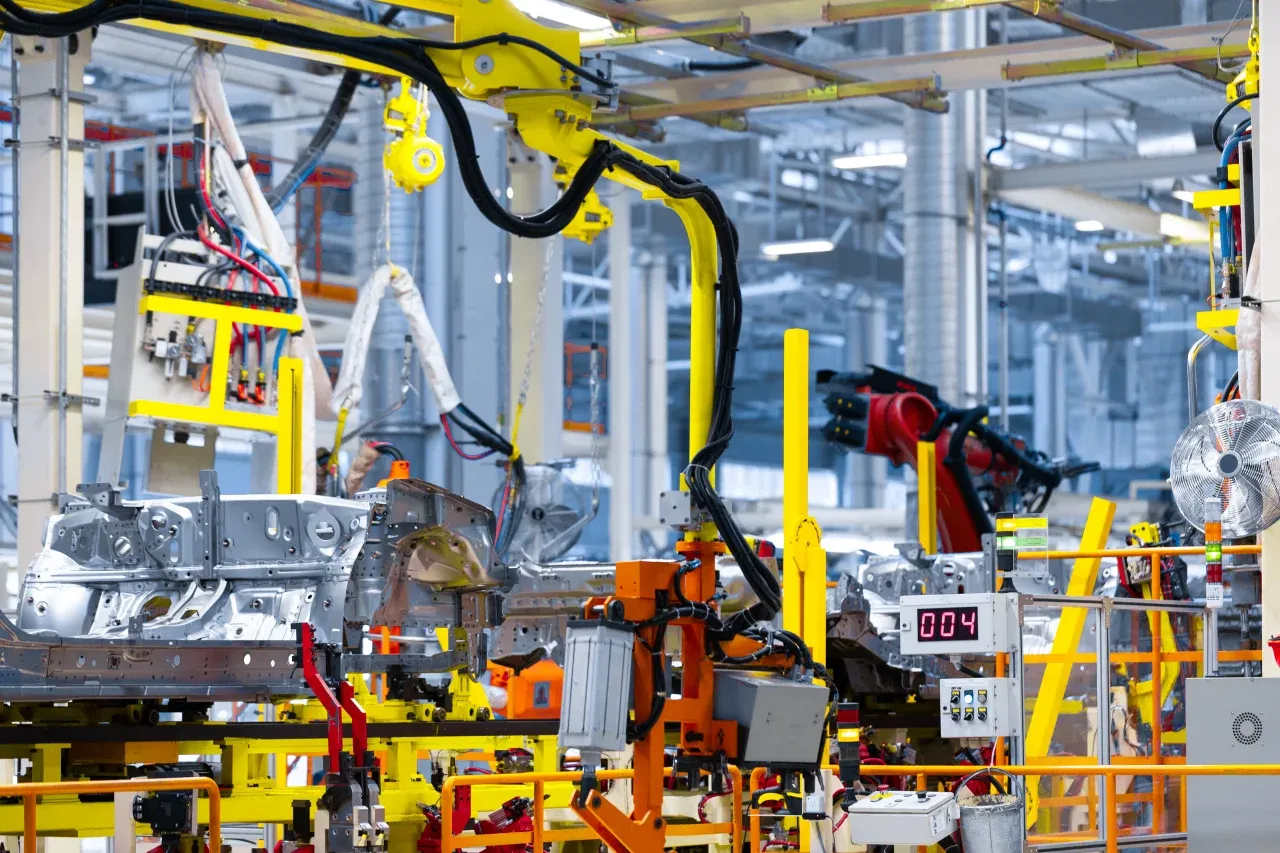
QA QC engineers use this audit for GMP to verify GMP operating condition, safety controls and compliance sign-off and corrective actions with photo evidence, capture photo evidence on every finding, and track corrective actions to verified closure, building the evidence manufacturing teams need for ISO 9001, ISO 14001 and GMP.
Use these apps to run inspections and audits.

by InspectWrk
Inspect pharmaceutical manufacturing operations with structured batch, hygiene, and equipment checks plus defect logging.
by InspectWrk
GMP inspections for pharma and regulated manufacturing.
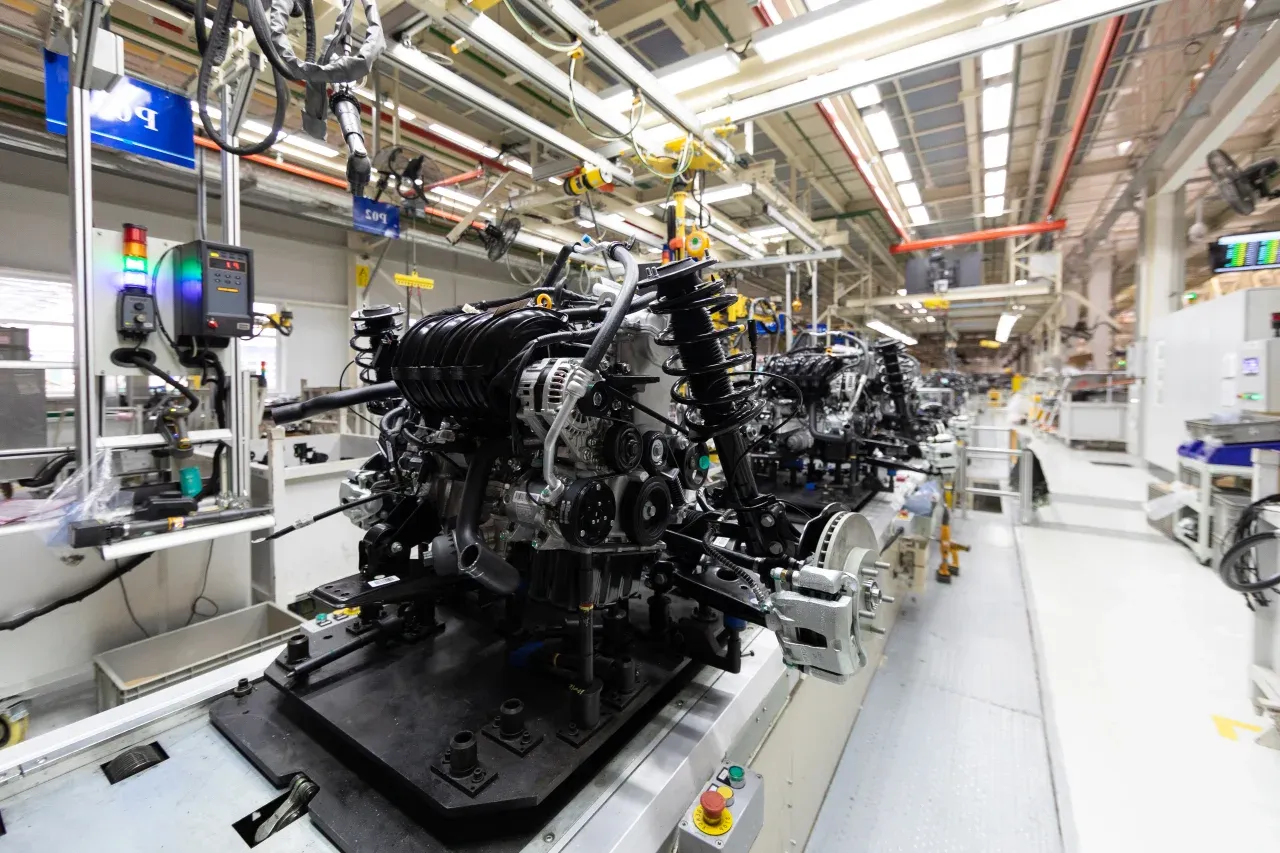
by InspectWrk
Run manufacturing quality inspections with defect evidence, scoring, and corrective action follow-up.
Yes, the terms are used for the same thing. Batch record software, or electronic batch record (EBR) software, replaces the paper record that documents how each batch was made. It holds the master record for the product, guides operators through each step, captures materials, equipment, readings, and signatures as the work happens, logs deviations, and routes the completed record to QA. InspectWrk builds this on our platform around your own master records and approval routes, so the digital record follows your process rather than forcing a generic one on your plant.
Yes, that is how we work. We start from your approved master batch records and SOPs: the materials and quantities, equipment, process steps, in-process checks, limits, and who signs what. Our team configures those as templates on the platform, keeps them under version control, and sets up the approval routes your quality system requires. Different products can carry different masters, and a change to a master goes through your own change control before new batches use it. Your team then checks the configured records against the paper versions before anything goes live.
In-process checks appear at the step where they belong. The operator enters the reading, such as a weight, temperature, or pH value, and it is compared with the limits in your master record. A value outside range prompts follow-up straight away rather than waiting for review. Anything that departs from the master, such as a missed step, a substituted material, or an unexpected result, is logged as a deviation with details and photos and routed to QA. The deviation stays linked to the batch, so the reviewer sees it in context and can decide what happens next.
The platform records electronic signatures for each step and for QA approval, and keeps an audit trail of every entry and change with the time and the person who made it. Compliance with 21 CFR Part 11, EU Annex 11, or GMP depends on how the system is configured, validated, and used in your operation, so we do not claim it on your behalf. We configure the solution to support your requirements, and your quality team validates it against the regulations that apply to your products before it is used for production batches.
No, it is not an MES and it does not control equipment. It is the batch record layer: it guides people through the approved process and records what happened. Your ERP can keep orders, stock, and material lots, your MES or control systems can run the equipment, and your LIMS can keep laboratory results. Batch details can come in and completed records and results can go out through exports or integration, so the batch record sits alongside those systems instead of duplicating them. Where you already run an MES with its own batch records, we can scope whether this fits at all.
We begin by scoping one product: its master record, steps, checks, limits, deviations, and approvals. Our team configures the solution on the InspectWrk platform, your team reviews it against the paper record, and you validate it as your quality system requires. We then pilot it on that product, compare the digital records with what production and QA expect, and adjust before extending to other products and lines. Because the templates are configuration rather than code, adding a new product means adding its master record, not waiting for a new software release.
Book 30 minutes to discuss your challenges and see how InspectWrk digitizes operations with mobile apps, automated reporting, and real-time dashboards.











