

Take a Photo. AI Fills the Form
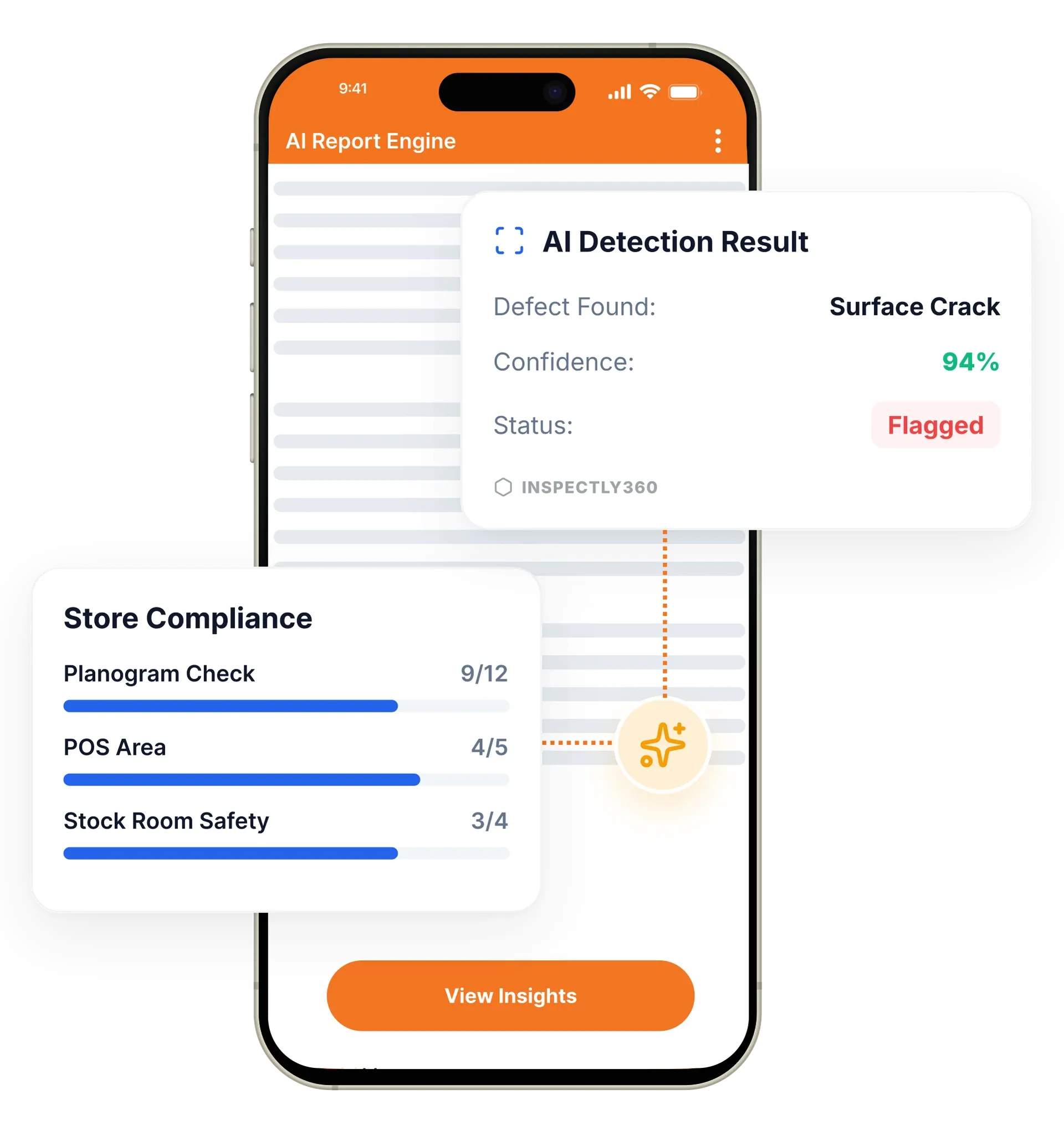
Your inspector takes a photo of any asset or defect. AI reads it and fills the inspection form automatically. No typing. No manual entry.

Turn a failed inspection item into a tracked corrective action with an owner, a due date, and proof of the fix. Manage corrective and preventive actions in one place, so every issue is resolved and verified, not just marked done.

CAPA management software in InspectWrk turns a failed inspection item into a tracked corrective action with an owner, a due date, and a required photo of the fix. It handles corrective action tracking and preventive actions in one place, so an issue is resolved and verified rather than marked done. It replaces WhatsApp follow-ups and spreadsheet issue logs with a defensible record for every defect.
CAPA management software in InspectWrk records every corrective and preventive action from the moment an inspection fails a check to verified closure. When an inspector flags a defect, the platform creates an issue with a named owner, a severity, a due date, and a required photo of the fix. Corrective action tracking and issue resolution happen in one place, and a preventive action captures the root cause so the same defect does not recur. It replaces spreadsheet issue logs and standalone NCR software with defect management that everyone can see.
A failed check becomes a WhatsApp message or a spreadsheet line, staff self-certify that it was fixed, and the same defect returns because nobody recorded the root cause.
The outcome: Each issue is resolved and verified instead of marked done, missed deadlines surface before an audit finds them, and every action carries a timestamped trail for regulators and clients.
Every failed check can open a corrective action and a preventive action, so you fix the immediate defect and the root cause in one CAPA workflow.
Each issue carries a named owner, a severity, and a due date, so corrective action tracking is clear and nothing sits unassigned.
Closing an issue requires photo evidence and a re-inspection step, so a fix is confirmed rather than self-certified by whoever caused it.
AI flags when the same defect keeps appearing at a site, asset, or zone, so issue resolution moves from treating symptoms to fixing root causes.
Non-conformance reports run from detection through disposition, so defect management and NCR software live in the same record as the inspection.
Overdue corrective actions escalate automatically to the right person, so a missed deadline is surfaced before it becomes an audit finding.
Example: a failed check becomes a verified corrective action

An inspector marks the item as failed and captures a photo, a severity, and a note describing the defect.
The platform opens an issue with a named owner and a due date, linked to the inspection, asset, and location it came from.
The owner completes the work and attaches a photo of the repair, so closure rests on proof rather than a status change.
The item moves to a re-inspection step and closes only once the fix is confirmed in place.
A preventive action records why the defect happened, so a recurring fault is addressed rather than reopened next month.
Runs each non-conformance from detection through disposition to a re-inspected close, with the root cause recorded for a preventive action.
Assigns a site snag to the responsible trade and requires photo evidence and a re-inspection before the corrective action can close.
Tracks a safety or infection-control finding to verified closure, so an assessor sees the finding was resolved and confirmed.
Reviews recurring-defect flags across sites and opens a preventive action against the cause rather than raising another repeat work order.
CAPA tracking sits between the inspection that finds a defect and the systems that chase and report it. These features carry an issue from detection to verified closure.
Everything your field team does on paper, InspectWrk does automatically: faster, more accurate, and without the admin.
Your inspector takes a photo of any asset or defect. AI reads it and fills the inspection form automatically. No typing. No manual entry.

Inspectors speak their observations in any language. AI transcribes and fills the form in real time. Completely hands-free in the field.

The moment an inspection is submitted, a branded PDF, Excel, or CSV report generates automatically. No manual work. No waiting.

InspectWrk integrates with the tools your team already uses, including Zoho, Microsoft 365, and SAP. No double entry.

Your operations team sees completion rates, open issues, and compliance scores across all sites in real time. No chasing updates.
A corrective action deals with the instance. An inspector fails a check, an issue is raised with a named owner, a severity, and a due date, and the fix is evidenced with a photo before the issue closes. That resolves the specific defect in front of the team, and for most findings it is the whole job.
A preventive action deals with the cause. It exists because the same defect keeps returning, which means fixing each instance is treating a symptom. Capturing the root cause is what changes the outcome: a fault that recurs monthly because of a maintenance interval, a supplier, or a training gap will keep recurring no matter how promptly each instance is closed.
Keeping both in one place is the point. When corrective and preventive actions live in separate systems, or the preventive half lives in a meeting note, the link between a pattern and the action taken about it is lost. Here the recurring defect and the preventive action sit against the same record, so the reasoning survives after the people involved have moved on.
“Rolling out digital checklists across multiple projects gave us instant visibility into recurring safety issues. We now resolve critical findings in hours instead of days.”
 Olivia CarterNorthbridge Infrastructure
Last updated: