

Take a Photo. AI Fills the Form
Your inspector takes a photo of any asset or defect. AI reads it and fills the inspection form automatically. No typing. No manual entry.

Convert your checklist into Mobile App
ICRA software for hospitals and healthcare facilities to assess infection control risk before construction or renovation starts, route permits for approval, monitor barriers and dust controls during the work, and document every project through to handover.
ICRA software, short for infection control risk assessment software, helps healthcare facilities control the infection risk created by construction, renovation, maintenance, and demolition work in or near patient care areas. InspectWrk keeps each project's ICRA assessment, precautions, permit approvals, monitoring rounds, findings, and handover checks in one record, so infection prevention, facilities, and contractors work from the same plan on every project.
Available on Mobile
Inspect on iOS and Android with no internet required. Capture photos, let AI flag defects, and generate audit-ready reports in the field.
In many hospitals the ICRA workflow still runs on paper. An assessment is signed at the pre-construction meeting, a permit is taped to the barrier, and approvals move by email. Once work starts, nobody checks the barriers, pressure, or dust controls again until dust reaches a patient area. When a surveyor asks what was in place, the evidence is scattered across folders.
What changes once icra software runs on one mobile-first platform.
Infection prevention, facilities, and project teams follow the same loop for every construction, renovation, and maintenance project.
Capture the scope, location, type and extent of work, and the patient risk groups in and around the area. Set the class of precautions using your facility's ICRA method.
The ICRA approval workflow sends the permit to infection prevention, facilities, and the project lead for sign-off. Work shows as not approved until every required signature is recorded.
Share the approved precautions with the contractor team, record who was briefed, and confirm signage, detours, and notifications to affected departments are in place.
Inspectors check barriers, seals, negative pressure readings, dust control, and cleanliness on rounds set by your policy, with photos. Rounds work offline and sync later.
Breaches become actions with owners, serious ones escalate straight away, and final checks confirm cleaning and barrier removal before the area returns to patient use.
The platform covers infection control for construction, renovation, maintenance, and demolition work in or near patient care areas, from the pre-construction assessment to handover. Your facility's ICRA method defines the classes and precautions; InspectWrk makes sure they are approved, followed, and documented.
Everything your field team does on paper, InspectWrk does automatically: faster, more accurate, and without the admin.
Your inspector takes a photo of any asset or defect. AI reads it and fills the inspection form automatically. No typing. No manual entry.

Inspectors speak their observations in any language. AI transcribes and fills the form in real time. Completely hands-free in the field.

The moment an inspection is submitted, a branded PDF, Excel, or CSV report generates automatically. No manual work. No waiting.

InspectWrk integrates with the tools your team already uses, including Zoho, Microsoft 365, and SAP. No double entry.

Your operations team sees completion rates, open issues, and compliance scores across all sites in real time. No chasing updates.
Manage every checklist in one connected workspace, capture evidence on mobile at the point of work, and let AI turn field inputs into clear, stakeholder-ready reports in minutes.





See which checklists your team has in progress across every site, jump into the same inspection with one tap, and keep field, supervisor, and back-office views in sync without sending screenshots on WhatsApp.






Every team reports differently. Build the report your operations, quality, or compliance leads actually want to read, share it as a branded PDF, and schedule delivery to the stakeholders who need it.



See completion, pass rate, and recurring findings across every checklist and every site, without pulling spreadsheets together at the end of the month.
What changes once icra software is standardised on InspectWrk.







“InspectWrk transformed how we manage site safety inspections. The offline capability alone saved us countless hours. Our compliance rate jumped from 72% to 96% in just three months.”
Sarah Mitchell
Meridian Construction Group

“The AI-powered defect detection has changed how we work. Our inspectors capture photos and the system flags issues we'd have missed. It's like having an expert reviewer on every site visit.”
James Chen
Pacific Manufacturing Co.
“Rolling out digital checklists across multiple projects gave us instant visibility into recurring safety issues. We now resolve critical findings in hours instead of days.”
Olivia Carter
Northbridge Infrastructure
Get started with inspection and audit checklist templates.

Use this UMMS ICRA 2.0 electronic template to plan and document infection control measures for construction, renovation, and maintenance ...

Healthcare and facilities teams use this interim life safety measures (ILSM) checklist for temporary controls when normal life-safety conditions are affected by construction, renovation or system impairment: temporary barriers, egress protection, impairments, fire watch and restoration, kept distinct from a generic fire-safety inspection.
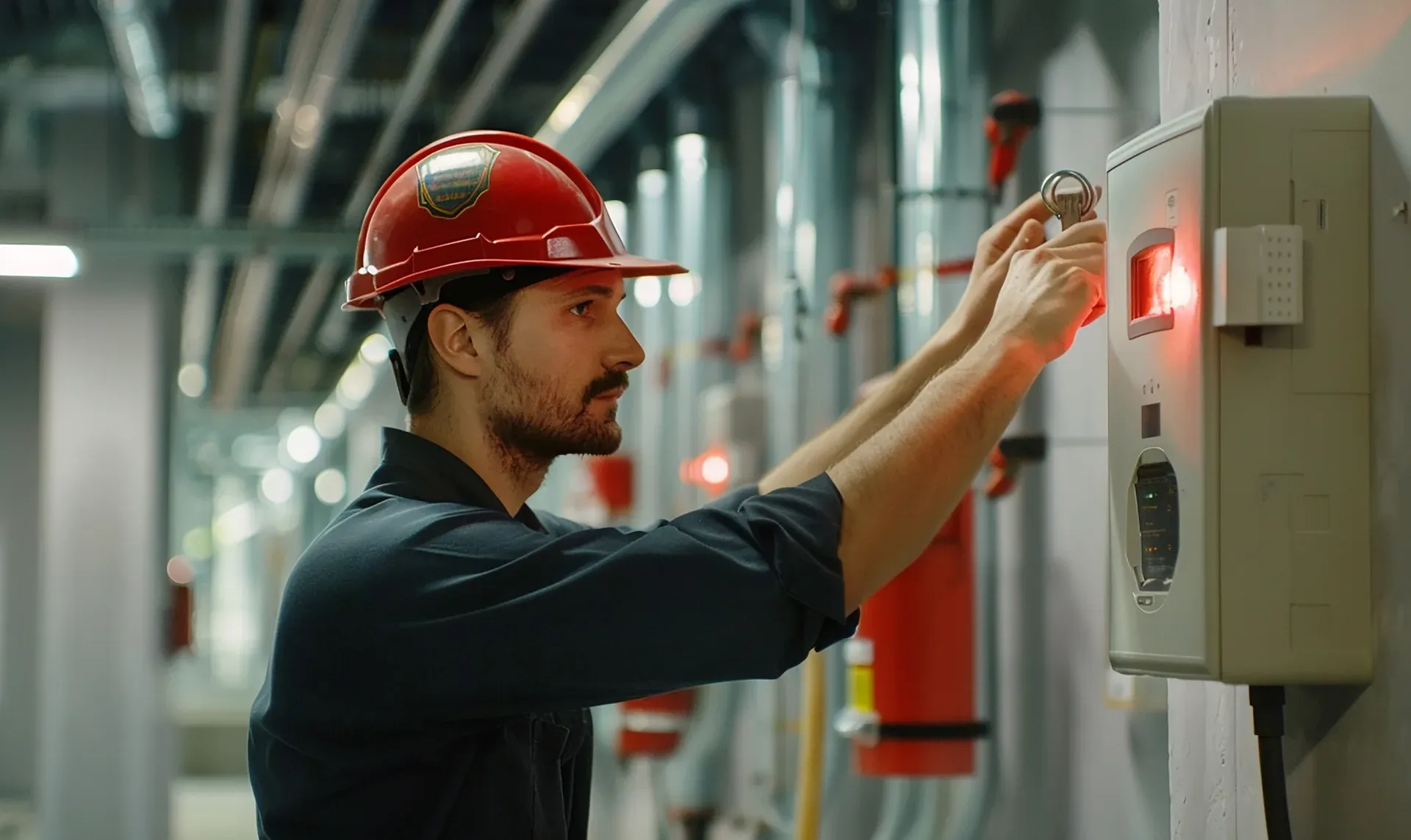
Request, authorize, control, and close work above a ceiling: permit details, contractor and workers, the work and services affected, isolations, fire barrier and fire stopping conditions, safety controls, infection control in healthcare sites, authorization, and closeout with tiles restored and penetrations sealed.

Property and facilities teams use this checklist to inspect the space above a suspended ceiling: cabling and wiring, ductwork and pipework, sprinkler piping, detectors, and damper access, visible fire barrier gaps, service supports, debris and leaks, and recent work checked against permits, with photos and corrective actions.
Use these apps to run inspections and audits.

by InspectWrk
Run infection control risk assessments for healthcare construction and renovation, with precautions, barrier checks, and daily rounds on mobile.

by InspectWrk
Inspect above-ceiling work in healthcare facilities: permit checks, barrier and penetration flags, dust controls, and closeout before tiles go back.
by InspectWrk
Inspect infection control with isolation signage, PPE stations, and environmental checks plus defect logging.
by InspectWrk
Run construction site inspections with structured checks, photo evidence, defect logging, and verified corrective closure across projects.
ICRA software manages the infection control risk assessment process for construction, renovation, maintenance, and demolition work in healthcare facilities. InspectWrk records each project's scope, location, and patient risk groups, sets the precaution class by your facility's method, routes the permit for approval, and turns the precautions into containment monitoring rounds. Breaches become tracked findings, and final checks confirm the area is safe to hand back. Every active project sits on one dashboard, so infection prevention and facilities see the same picture at the same time.
An ICRA checklist is the set of questions used to complete one assessment. An ICRA app is the mobile tool an inspector uses to run that assessment and the barrier rounds on site. ICRA software is the wider system around them: every project across your sites, permit approvals, contractor briefings, reassessment when scope changes, a dashboard of risk across projects, and the documentation surveyors ask for. InspectWrk provides all three, and they share one record, so a round completed in the app appears in the project's ICRA history and on the infection prevention dashboard.
InspectWrk is not affiliated with, endorsed by, or certified by ASHE, and it does not ship the official ICRA 2.0 toolkit. What teams usually need is ICRA software to run the ICRA 2.0 process consistently, and that is what InspectWrk supports. Your facility builds its assessment and permit templates from the ICRA 2.0 method it has adopted, including its own classes and precautions, and the platform makes sure every project follows them. If your facility uses a different or locally adapted ICRA method, the same approach applies.
When a project is assessed, InspectWrk creates the infection control construction permit and routes it to the required approvers, typically infection prevention, facilities, and the project lead. Each sign-off is recorded with a name and date. Until every approval is in, the project shows as not approved, so contractors and supervisors can see that work must not start. The paper permit taped to the barrier becomes a live permit anyone on the project can check from a phone. Changes to scope or location send the permit back for reapproval rather than being agreed verbally.
Projects change. A corridor closure extends, work moves into a new zone, or the patient population next door changes. In InspectWrk, any change to scope, location, or duration prompts a new ICRA risk assessment and fresh approval before the work continues. Meanwhile, scheduled rounds check that the approved precautions are still in place, and missed rounds are flagged to infection prevention. The assessment stays live for the whole project rather than being a one-time form completed before work begins. Each reassessment is kept alongside the original, so the project history shows how the precautions changed and who approved each version.
No software makes a project compliant on its own. Decisions about the precaution class, when to stop work, and when an area can reopen stay with your qualified infection prevention and facilities staff under your own policies. What InspectWrk provides is consistent ICRA documentation: the assessment, permit approvals, contractor briefings, rounds, findings, and handover checks for each project, dated and linked. That is the record surveyors, environment of care committees, and incident reviews ask to see, and it is ready without searching binders.
Book 30 minutes to discuss your challenges and see how InspectWrk digitizes operations with mobile apps, automated reporting, and real-time dashboards.











