Take a Photo. AI Fills the Form
Your inspector takes a photo of any asset or defect. AI reads it and fills the inspection form automatically. No typing. No manual entry.

Use this leak detection report and invoice template to check property, site and job details, investigation scope, leak detection methods used, leak findings and measurements, conclusion and cause, and recommendations and follow-up, scoring each item and raising corrective actions with owners and due dates.

Customize with your logo and company details.
Available on App
Run inspections on iOS and Android - no internet required. Capture photos, annotate defects, and generate reports in the field.
Run the Leak Detection Report and Invoice Template on the InspectWrk app instead of paper. Inspectors capture photo evidence, work offline, and assign corrective actions on the spot, and the report generates itself the moment the inspection is signed off.

Leak Detection Report and Invoice Template
Leak Detection Report and Invoice Template Dashboard
Prioritized actions to keep operations running smoothly today.
Total Revenue
$42,680
+12% compared to last month
Active Projects
128
+8 new this week
Open Requests
56
-15 resolved this week
Operational Target
You're on track to meet this month's operational goal.
Target Task
200 ↑
Complete Task
136 ↑
Pending Task
10 ↓
Monthly Performance
Recent Client Activity
Everything your field team does on paper, InspectWrk does automatically: faster, more accurate, and without the admin.
Your inspector takes a photo of any asset or defect. AI reads it and fills the inspection form automatically. No typing. No manual entry.

Inspectors speak their observations in any language. AI transcribes and fills the form in real time. Completely hands-free in the field.

The moment an inspection is submitted, a branded PDF, Excel, or CSV report generates automatically. No manual work. No waiting.

InspectWrk integrates with the tools your team already uses, including Zoho, Microsoft 365, and SAP. No double entry.

Your operations team sees completion rates, open issues, and compliance scores across all sites in real time. No chasing updates.
Manage every checklist in one connected workspace, capture evidence on mobile at the point of work, and let AI turn field inputs into clear, stakeholder-ready reports in minutes.





See which checklists your team has in progress across every site, jump into the same inspection with one tap, and keep field, supervisor, and back-office views in sync without sending screenshots on WhatsApp.






Every team reports differently. Build the report your operations, quality, or compliance leads actually want to read, share it as a branded PDF, and schedule delivery to the stakeholders who need it.



See completion, pass rate, and recurring findings across every checklist and every site, without pulling spreadsheets together at the end of the month.
Hand-picked templates for your specific industry needs.

Standard site-level inspections for construction, safety, and compliance.

Inspect assets and equipment: condition, location, photos, and maintenance history.
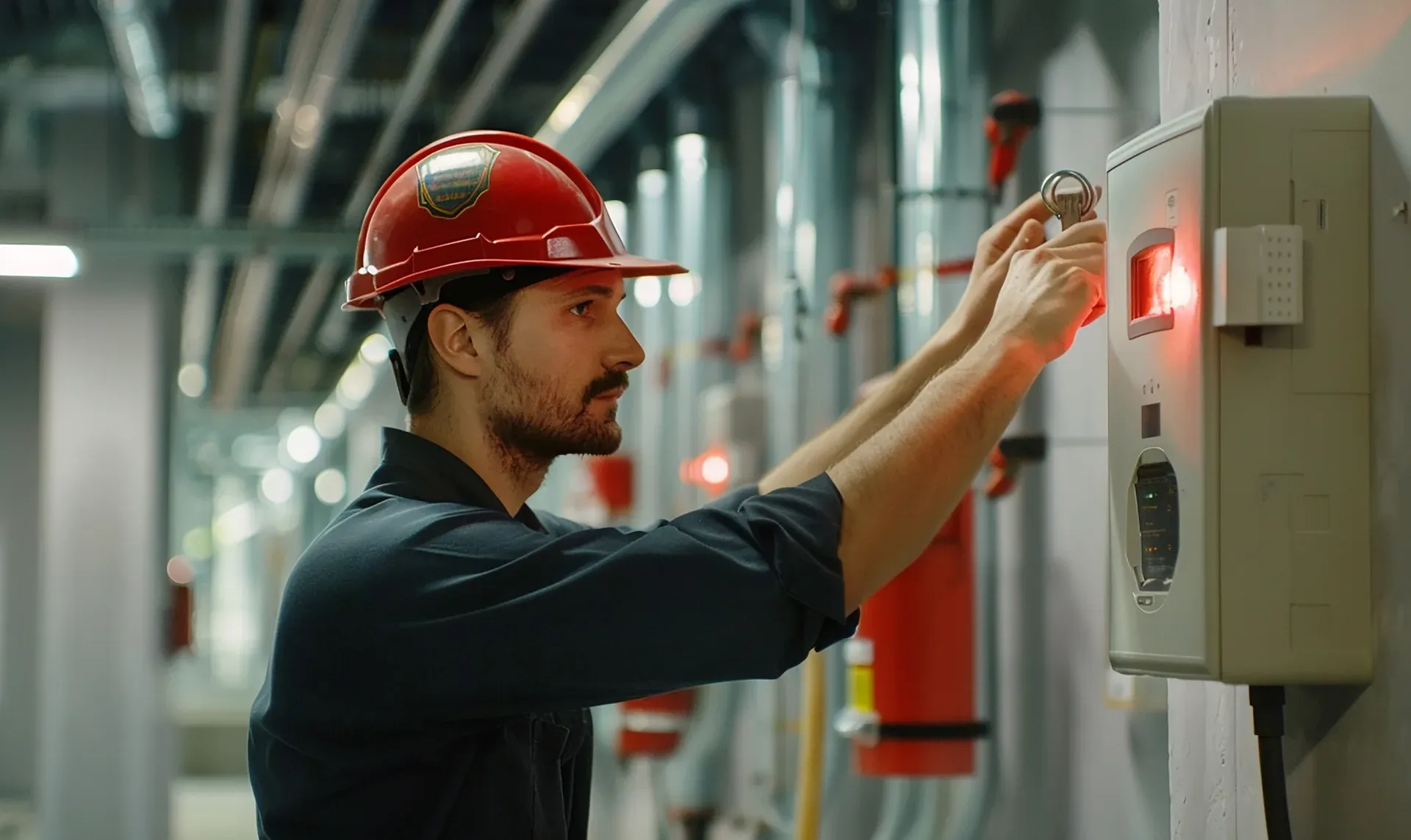
Run the Maintenance Checklist on the InspectWrk app to capture photo evidence per finding and generate audit-ready reports.
A leak detection report and invoice template is a structured way for facilities and maintenance teams to document a leak investigation across a site or building and its costs in one place. It is a report and record, not ongoing monitoring or a routine inspection: capture the site, building and job or work-order details, the reason and scope, the detection methods used, the findings and the suspected or confirmed leak location with photographs, the conclusion and cause, and the recommended repair or follow-up, then record the invoice or job information. It gives facility managers and maintenance teams a clear record they can attach to the work order.
A leak detection monitoring checklist is for ongoing checks over time, and a water leak inspection checklist is used to inspect for leak-related conditions. A leak detection report and invoice template documents the results of one specific investigation: what was investigated, which methods were used, what was found, and what is recommended, along with the job and invoice details. One is routine monitoring or inspection; this is the report of a single investigation. Keeping them separate matters, because a report needs its own findings, photographs and recommendations that a routine checklist is not designed to hold.
A useful report records the site, building and job or work-order details, the reason for the investigation and its scope, and the detection methods actually used, such as visual inspection, moisture measurement, thermal imaging, pressure testing or CCTV. It then records the findings and measurements, the suspected or confirmed leak location with supporting photographs, the conclusion and whether the cause is confirmed, suspected or undetermined, and the recommended repair or follow-up. Where it applies, it also records the invoice or job details. Each entry should be a recordable fact that is useful to the technician, facility manager or maintenance team.
No. Leaks are investigated in different ways depending on the site, the suspected source and the access available, so no single detection method applies to every job. A visual inspection, moisture measurement, thermal imaging, pressure testing or a CCTV drain survey may each be appropriate, or not. The template records the methods that were actually used and their results, and lets you mark the others as not applicable, so the report reflects the real investigation rather than implying tests that were never carried out. What matters is that the method used is documented alongside what it found.
In InspectWrk, a leak detection report runs as a structured form on a phone or tablet: the technician records the site, building and work-order details, the scope, the detection methods used, and the findings, and attaches photographs of the leak location and any damage. The conclusion, cause, recommendations and follow-up status are captured in the same record, along with the invoice or job information where it applies. Each report is timestamped and stored, so facility managers and maintenance teams get a clear record they can attach to the work order, rather than a verbal summary and a separate invoice.

A leak detection report and invoice template is a structured way for facilities and maintenance teams to document a leak investigation across a site or building and its costs in one place. It is a report and record, not ongoing monitoring or a routine inspection: capture the site, building and job or work-order details, the reason and scope, the detection methods used, the findings and the suspected or confirmed leak location with photographs, the conclusion and cause, and the recommended repair or follow-up, then record the invoice or job information. It gives facility managers and maintenance teams a clear record they can attach to the work order.
A leak detection report and invoice template is used by facilities and maintenance teams to document the results of a leak investigation across a site or building. A technician or contractor records what was investigated, which detection methods were used, what was found, and what is recommended, and captures the job, work-order and invoice details alongside it. Its purpose is a clear, consistent record that facility managers and maintenance teams can attach to the work order when a leak is reported on site.
Working through the site, building and job details, the investigation scope, the detection methods used, the findings, the conclusion and cause, the recommendations and follow-up, and the invoice information, the template documents the investigation from the reported problem to the outcome. It is deliberately a report and record, distinct from a leak detection monitoring checklist used for ongoing checks or a water leak inspection checklist used to inspect for leak conditions. Because leaks are investigated in different ways, it records the methods actually used rather than assuming any single method applies.
A leak investigation on a site or in a building often ends with a verbal summary and a few photos on a phone. The facility manager is not sure what was checked, which method found the leak, or what happens next, and the work order is closed with no record attached and the invoice arriving separately. If the repair is later questioned or a second leak appears, there is no clear record of what was investigated, what was found, or what was recommended.
A leak detection report and invoice template fixes that by documenting the scope, the methods used, the findings with photographs, the conclusion, and the recommendations, alongside the work-order and invoice details. Facility managers and maintenance teams get the same clear record of what was investigated and found, and the work can be linked to the job and what was charged.
A structured report helps facilities teams close out a reported leak:
A complete report runs from the work-order details to the invoice:
Record who and where:
Record what was investigated and how:
Record what was found and what is next:
Record the job cost where it applies:
Document the site leak investigation from work order to invoice:
See how this checklist fits into Facility management software.
This checklist runs as a mobile inspection app that works fully offline on site, with AI-powered defect detection on every photo. To see it on your own workflows, talk to our team.