Take a Photo. AI Fills the Form
Your inspector takes a photo of any asset or defect. AI reads it and fills the inspection form automatically. No typing. No manual entry.

Convert your checklist into Mobile App
Browse by use case or industry, or see what other teams use most.
Book 30 minutes to discuss your challenges and see how InspectWrk digitizes operations with mobile apps, automated reporting, and real-time dashboards.
Use this retro-commissioning checklist to run checks on rcx project scope, existing documentation review, initial building assessment, HVAC systems, controls and BAS, and trend analysis and functional testing, capturing photo evidence per finding and tracking each fix through to closure.

Customize with your logo and company details.
Available on App
Run inspections on iOS and Android - no internet required. Capture photos, annotate defects, and generate reports in the field.
Run the Retro-Commissioning Checklist on the InspectWrk app instead of paper. Inspectors capture photo evidence, work offline, and assign corrective actions on the spot, and the report generates itself the moment the inspection is signed off.

Retro-Commissioning Checklist
Retro-Commissioning Checklist Dashboard
Prioritized actions to keep operations running smoothly today.
Total Revenue
$42,680
+12% compared to last month
Active Projects
128
+8 new this week
Open Requests
56
-15 resolved this week
Operational Target
You're on track to meet this month's operational goal.
Target Task
200 ↑
Complete Task
136 ↑
Pending Task
10 ↓
Monthly Performance
Recent Client Activity
Everything your field team does on paper, InspectWrk does automatically: faster, more accurate, and without the admin.
Your inspector takes a photo of any asset or defect. AI reads it and fills the inspection form automatically. No typing. No manual entry.

Inspectors speak their observations in any language. AI transcribes and fills the form in real time. Completely hands-free in the field.

The moment an inspection is submitted, a branded PDF, Excel, or CSV report generates automatically. No manual work. No waiting.

InspectWrk integrates with the tools your team already uses, including Zoho, Microsoft 365, and SAP. No double entry.

Your operations team sees completion rates, open issues, and compliance scores across all sites in real time. No chasing updates.
Manage every checklist in one connected workspace, capture evidence on mobile at the point of work, and let AI turn field inputs into clear, stakeholder-ready reports in minutes.





See which checklists your team has in progress across every site, jump into the same inspection with one tap, and keep field, supervisor, and back-office views in sync without sending screenshots on WhatsApp.






Every team reports differently. Build the report your operations, quality, or compliance leads actually want to read, share it as a branded PDF, and schedule delivery to the stakeholders who need it.



See completion, pass rate, and recurring findings across every checklist and every site, without pulling spreadsheets together at the end of the month.
Hand-picked templates for your specific industry needs.

Standard site-level inspections for construction, safety, and compliance.

Inspect assets and equipment: condition, location, photos, and maintenance history.
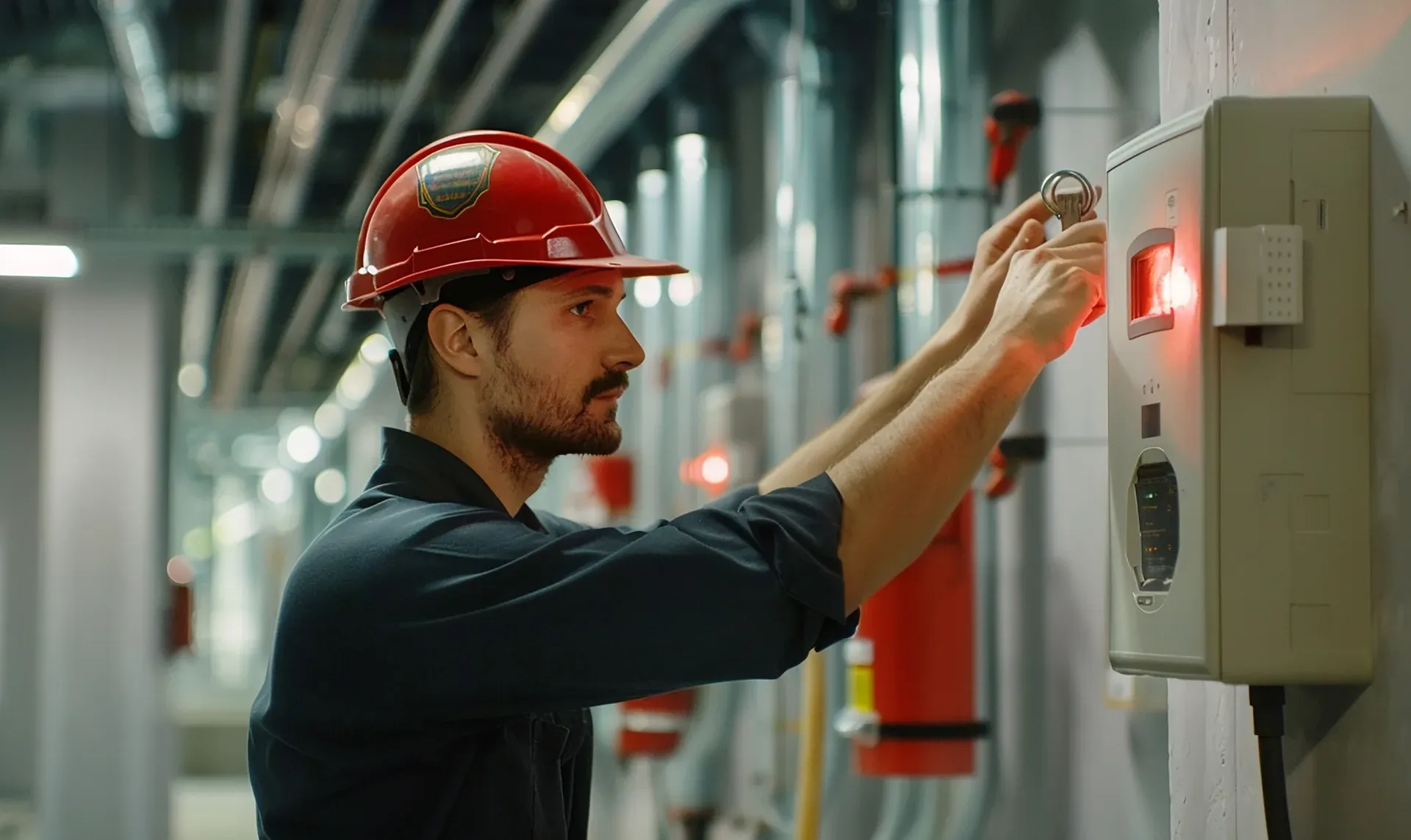
Run the Maintenance Checklist on the InspectWrk app to capture photo evidence per finding and generate audit-ready reports.
Log findings with evidence and root cause, track every corrective measure, and prove each fix with a retest. See it in 30 minutes.
Retro-commissioning, often shortened to RCx, is a process for improving how an existing building's systems operate when they were never commissioned before. The team reviews the documentation, walks the building, checks the controls, collects trend data and functionally tests each sequence. Problems such as poor schedules, stuck dampers, drifting sensors or simultaneous heating and cooling are traced to their root cause and corrected. Each correction is then retested, and the operators are trained so the building keeps running the way it should.
New building commissioning verifies that systems in a new building are installed and work as designed before handover. Recommissioning repeats commissioning on a building that was commissioned before, usually after some years of operation. Retro-commissioning applies the same discipline to an existing building that was never commissioned, so there is often no baseline documentation to start from. That is why the first sections of this checklist focus on gathering documents, interviewing operators and establishing the owner's current requirements before any testing starts.
No, although they are often done together. An energy audit looks at how much energy a building uses and identifies improvements, often capital upgrades, with estimated savings. Retro-commissioning focuses on how the existing equipment and controls are operating, and corrects problems such as poor scheduling or broken sequences, usually at low or no cost. The RCx findings can feed into an energy audit, and audit results can help decide which systems to include in the RCx scope. Many owners run RCx first, because it fixes operation before money is spent on new equipment.
Most RCx projects focus on HVAC and controls, because that is where operating problems usually hide. This checklist covers air handling units, VAV boxes, chillers, boilers, pumps, cooling towers and ventilation, together with the BAS setpoints, schedules, overrides, sensors, reset strategies and alarms that run them. The scope can also include lighting controls or other systems if the owner wants them assessed. The first section records exactly which systems are included, so the findings and the final report match the agreed scope.
Your team records the walkthrough, BAS checks and functional tests on a phone or tablet, with photos and notes attached to each system. Findings become tracked items with a root cause, priority, owner and status, so nothing is lost between the assessment and the retest. Managers see open findings across buildings in one dashboard. When the work is complete, the checklist exports as a single report with the findings, corrective measures and retest results, ready to share with the owner and operators.

A retro-commissioning checklist guides the process of finding and fixing operating problems in an existing building that was never commissioned. It covers documentation review, a building walkthrough, HVAC systems, BAS setpoints, schedules and overrides, trend analysis and functional testing, then records each finding with its root cause, the corrective measure and a retest.
A retro-commissioning checklist takes a building team through retro-commissioning (RCx) step by step: agree the scope with the owner, gather what documentation exists, walk the building with the operators, and then test how the systems actually run. Most problems RCx finds are not broken equipment. They are schedules that no longer match occupancy, overrides nobody removed, sensors that have drifted and sequences that fight each other, such as heating and cooling running at the same time.
RCx is sometimes grouped under existing building commissioning, and ASHRAE Guideline 0.2 covers that process where a project follows it. Unlike an energy audit, which estimates savings from upgrades, RCx corrects how the existing systems operate and then proves the fix with a retest. Targets such as setpoints and schedules come from the owner's current facility requirements, not from this checklist.
A tenant complained about a cold office two winters ago, so someone overrode the AHU to run around the clock. The complaint went away, the override stayed, and nobody connected it to the rise in the energy bill.
Without trend data and a record of each finding, the same problems get fixed by feel, then come back. Retro-commissioning replaces that with evidence: what is wrong, why it happens, what was changed and whether the retest proved it.
Buildings drift from how they were meant to run. A structured RCx process helps you:
A complete retro-commissioning record moves from assessment to handover:
Work through the RCx process in order:
See how this checklist fits into Facility management software.
This checklist runs as a mobile inspection app that works fully offline on site, with AI-powered defect detection on every photo. To see it on your own workflows, talk to our team.