

Take a Photo. AI Fills the Form
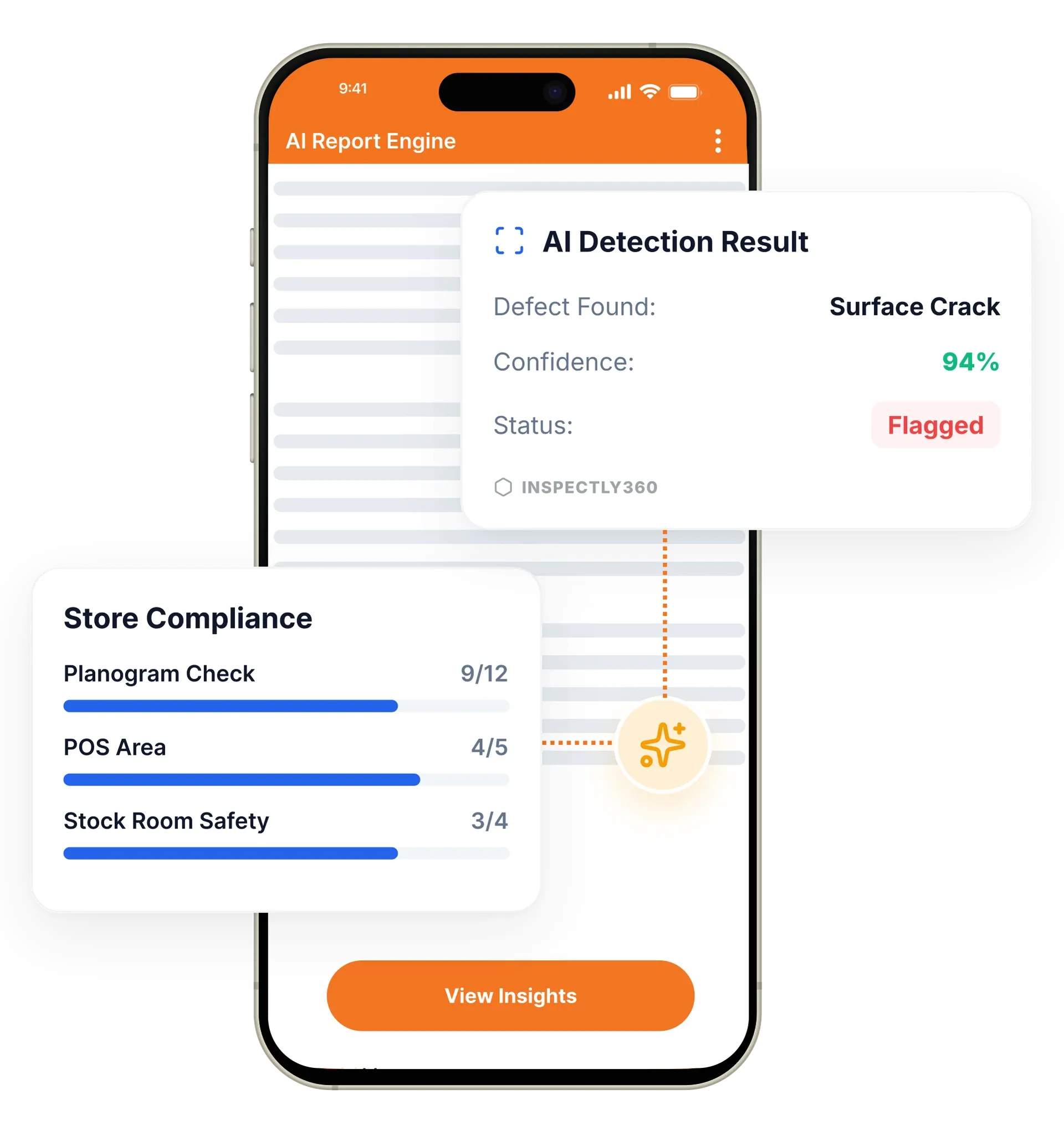
Your inspector takes a photo of any asset or defect. AI reads it and fills the inspection form automatically. No typing. No manual entry.

Never miss a critical finding, an overdue inspection, or an approaching deadline. The notification system makes sure the right people are informed at the right time through the right channel.
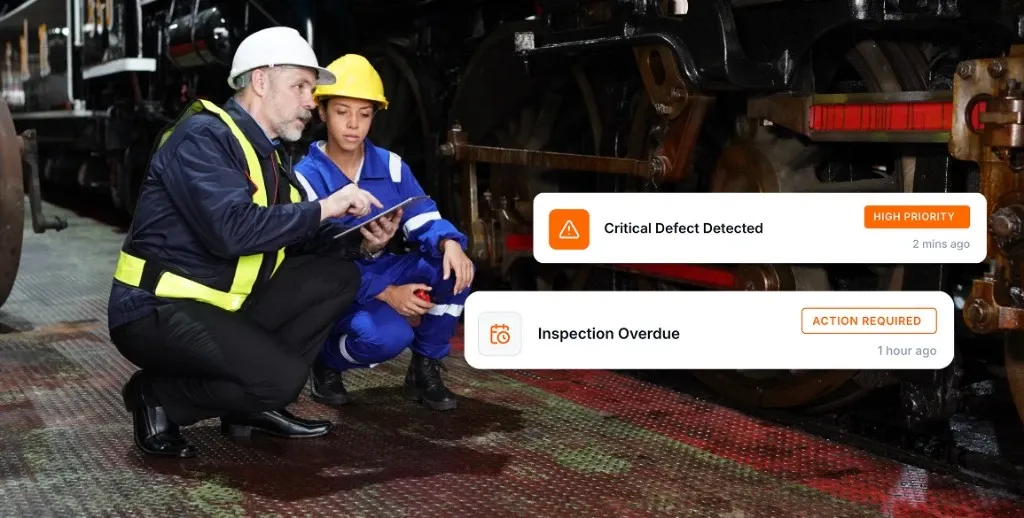
Smart notifications in InspectWrk deliver real-time inspection alerts through push, email, SMS, and in-app channels. They replace WhatsApp follow-ups, forgotten reminders, and verbal updates with rules-based alerts routed by severity and role. A critical safety finding reaches a manager in seconds, while routine updates batch into a digest so nobody is overwhelmed.
Smart notifications in InspectWrk deliver contextual, actionable inspection alerts so delayed information stops costing money, safety, and compliance. The notification engine sends alerts through push, email, SMS, and in-app channels. You configure rules based on severity, role, and urgency, so a critical safety finding reaches a decision-maker instantly while routine updates flow through a daily digest. The platform replaces WhatsApp follow-ups, missed reminders, and verbal handovers with a reliable system that proves the right person was told at the right time.
A hazard shared over WhatsApp is seen or it is not, and there is no record that the right manager was ever told.
The outcome: A critical finding reaches the named manager in seconds, routine updates batch into a digest, and every alert leaves a timestamped record of who was notified.
Push notifications, email, SMS, and in-app alerts. Each user can set preferred channels per notification type.
Multi-level escalation chains for overdue items auto-escalate from inspector to supervisor to regional manager based on time thresholds.
Critical findings trigger immediate alerts to safety managers, while routine items batch into a daily digest.
Automated reminders fire at configurable intervals before an inspection deadline: seven-day, three-day, one-day, and same-day alerts.
Different notification rules for inspectors, managers, clients, and executives, so each role sees only what is relevant.
Track delivery, open rates, and response times to refine your alert strategy and cut notification fatigue.
Example: a failed item triggers an alert then escalation

An inspector marks a safety hazard on the mobile app, and severity decides the routing rather than the inspector working out who to call.
The safety manager receives a push and an SMS, the project manager receives an email, and an urgent issue is opened at the same time.
The record shows who was notified, through which channel, and when, so a question asked a week later is answered from the audit trail.
An unresolved item climbs from inspector to supervisor to regional manager on configured time thresholds, with each step on its own timer.
Each escalation step is logged, and notification analytics on delivery and response times show whether the thresholds are set sensibly.
Receives the push and SMS the moment a critical hazard is flagged, with the record of who else was notified attached.
Sits at the end of the escalation chain, alerted only when an overdue item has not been resolved lower down.
Reviews notification analytics on delivery and response times to check the thresholds are not firing too often to be taken seriously.
Relies on the timestamped notification log to show an auditor exactly when a finding was escalated.
Notifications are the layer that tells people something happened. They fire from scheduled work and open issues, and route by the roles you define elsewhere.
Everything your field team does on paper, InspectWrk does automatically: faster, more accurate, and without the admin.
Your inspector takes a photo of any asset or defect. AI reads it and fills the inspection form automatically. No typing. No manual entry.

Inspectors speak their observations in any language. AI transcribes and fills the form in real time. Completely hands-free in the field.

The moment an inspection is submitted, a branded PDF, Excel, or CSV report generates automatically. No manual work. No waiting.

InspectWrk integrates with the tools your team already uses, including Zoho, Microsoft 365, and SAP. No double entry.

Your operations team sees completion rates, open issues, and compliance scores across all sites in real time. No chasing updates.
Severity decides the routing, so a critical finding does not travel the same path as a routine observation. The site safety manager receives a push notification and an SMS, the project manager receives an email, and an urgent issue is opened at the same time. The inspector does not have to work out who needs to know or find their number.
The channels matter as much as the speed. A push notification reaches someone already using the app, an SMS reaches a manager whose phone is in a pocket on another site, and email carries the detail for whoever picks it up at a desk. Because each user sets preferred channels per notification type, the urgent path stays urgent instead of being buried among routine traffic.
The difference from a WhatsApp message is that the alert is part of the record. There is a log of who was notified, through which channel, and when, so the question asked a week later is answered from the audit trail rather than from memory. Routine findings do not compete with this: they batch into a digest so the critical alert is the one that stands out.
“Rolling out digital checklists across multiple projects gave us instant visibility into recurring safety issues. We now resolve critical findings in hours instead of days.”
 Olivia CarterNorthbridge Infrastructure
Last updated: