Take a Photo. AI Fills the Form
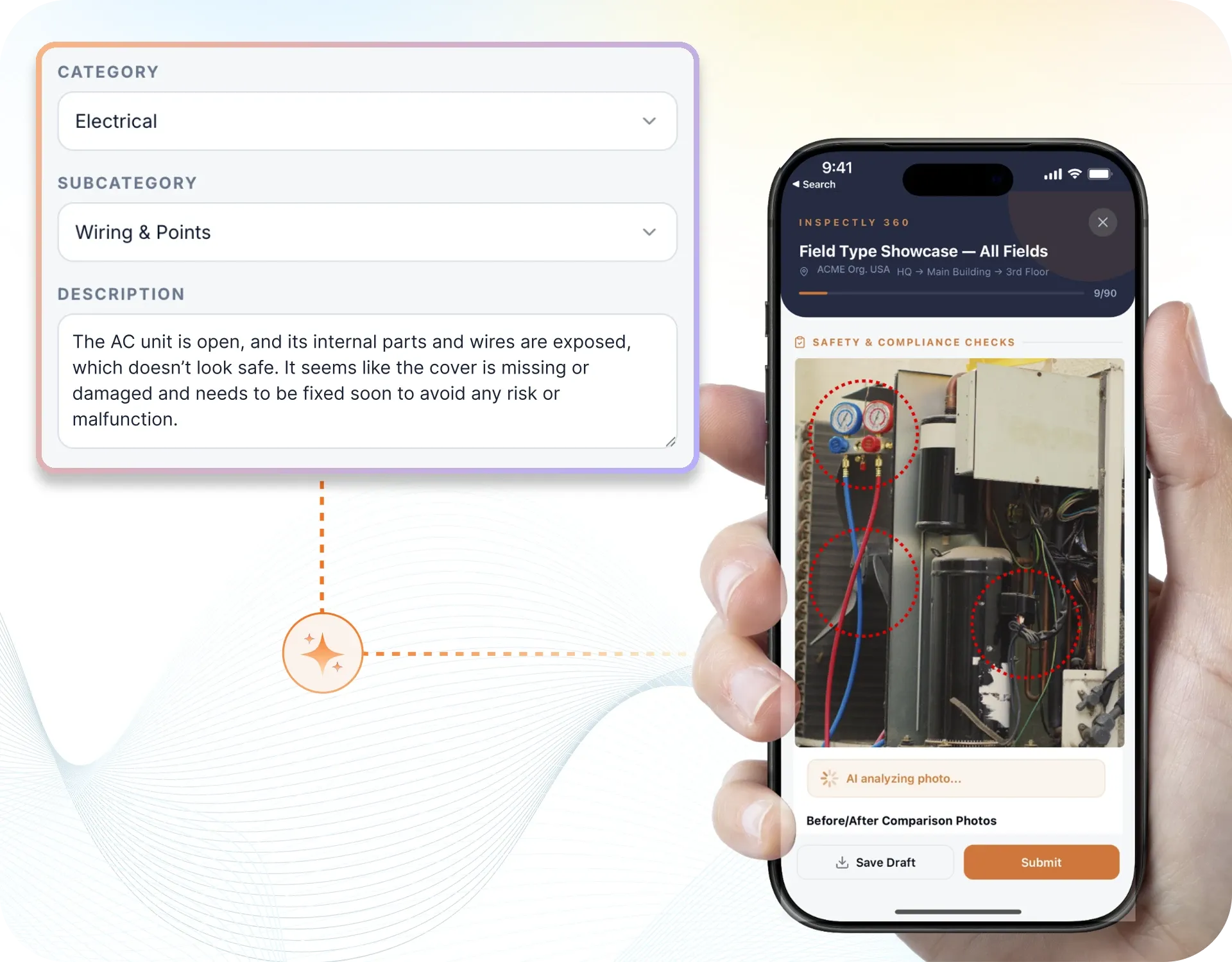
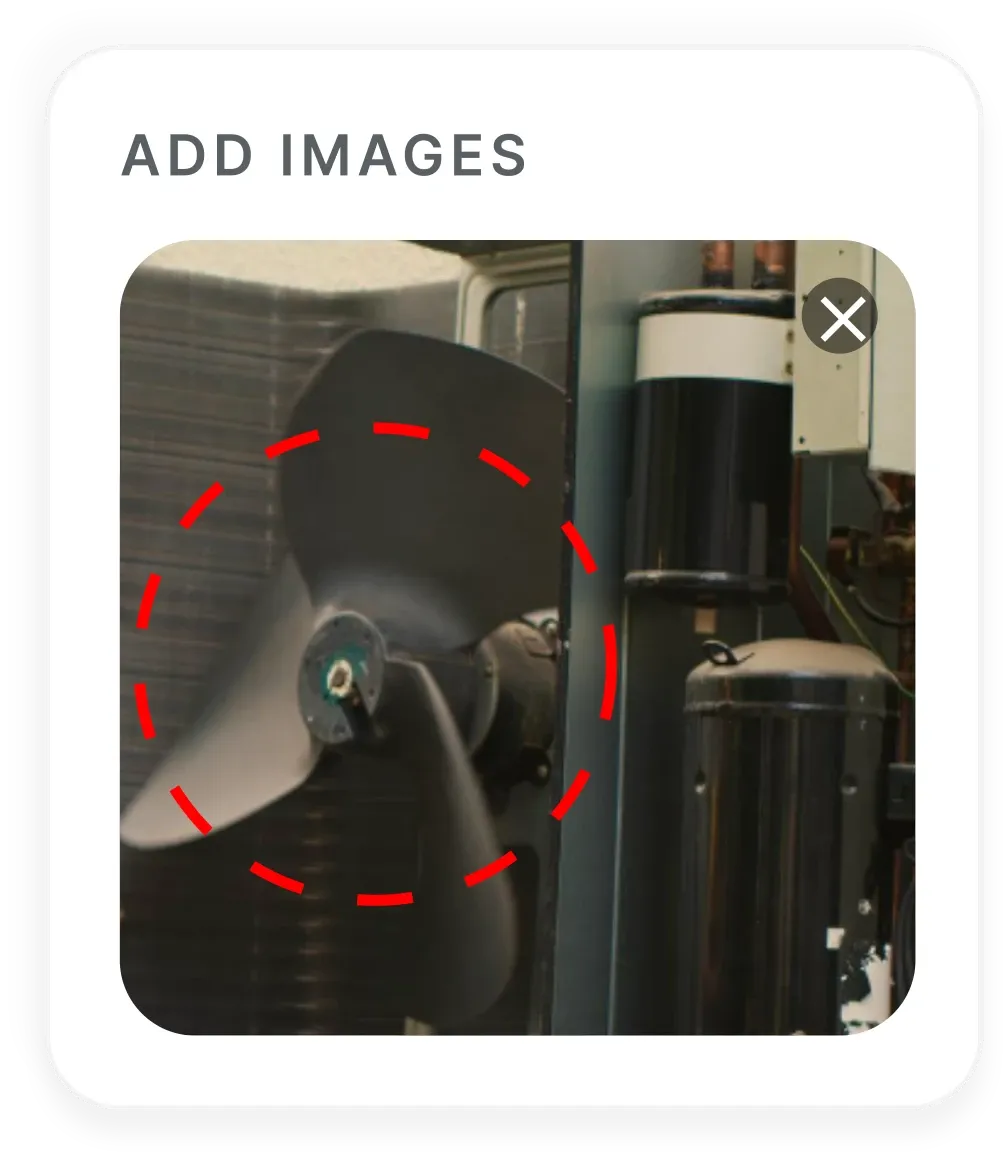
Your inspector takes a photo of any asset or defect. AI reads it and fills the inspection form automatically. No typing. No manual entry.

Apply for a limited-time deal on Premium.We apply it on your demo.
Black FridayPremium dealEnds
See the Deal
Run job safety analysis in the field, capture photo evidence, log defects, assign corrective actions, and keep a complete, provable inspection history, all in one workflow.
InspectWrk is the software we provide to run this inspection workflow. It is mobile-first, offline-capable, and built so every record holds up as evidence.
Reported by voice or chat, generic analysis copied from another job is caught late and logged with no evidence tied to the asset.
A step with no hazard or no control goes unrecorded between rounds, so there is no proof it was found, owned, or fixed.
On a manual round signatures collected away from the work area is easy to miss, and hard to defend to an auditor after the fact.
Old JSA left in use after the job changed lands in a photo thread with no owner, deadline, or audit trail behind it.
InspectWrk runs the whole job safety analysis inspection cycle on one mobile system, from the scan to the signed-off report. Here is the loop your team follows.
Open the right job safety analysis checklist by scanning the asset or location QR tag.
Record photos, readings, and signatures, offline where signal is poor.
AI flags likely defects from the photo and the inspector confirms or overrides.
A failed item becomes an owned action with a severity and a deadline.
The finding stays open until a named approver signs off proof of the fix.
A branded report generates on close-out and dashboards update across sites.
The inspection workflow, end to end: Plan → Inspect → Capture evidence → Record findings → Correct → Re-inspect → Report. Every step happens on one system, so nothing falls between the field and the office.
Pick the task for a reason that matters: injury history, severe potential, new or changed work, or a job done rarely, as OSHA 3071 suggests.
Watch the work or walk it with the people who do it, and list each basic step in order, without turning it into a procedure manual.
On each step write the hazard and the control, preferring a change to the job or a guard over PPE alone (OSHA's hierarchy of controls).
A supervisor reviews, approves and signs. Everyone on the job signs on by name before work starts.
The signed JSA is saved as a PDF with the job. If the job changes, fill and sign a new one; the earlier PDF stays.
The capabilities that matter for this workflow, and what your team can do with each one.
Each basic job step holds its hazard and its control on the same record, in the order the work will run.
A supervisor signs before the task starts, and the crew signs on by name after the briefing.
Attach a photo of the work area so a reviewer can see the conditions the JSA was written against.
Scan a QR tag on equipment or a work area to open that job's JSA form.
A missing control becomes an action with an owner and a due date, closed with photo proof.
Fill and sign on plant, in yards and on remote sites with no signal; records sync when the phone reconnects.
A JSA covers the job as steps, the hazards on each step, the controls, a named review and sign-off. The four apps on this page split that into the crew form, the written analysis, a photo-started record and an energy-and-utilities task JSA.
Manage every checklist in one connected workspace, capture evidence on mobile at the point of work, and let AI turn field inputs into clear, stakeholder-ready reports in minutes.
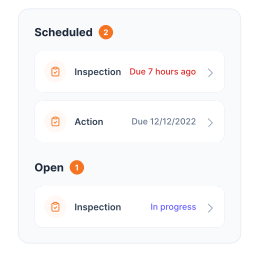
See which checklists your team has in progress across every site, jump into the same inspection with one tap, and keep field, supervisor, and back-office views in sync without sending screenshots on WhatsApp.


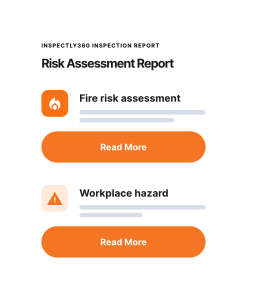
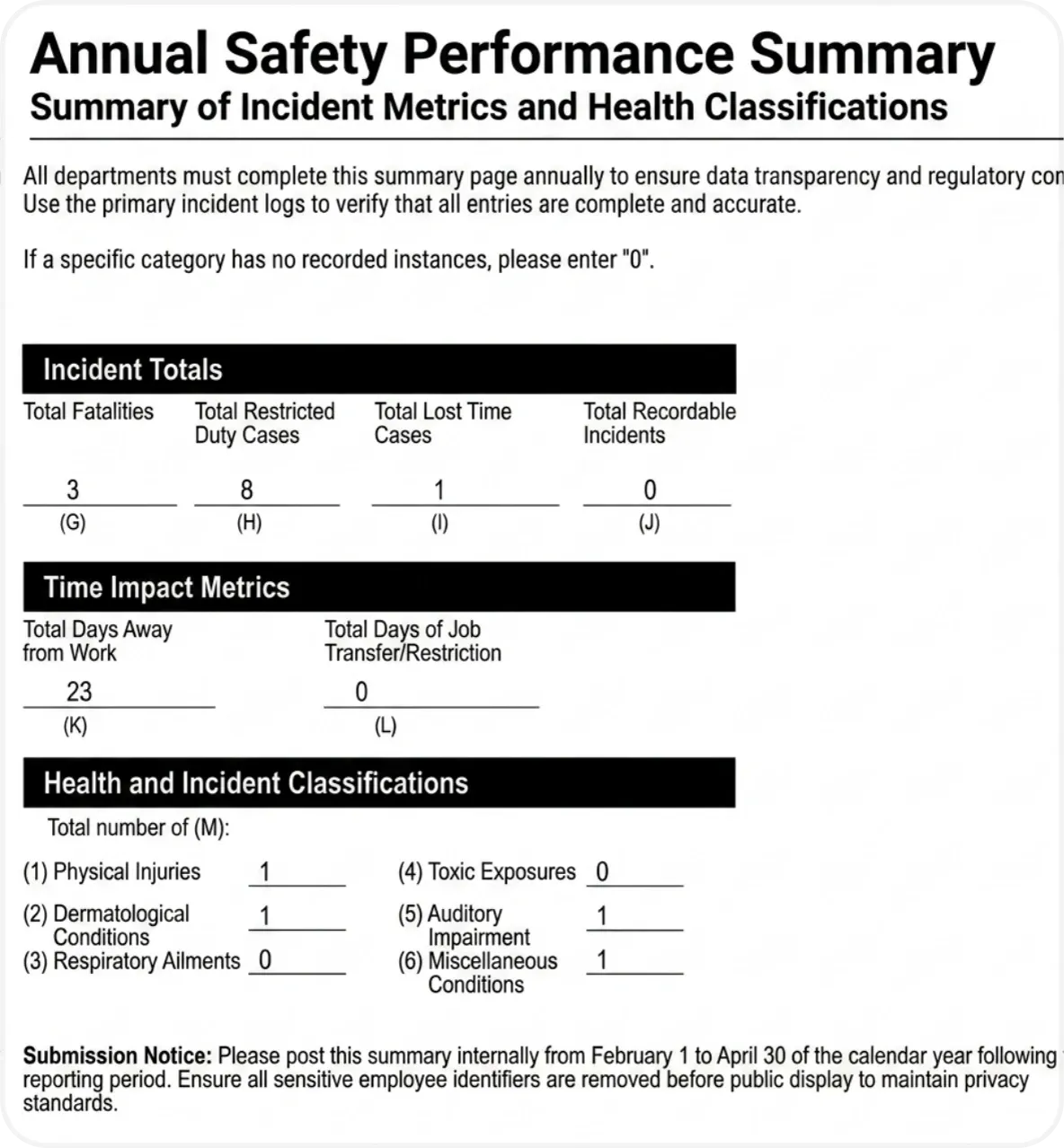


Every team reports differently. Build the report your operations, quality, or compliance leads actually want to read, share it as a branded PDF, and schedule delivery to the stakeholders who need it.

See completion, pass rate, and recurring findings across every checklist and every site, without pulling spreadsheets together at the end of the month.
Everything your field team does on paper, InspectWrk does automatically: faster, more accurate, and without the admin.
Your inspector takes a photo of any asset or defect. AI reads it and fills the inspection form automatically. No typing. No manual entry.
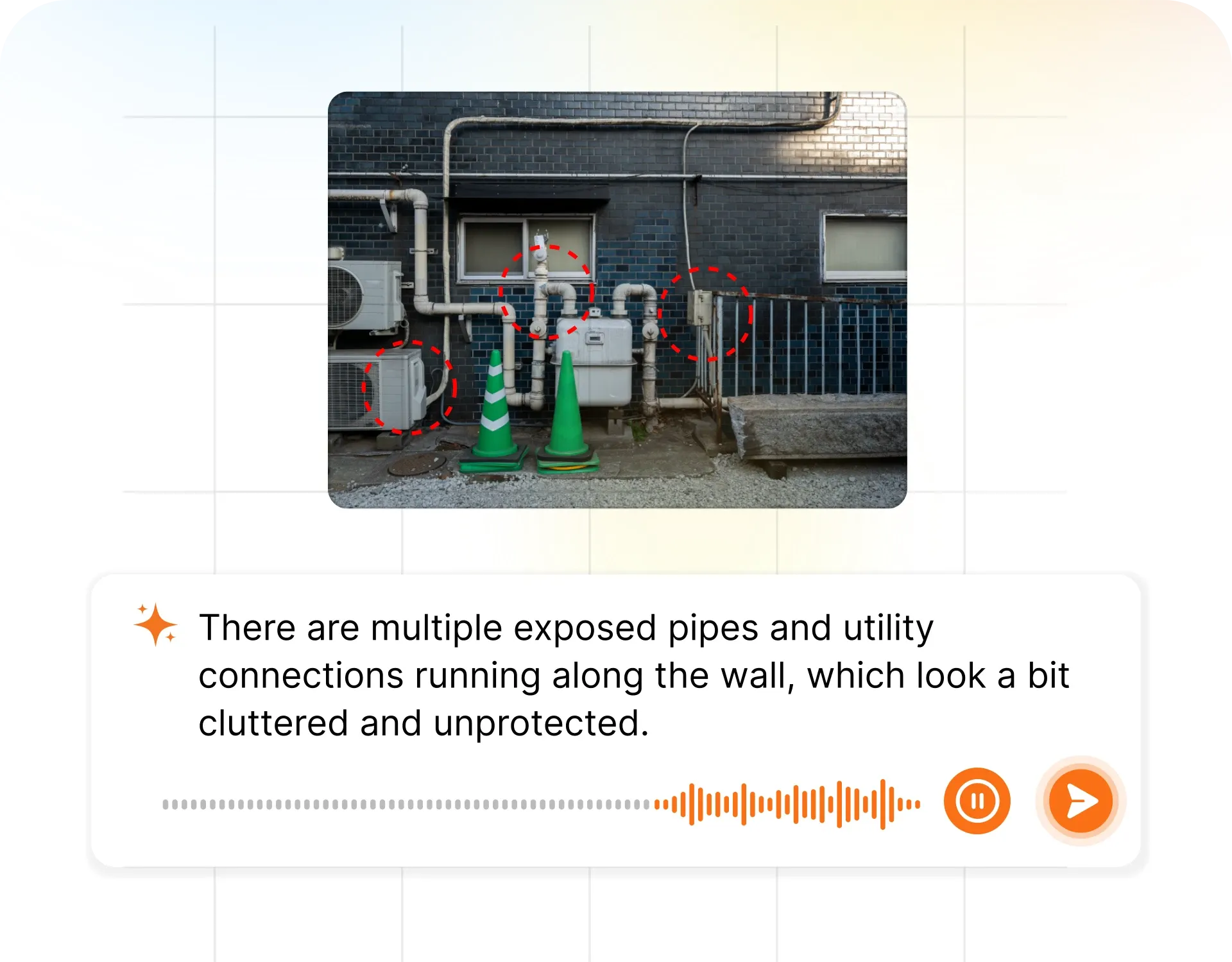
Inspectors speak their observations in any language. AI transcribes and fills the form in real time. Completely hands-free in the field.
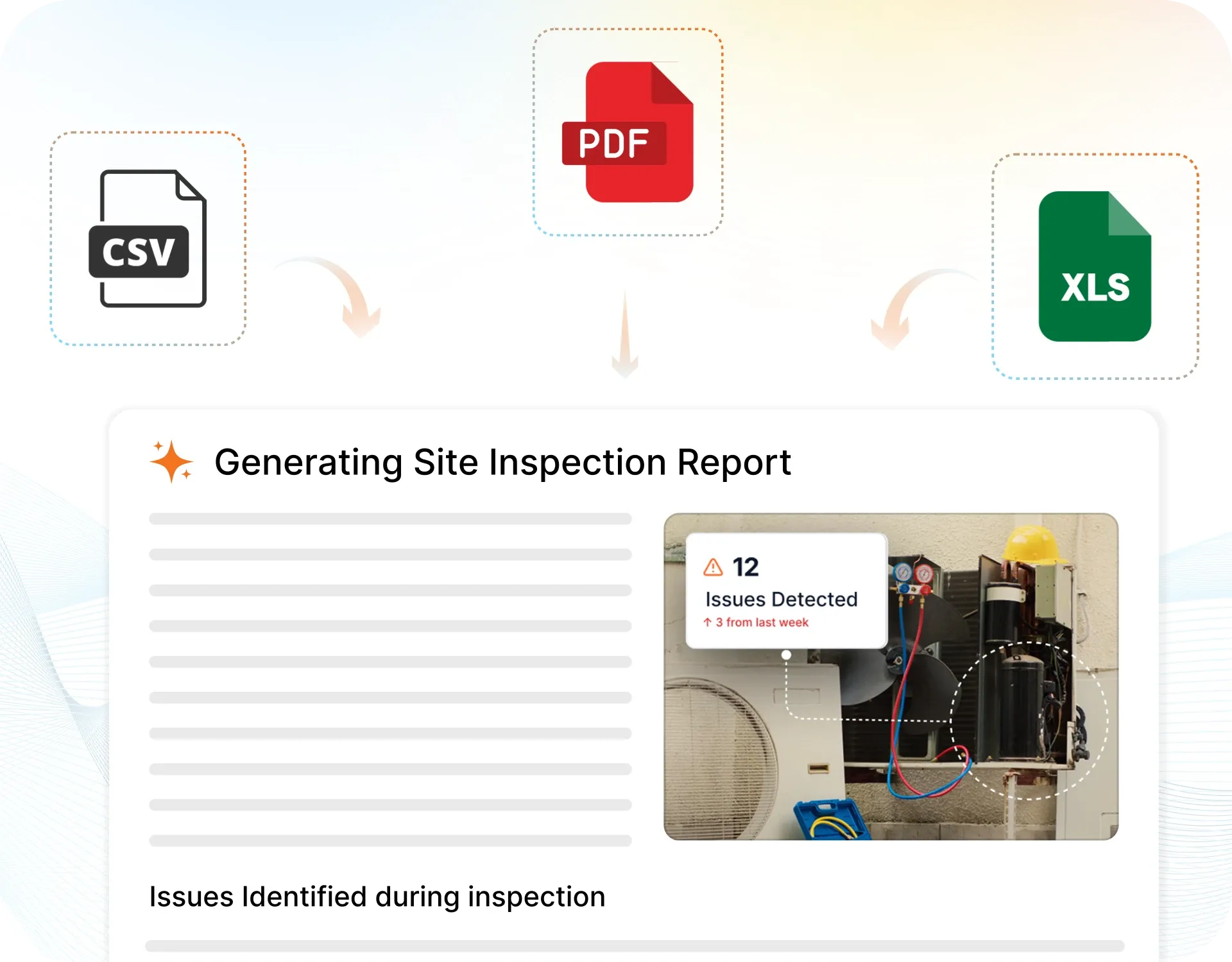
The moment an inspection is submitted, a branded PDF, Excel, or CSV report generates automatically. No manual work. No waiting.

InspectWrk integrates with the tools your team already uses, including Zoho, Microsoft 365, and SAP. No double entry.
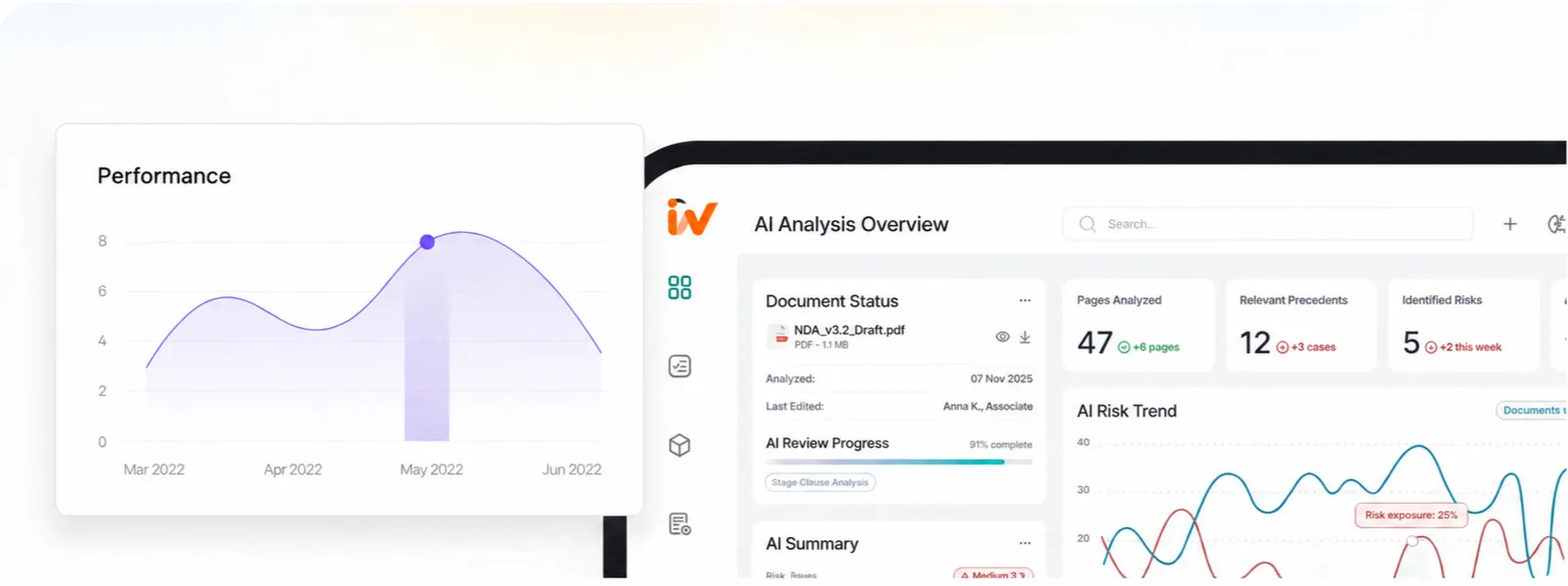
Your operations team sees completion rates, open issues, and compliance scores across all sites in real time. No chasing updates.
crew form, written analysis, photo-started record, or energy-and-utilities task
Steps, hazards and controls sit on the same record, with named review and sign-off
A photo of the work area and a QR tag on plant keep the form tied to the place of work
A missing control becomes an action with an owner and a due date
Operations and site managers
Own performance and audit readiness across sites.
Field teams and inspectors
Complete guided checks in the field, offline where needed.
QHSE and compliance teams
Retrieve evidence the moment an auditor or client asks.
Multi-site operations leaders
Compare sites and spot recurring risk without spreadsheets.
HSE & Safety teams
Standardise on one workflow across every location.
Your systems of record
System of record
ERP / WMS / CMMS · Existing spreadsheets · Current reporting
InspectWrk
Inspection and evidence layer
Inspections · Condition evidence · Corrective actions · Compliance clocks
Managers, clients, and auditors
Outputs
Live dashboards · Evidence packs · Audit-ready reports
Where paper and spreadsheets fall short against InspectWrk on the job safety analysis inspection job.
| Capability | Paper / spreadsheets | With InspectWrk |
|---|---|---|
| Inspection execution | Checks like job selected for a stated reason are run on paper or from memory, so coverage and cadence vary by inspector and shift. | Guided job safety analysis templates run the same way every time, with required fields and photos before sign-off. |
| Evidence capture | Photos sit on personal phones and in chat threads with no link to the asset or the check. | Evidence attaches to the record at the point of work, with inspector, timestamp, and location. |
| Defect identification | A fault such as generic analysis copied from another job is spotted late or missed entirely between rounds. | AI surfaces likely defects from the photo and the inspector confirms the finding on the spot. |
| Corrective action | Failed items are noted but ownership, deadlines, and proof of the fix are unclear. | Each failure becomes a tracked action with an owner, a due date, and photo-verified closure. |
| Reporting | Reports are assembled by hand and OSHA 3071 Job Hazard Analysis evidence is hard to retrieve, days after the round. | Reports generate on close-out aligned to OSHA 3071 Job Hazard Analysis, and managers see status across every site live. |
Run the first job safety analysis cycle on one site cluster and compare it to your current process on capture speed, evidence completeness, and overdue actions before scaling.
As more HSE & safety sites come on, give each role the job safety analysis views they need and align every template to the codes Operations Directors answer for.
Turn on live job safety analysis reporting for Operations Directors, and route readings and defects into the CMMS or compliance system of record so nothing is re-keyed.
No. Your existing checklist becomes a mobile template, so the same checks run with photos, timestamps, and named sign-off attached. Only the capture changes.
The check runs on the device they already carry, works offline where signal drops, and opens the right checklist from a QR scan, so there is no typing from memory.
It becomes an owned action with a severity and a deadline, and stays open until a named approver verifies the fix with photo proof.
Get started with inspection and audit checklist templates.

Safety inspections with hazard identification, corrective actions, and compliance reporting. Offline capture and evidence.

Report incidents and near-misses with details, photos, location, and timeline. Ready for safety or quality review.
Verify arc-flash labels on electrical equipment: presence, visibility, legibility, equipment identification, voltage and incident-energy information, PPE data, and label condition.

Inspect grounding and bonding systems: grounding conductors and electrodes, bonding connections, equipment grounding, continuity, corrosion, and panel connections.
Each app is one job: the crew form at the workface, the written analysis, a JSA started from a photo of the area, and the day's task on energy and utilities plant. OSHA 3071 is guidance; the software does not make anyone compliant.
Use these apps to run inspections and audits.
by InspectWrk
Digitize job safety analysis forms with structured fields, sign-off, and audit-ready records.
by InspectWrk
Digitize JSA forms with structured fields, sign-off, and audit-ready records.
by InspectWrk
Create and run JSA workflows with AI-assisted hazard analysis and control recommendation tracking.
by InspectWrk
Run job safety analysis with hazard identification, controls, and worker sign-off before each task.
A job safety analysis, also called a job hazard analysis, looks at a job as a sequence of steps and at the worker, the task, the tools and the environment, so hazards are found before work starts. OSHA 3071 is the US booklet on the method. You select the job, break it into steps, identify hazards, choose controls, then review and sign. Some OSHA standards require a hazard analysis for particular work; many employers use JSA as a practice. Software records what you wrote; it does not make you compliant.
Use the JSA Form App for the crew's sign-on sheet at the workface. Use the Job Safety Analysis Form App when you are writing or updating the analysis itself. Use the Work-Area Photo JSA App when you want the record to start from a photo of the area and typed notes; a supervisor still writes and accepts every line. Use the energy-and-utilities JSA App for the day's task on plant, lines and substations, including isolation and stored energy. All four are listed on this page.
No. InspectWrk records the steps, hazards, controls, photos and named sign-off you enter, so you can show what was analysed, when, by whom and what was signed. Meeting a rule that applies to you still depends on the standard, your procedures, training and supervision. This page cites OSHA 3071 and the OSHA JSA eTool as guidance, not as a certificate, and it does not claim ISO certification.
No. You photograph the work area and type the notes, steps, hazards and controls. A supervisor reads and accepts every line before anyone signs on. The photo is evidence of the conditions. Product claims about AI drafting a JSA from a picture are not used here.
Yes. Put a QR tag on the plant or work area and scan it to open that job's JSA form, so the record is tied to the equipment you are standing at. The scan opens the checklist; it does not open a full equipment history or an automatic version list. Past signed JSAs are kept as PDFs with the job.
Fill and sign a new JSA. OSHA 3071 says to review the analysis when the job changes, after an injury or illness on that job, and from time to time so it still matches the work. The earlier PDF stays, so you can see what was agreed before the change. Each signed record is complete on its own; the product does not keep an automatic version tree.
Updated