

Take a Photo. AI Fills the Form
Your inspector takes a photo of any asset or defect. AI reads it and fills the inspection form automatically. No typing. No manual entry.

Pharmacy inspection software for pharmacists-in-charge, hospital pharmacy quality teams, and pharmacy chains: run inspections on mobile, record findings with photos and readings, assign corrective actions, and see every location's results in one place.
A reading outside range is written on a paper log, and nobody checks whether the stock was moved or the fridge repaired.
Temperature-sensitive medicines may still be used after an excursion.
A missing entry or balance discrepancy in the controlled-drug register is noticed, mentioned, and then forgotten.
The gap is still open when a regulator or auditor asks about it.
Expiry checks depend on whoever is on shift, so expired or near-expiry stock is found late.
Out-of-date medicine can reach a patient.
An unlocked cupboard or shared key is spotted during a visit, with no record of who fixed it or when.
The pharmacy cannot show that access to controlled medicines is restricted.
InspectWrk gives every pharmacy the same inspection routine: set up the checklist, inspect on mobile, back every answer with evidence, and follow each finding to a verified fix.
Pick the location and a checklist built from your SOPs.
Answer each question on mobile, offline if needed.
Add readings, photos of fridges and register pages, and a signature.
Failed answers become findings tagged to the pharmacy and area.
Assign an owner and due date, with reminders and escalation.
Close with proof and report on each pharmacy.
Pharmacy teams follow the same seven steps at every location, from the daily storage check to the internal audit.
Choose the pharmacy location and the checklist: a daily storage check, a weekly controlled-drug review, a refrigerator inspection, or a full internal audit built from your own SOPs.
The pharmacist-in-charge or auditor answers each question on a phone or tablet, offline if the dispensary has poor signal, with the location and time recorded automatically.
Add photos of fridge displays, register pages, and expired stock, record temperature readings, and sign off, so each answer is backed by something a reviewer can see.
Failed answers become findings, such as a reading outside the safe range, a register discrepancy, or look-alike medicines stored together. A reading outside range can trigger follow-up questions straight away.
Each finding goes to a named person with a due date. Reminders go out automatically, and overdue actions escalate to the pharmacy or quality manager.
Actions close only with evidence of the fix. Branded inspection reports and exports are ready for internal review, head office, or a regulator's visit.
Daily, weekly, and monthly inspections recur for each location, and dashboards show trends, repeat findings, and how locations compare.
The capabilities that matter for this workflow, and what your team can do with each one.
Check that medicines are stored the way your SOPs require.
Why it matters: Storage problems are found on the round, not by a patient.
Find expired and near-expiry stock before it is dispensed.
Why it matters: Every expiry sweep leaves a record of what was found and removed.
Fridge checks with readings, not just a tick.
Why it matters: An out-of-range reading is followed up the same day.
Checks on the register and the cupboard, not a replacement for either.
Why it matters: Discrepancies are owned and closed instead of explained later.
One routine for every branch or hospital pharmacy outlet.
Why it matters: Head office sees which pharmacies need support without chasing spreadsheets.
From finding to verified fix, with the record kept.
Why it matters: The record is ready when a regulator or auditor asks.
Your pharmacy regulator's requirements and your own SOPs define what to check. InspectWrk turns them into inspections that are run consistently, backed by evidence, and followed up until each finding is fixed.
Manage every checklist in one connected workspace, capture evidence on mobile at the point of work, and let AI turn field inputs into clear, stakeholder-ready reports in minutes.





See which checklists your team has in progress across every site, jump into the same inspection with one tap, and keep field, supervisor, and back-office views in sync without sending screenshots on WhatsApp.






Every team reports differently. Build the report your operations, quality, or compliance leads actually want to read, share it as a branded PDF, and schedule delivery to the stakeholders who need it.



See completion, pass rate, and recurring findings across every checklist and every site, without pulling spreadsheets together at the end of the month.
Everything your field team does on paper, InspectWrk does automatically: faster, more accurate, and without the admin.
Your inspector takes a photo of any asset or defect. AI reads it and fills the inspection form automatically. No typing. No manual entry.

Inspectors speak their observations in any language. AI transcribes and fills the form in real time. Completely hands-free in the field.

The moment an inspection is submitted, a branded PDF, Excel, or CSV report generates automatically. No manual work. No waiting.

InspectWrk integrates with the tools your team already uses, including Zoho, Microsoft 365, and SAP. No double entry.

Your operations team sees completion rates, open issues, and compliance scores across all sites in real time. No chasing updates.
A clear inspection routine with evidence for every check, and no paper logs to reconcile.
Findings that reach an owner and close with proof, ready for any review.
The same inspections across outpatient, inpatient, and satellite pharmacies.
Every branch inspected the same way, with comparisons that show where support is needed.
Pharmacists-in-charge
Run daily and weekly checks at their pharmacy.
Pharmacy quality and compliance teams
Review findings and approve fixes.
Hospital pharmacy quality teams
Standardise inspections across pharmacy outlets.
Pharmacy chain operations teams
Compare results across branches.
Internal auditors
Run structured pharmacy audits with history per location.
Your pharmacy management system
System of record
Inventory and stock · Dispensing and prescriptions · Billing and purchasing
InspectWrk
Inspection and audit layer
Pharmacy inspections · Findings and evidence · Corrective actions · Inspection reports
Pharmacy leadership and auditors
Outputs
Results by location · Inspection history · Verified fixes
What changes when pharmacy inspections move off paper logs and spreadsheets.
| Capability | Paper / spreadsheets | With InspectWrk |
|---|---|---|
| Consistent checks at every branch | Each pharmacy uses its own form, so the same check is done differently from branch to branch. | Every location runs the same checklist, with the same questions and the same evidence required. |
| Evidence behind each answer | A tick on paper says the fridge was checked, but nothing shows the reading or the register page. | Temperature readings, register page photos, and expiry photos sit on the record with a timestamp and signature. |
| Controlled-drug discrepancies | A register gap is mentioned to a colleague and rarely written down as an issue. | Each discrepancy becomes a finding with a named owner and a due date. |
| Findings closed with proof | Nobody can say whether the fridge was repaired or the expired stock removed. | Actions close only when the fix is recorded with evidence and approved. |
| Visibility across locations | Head office learns about problems at a branch from phone calls and emailed spreadsheets. | Dashboards show open findings, overdue actions, and how each branch is performing. |
Move one paper check, such as the daily fridge log, onto mobile at one location.
See how quickly findings reach an owner and how often they close with proof.
Add storage, expiry, and audit checklists, then extend them to other branches.
Give branches, quality teams, and head office the access and reports they need.
No. Your existing checklists and SOPs become the templates, so the checks stay the same while the record, evidence, and follow-up move onto one system.
Inspections run on a phone or tablet, most answers are a tap or a reading, and photos replace written descriptions, so a routine check takes little time.
No. Stock, dispensing, and billing stay in your pharmacy management system. InspectWrk adds the inspection and audit record alongside it.







“InspectWrk transformed how we manage site safety inspections. The offline capability alone saved us countless hours. Our compliance rate jumped from 72% to 96% in just three months.”
Sarah Mitchell
Meridian Construction Group

“The AI-powered defect detection has changed how we work. Our inspectors capture photos and the system flags issues we'd have missed. It's like having an expert reviewer on every site visit.”
James Chen
Pacific Manufacturing Co.
“Rolling out digital checklists across multiple projects gave us instant visibility into recurring safety issues. We now resolve critical findings in hours instead of days.”
Olivia Carter
Northbridge Infrastructure
Use these apps to run inspections and audits.
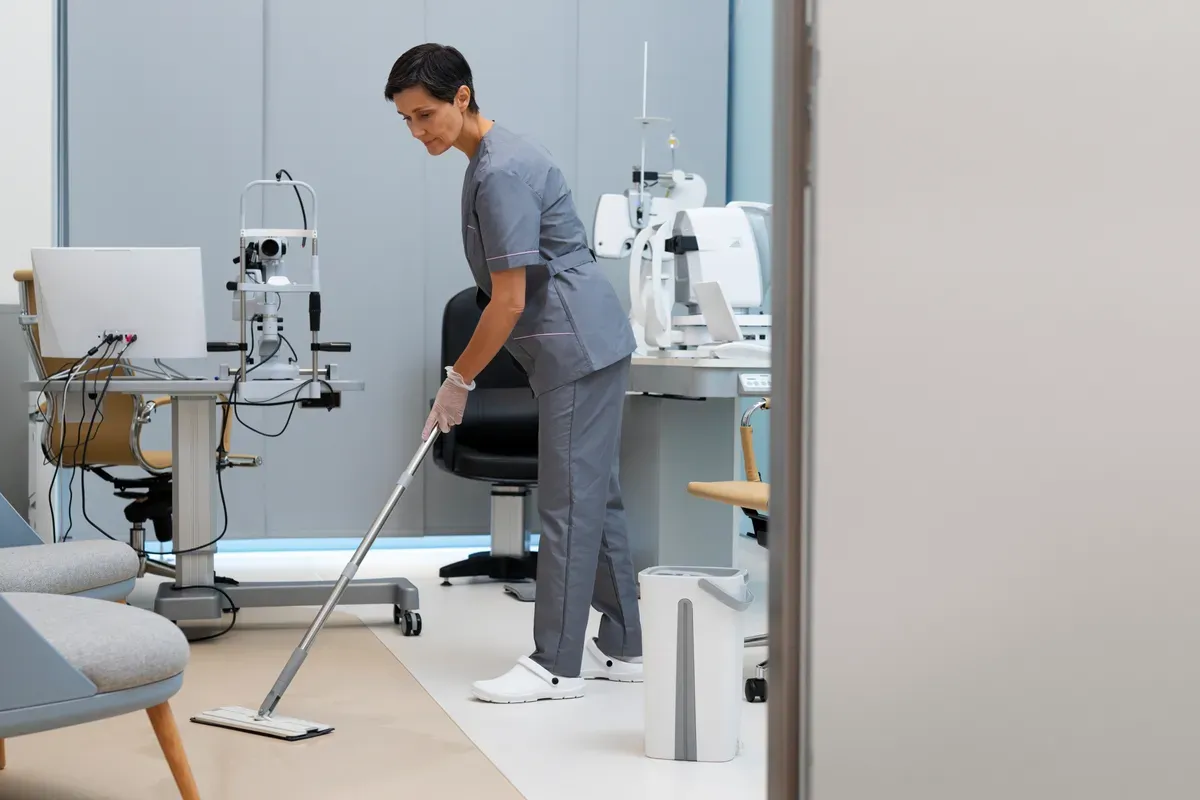
by InspectWrk
Inspect pharmacies with cold chain, controlled drugs, and hygiene checks plus defect logging.

by InspectWrk
Inspect pharmacy refrigerators with min/max temperatures, alarms, stock layout, and cleanliness checks plus defect logging.

by InspectWrk
Inspect pharmacy chains with cold-chain, controlled-stock, and hygiene checks, photo evidence, and corrective tracking.
Pharmacy inspection software helps a pharmacy, hospital pharmacy, or pharmacy chain run its inspections consistently and prove what was found and fixed. In InspectWrk, teams build checklists from their own SOPs and their regulator's requirements, complete them on mobile, and back each answer with photos, readings, and signatures. Failed answers become findings with owners and due dates, and reports show results for every location. Many teams also use it as pharmacy audit software for scheduled internal audits, because the same checklists, evidence, and follow-up apply to both.
The checks come from your own checklists, and most pharmacies cover the same core areas. Refrigerator inspections record temperature readings against your limits and check thermometers, data loggers, alarms, and door seals. Storage checks cover segregation of look-alike medicines, labelling, stock rotation, cleanliness, and access to restricted areas. Expiry checks look for expired and near-expiry stock. Controlled-drug checks review register entries, balances, and cupboard security. Teams can also add their own questions, for example on recalls, so the inspection matches how the pharmacy actually works.
Each answer can carry evidence: a photo of the fridge display or the register page, a temperature reading, a note, and a signature. The location and time are recorded automatically. When an answer fails, such as a reading outside the safe range or a discrepancy in the controlled-drug register, it becomes a finding tagged to the pharmacy and the area. Readings outside range can prompt follow-up questions on the spot. Inspections work offline, so a dispensary with poor signal does not stop the inspection from being completed and synced later.
Every finding becomes a corrective action assigned to a named person with a due date. The owner gets reminders, and actions that pass their due date escalate to the pharmacy or quality manager. An action closes only when the fix is recorded with evidence, such as a photo of the repaired fridge or the corrected register entry, and a named approver accepts it. The full history stays on the record, so a reviewer can see what was found, who fixed it, when, and how.
Yes. A chain or a hospital with several pharmacy outlets uses the same checklists at every location, so results compare directly. Inspections are scheduled per location on a daily, weekly, or monthly cadence, and dashboards show open findings, overdue actions, repeat issues, and how each location is performing. Role-based access means branch staff see their own pharmacy while regional and head-office teams see every location. This makes managing inspections across many pharmacies a matter of reviewing one view rather than collecting spreadsheets.
No. InspectWrk is pharmacy inspection software, not pharmacy management software. It does not manage inventory, dispensing, prescriptions, billing, purchasing, or suppliers, and it does not keep your controlled-drug register. Those stay in the pharmacy system you already use. InspectWrk checks how the pharmacy is run around those systems: storage, expiry, refrigerator temperatures, register accuracy, and access controls, with evidence and corrective actions for anything that needs fixing. Many pharmacies use both side by side, with the pharmacy system running daily operations and InspectWrk providing the inspection and audit record.
Last updated:











