“InspectWrk transformed how we manage site safety inspections. The offline capability alone saved us countless hours. Our compliance rate jumped from 72% to 96% in just three months.”
Sarah Mitchell
Meridian Construction Group

Convert your checklist into Mobile App
Automotive scheduling software for workshops to plan recurring inspections, service checks, and maintenance work - assigning jobs to technicians, capturing evidence, and following defects to closure, so the inspection side of scheduling never slips.
Automotive scheduling software, in the inspection sense, is the platform workshops use to plan recurring vehicle inspections, service checks, and maintenance jobs, assign them to technicians, capture evidence, and follow defects to closure. InspectWrk owns the inspection and maintenance-scheduling layer of an automotive operation - scheduling checks, running them on mobile, and keeping a service-and-inspection history per vehicle.
The pain it solves is the one wall planners and spreadsheets never fixed: recurring safety and service checks missed until a vehicle is overdue, technician assignment worked out verbally each morning, findings scribbled on job cards, and defects that die between the service bay and the follow-up. A booking calendar knows a car is coming in; it rarely holds a defensible record of what was inspected and what still needs doing.
Workshop and service teams follow this loop for scheduled inspection and maintenance cycles.
Set recurring safety inspections, service-interval checks, and maintenance jobs per vehicle with due dates and reminders, so planned work is visible before it is overdue.
Assign scheduled checks to technicians with due times; the board shows what is planned, in progress, and complete without walking the floor.
Technicians complete inspections and service checks on iOS or Android with photos and readings captured against the vehicle and job, even with no signal.
Findings raise follow-up jobs with owner, severity, and required closure evidence, so remediation is scheduled and tracked rather than lost.
Every scheduled check files against the vehicle, so its inspection and service history retrieves in one search with evidence intact.
InspectWrk is the inspection and maintenance-scheduling layer, not a customer appointment-booking, payments, or dealer-management platform. A booking system or DMS stays the record for customer appointments, invoicing, and parts. InspectWrk produces the structured inspection, service-check, and defect evidence those systems do not capture, and job status can pass back so the service desk sees one picture.
A single workshop usually pilots recurring safety inspections and service checks first and measures how much planned work stops slipping. Multi-site groups pilot across one branch and measure completion consistency between sites. In each case the pilot keeps the booking or DMS system in place while InspectWrk owns the inspection scheduling and evidence.
Automotive operations involve technicians, service advisors, and fleet customers. Role-based access scopes each party to the vehicles and jobs they are entitled to, so a fleet customer can see the inspection history of their vehicles without accessing unrelated work.
Procurement and operations should validate offline capture in the service bay, retention aligned to the workshop's record-keeping needs, export formats acceptable to fleet customers, defect-workflow rules that match the follow-up process, and RBAC granular enough for customer-scope access. Pilots should confirm templates match the workshop's own inspection and service regime.
What Automotive Scheduling Software covers for your team.
Workshop managers comparing InspectWrk to a wall planner, a spreadsheet, and paper job cards see the difference fastest on five dimensions: recurring inspection and service scheduling, technician assignment and completion visibility, evidence captured against each job, defect follow-up to closure, and a service history that retrieves per vehicle rather than living in a filing cabinet.
| Capability | Without InspectWrk | With InspectWrk |
|---|---|---|
| Recurring inspection and service scheduling | Recurring safety checks and service intervals live on a wall planner or in someone's memory, so due work is missed until a vehicle is already overdue. | Recurring inspections and service checks are scheduled per vehicle with due dates and reminders, so nothing planned slips through unseen. |
| Technician assignment and completion | Who is doing what is worked out verbally each morning; completion is only known when someone asks around the shop. | Jobs are assigned to technicians with due times, and completion status is visible on one board without walking the floor. |
| Evidence captured against each job | Findings are scribbled on a job card; photos, if taken, sit on a phone with no link to the vehicle or job. | Each scheduled check captures items, photos, and readings against the specific vehicle and job, timestamped to the technician. |
| Defect follow-up to closure | A defect found during a service may never be scheduled for rectification; follow-up is manual and easily lost. | Defects raise a follow-up job with owner, severity, and closure evidence, so remediation is scheduled and tracked rather than forgotten. |
| Service and inspection history per vehicle | A vehicle's past work is in a paper folder; reconstructing what was done and when takes time the service desk does not have. | Every scheduled inspection and service check files against the vehicle and retrieves in one search with evidence intact. |
Manage every checklist in one connected workspace, capture evidence on mobile at the point of work, and let AI turn field inputs into clear, stakeholder-ready reports in minutes.





See which checklists your team has in progress across every site, jump into the same inspection with one tap, and keep field, supervisor, and back-office views in sync without sending screenshots on WhatsApp.






Every team reports differently. Build the report your operations, quality, or compliance leads actually want to read, share it as a branded PDF, and schedule delivery to the stakeholders who need it.



See completion, pass rate, and recurring findings across every checklist and every site, without pulling spreadsheets together at the end of the month.
What changes once automotive scheduling software is standardised on InspectWrk.






“InspectWrk transformed how we manage site safety inspections. The offline capability alone saved us countless hours. Our compliance rate jumped from 72% to 96% in just three months.”
Sarah Mitchell
Meridian Construction Group

“The AI-powered defect detection has changed how we work. Our inspectors capture photos and the system flags issues we'd have missed. It's like having an expert reviewer on every site visit.”
James Chen
Pacific Manufacturing Co.
“Rolling out digital checklists across multiple projects gave us instant visibility into recurring safety issues. We now resolve critical findings in hours instead of days.”
Olivia Carter
Northbridge Infrastructure
Get started with inspection and audit checklist templates.

Use this template to perform a comprehensive safety inspection of light vehicles. This check ensures all critical components are checked ...
Use these apps to run inspections and audits.

by InspectWrk
Run automotive inspections with defect logging, photo evidence, and corrective action workflows.
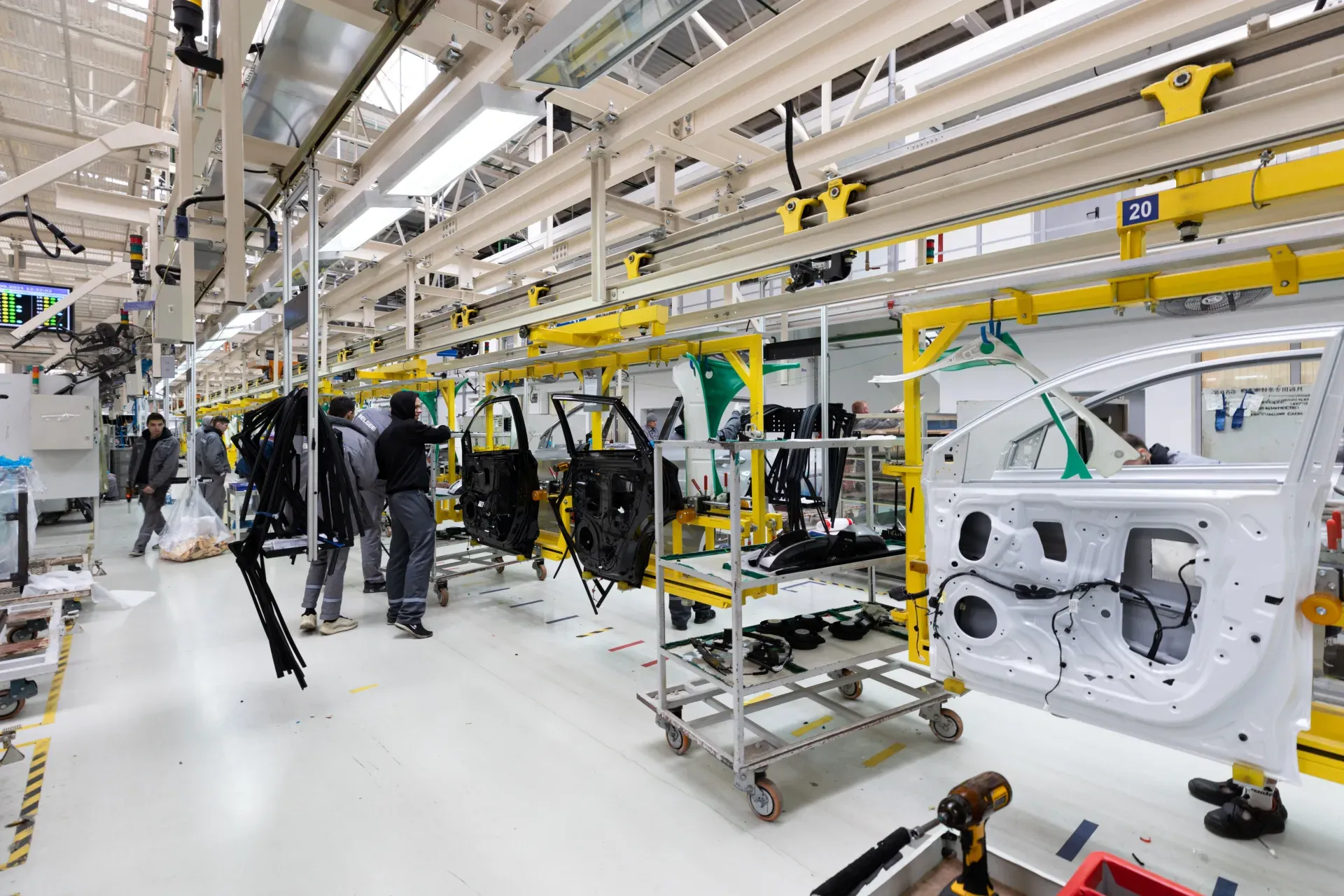
by InspectWrk
Track automotive inspections by vehicle line, station, and issue closure status.
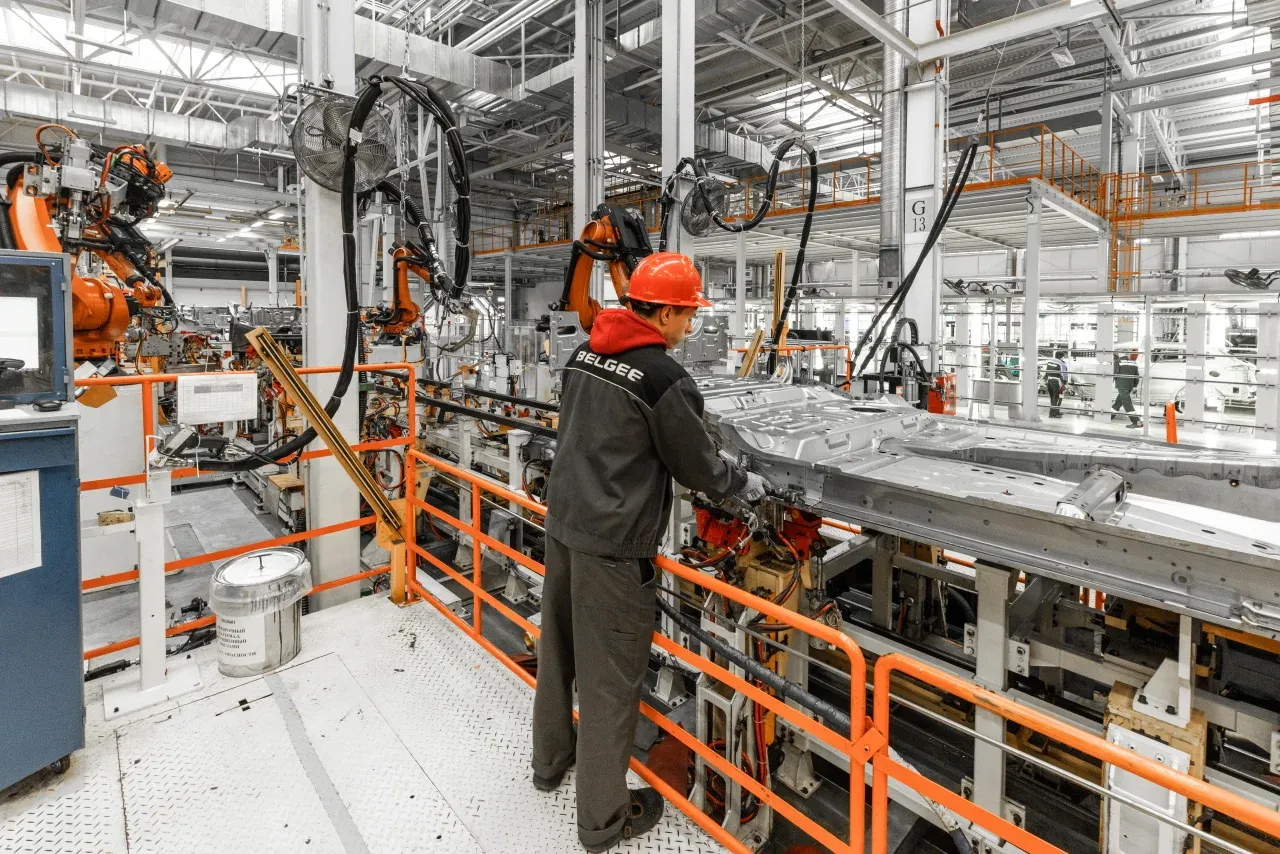
by InspectWrk
Run automotive quality inspections with defect categorization and corrective action workflows.

by InspectWrk
Run vehicle inspections on phones and tablets with offline forms, photo evidence, and instant reports.
No. Customer appointment-booking systems handle bookings, reminders, payments, and CRM. InspectWrk owns the inspection and maintenance-scheduling side of a workshop - planning recurring inspections and service checks, assigning them to technicians, capturing evidence, and following defects to closure. It sits beside a booking system or DMS rather than replacing it, and focuses on the structured inspection and service workflow those systems do not capture. Automotive Scheduling Software moves automotive scheduling inspections off paper, WhatsApp, and spreadsheets into one timestamped record per automotive scheduling.
Recurring safety inspections, service-interval checks, maintenance jobs, and follow-up rectification work, each planned per vehicle with due dates and reminders. Jobs are assigned to technicians with completion visibility, so the workshop sees what is planned, in progress, and done without walking the floor or updating a wall planner. Automotive Scheduling Software moves automotive scheduling inspections off paper, WhatsApp, and spreadsheets into one timestamped record per automotive scheduling. Templates and part-finished checks stay on the phone, so inspectors capture automotive scheduling results without hunting for a connection.
A finding raises a follow-up job with an owner, severity, and the closure evidence required to resolve it. That job is scheduled and tracked like any other, so a defect discovered during a service is booked for rectification and closed on evidence rather than noted on a job card and forgotten. Automotive Scheduling Software moves automotive scheduling inspections off paper, WhatsApp, and spreadsheets into one timestamped record per automotive scheduling. Templates and part-finished checks stay on the phone, so inspectors capture automotive scheduling results without hunting for a connection.
Yes. Every scheduled inspection and service check files against the specific vehicle with items, photos, readings, and the technician's identity. The full history retrieves in one search, so a service advisor can show a fleet customer exactly what was inspected and when, rather than reconstructing it from a paper folder. Automotive Scheduling Software moves automotive scheduling inspections off paper, WhatsApp, and spreadsheets into one timestamped record per automotive scheduling. Templates and part-finished checks stay on the phone, so inspectors capture automotive scheduling results without hunting for a connection.
Yes. InspectWrk runs fully offline on iOS and Android across service bays and yards where signal is weak or absent. Check items, photos, and readings cache on the device and sync automatically when connectivity returns, so no inspection or service record is lost between the bay and the scheduling board. Automotive Scheduling Software moves automotive scheduling inspections off paper, WhatsApp, and spreadsheets into one timestamped record per automotive scheduling. Templates and part-finished checks stay on the phone, so inspectors capture automotive scheduling results without hunting for a connection.
Book 30 minutes to discuss your challenges and see how InspectWrk digitizes operations with mobile apps, automated reporting, and real-time dashboards.